AI Calendar

Your schedule, managed for you

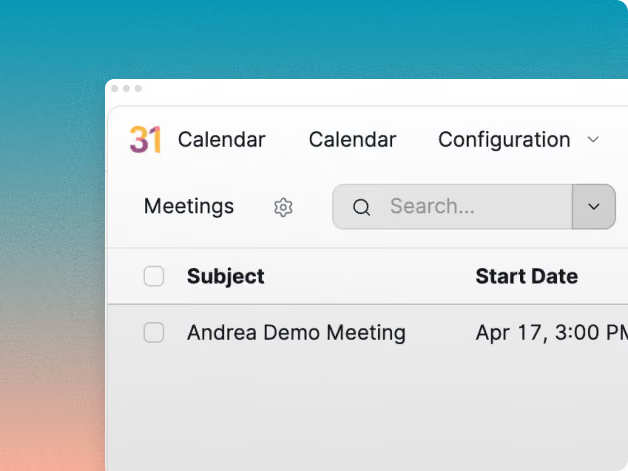
Knowlix AI Calendar handles your meetings, deadlines, and availability automatically so you spend less time coordinating and updating it.
Unlock more features
Attach files and images, apply themes, connect integrations, and more by signing in.
Unlock more features
Attach files and images, apply themes, connect integrations, and more by signing in.
Your form was submitted successfully.
Book your call below.
We are trusted by startups, small, and medium-sized companies:
The Edge

Why choose Knowlix AI Calendar?

Stop playing calendar Tetris. Knowlix keeps your schedule organized, conflict-free, and always aligned with what actually matters.

No more back-and-forth scheduling

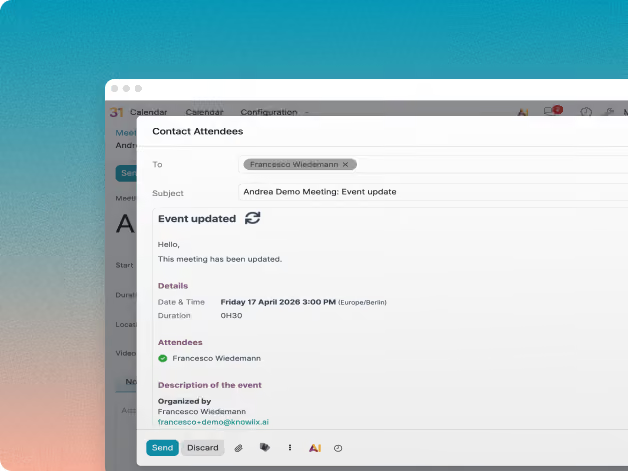
Coordinating meetings across a team should not take 10 messages. Knowlix AI Calendar finds the best time for everyone, sends invites, and handles rescheduling without you lifting a finger
Auto-scheduling based on availability
Conflict detection and resolution
Smart meeting suggestions

Turn plans into calendar events.

Projects have deadlines. Tasks have due dates. Knowlix connects your work to your calendar automatically, so nothing important ever falls through the cracks. No manual entries. No forgotten deadlines. Just a calendar that stays in sync.
Auto-sync with tasks and projects
AI-generated time blocks
No duplicate or missed events

Knowlix helps teams simplify work, replace tools, and get real results from AI — so you can focus on what matters.

Meet an advisor
AI-Native

An agentic AI calendar

Knowlix Calendar is an agentic AI that actively manages your schedule, joins your meetings, and turns what gets discussed into updates across the rest of your business.

Always know what is coming

Knowlix gives you a real-time view of your day, week, and team. Meetings, deadlines, and priorities are kept up to date automatically, so you are never caught off guard.
Live schedule overview
Daily priorities and upcoming events
Team calendar visibility

Turning meetings into actions

Connect the AI Notetaker to your calendar and Knowlix joins your meetings, captures the notes, and pushes the outcomes straight into the rest of your business. Action items become tasks, deal updates flow into your CRM, and project plans adjust based on what was actually decided, no follow-up admin required.
Auto-notes from every scheduled meeting
Tasks, CRM, and project updates from meeting outcomes
Decisions logged and searchable across the platform

One calendar for your business

Most teams juggle calendars, task boards, CRMs, and project tools separately. Knowlix connects everything: your meetings, your notes, your deals, your deadlines; into one AI-managed schedule that keeps every other app in sync
Connected to tasks, projects, and CRM
One source of truth
Less tool-switching, less manual updating
How It Works

Everything you need to automate your email

From drafting the first message to scheduling follow-ups and tracking replies, Knowlix Email handles your outbound communidation so nothing gets missed.

Plain language scheduling

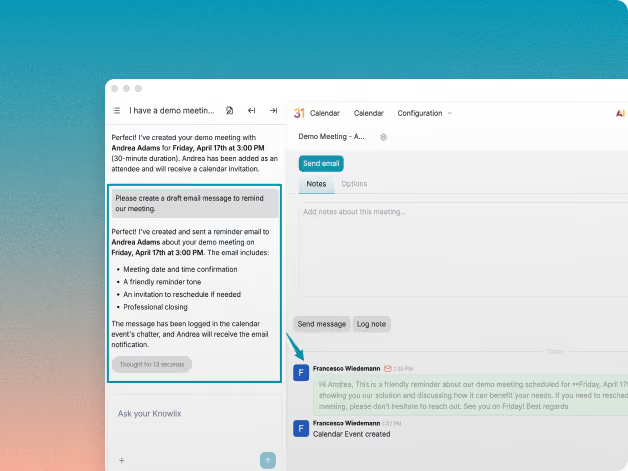
Tell Knowlix who needs to meet and when. It finds the right time and sends the invite automatically.

Conflict detection and resolution

Knowlix spots scheduling conflicts before they happen and suggests alternatives instantly.

Project and deadline sync

Deadlines from your projects are automatically added to your calendar so nothing slips.

Team availability overview

See when your team is free without asking. Knowlix surfaces availability in real time.

A calendar that grows with you

As your team and workload grow, Knowlix keeps your schedule organized without extra effort.

Meetings that update your business

Knowlix joins your scheduled meetings, captures the notes, and pushes outcomes into your CRM, tasks, and projects automatically.

FAQs

Frequently asked questions

Is Knowlix® suitable for small teams?

Yes. Knowlix is built specifically for owner-led businesses and small teams that want clarity and structure without enterprise complexity.

Is our data secure?

Knowlix is built with enterprise-grade security and privacy controls, ensuring your customer and campaign data is protected.

Does Knowlix Calendar work with Outlook?

Yes. Knowlix syncs different types of calendars, so your events stay consistent everywhere. Nothing changes for the people you meet with, as they see normal calendar invites from your usual address.

What happens in my meetings after Knowlix schedules them?

If you connect the AI Notetaker, Knowlix joins the meeting, captures the notes, and turns the outcomes into action. Tasks get created, deals move forward in your CRM, and project plans update based on what was actually decided, without anyone writing a follow-up recap.

Your all-in-one business AI

Fall in love with
your business.

Unlock more features
Attach files and images, apply themes, connect integrations, and more by signing in.
Unlock more features
Attach files and images, apply themes, connect integrations, and more by signing in.
Your form was submitted successfully.
Book your call below.