
10 Best ClickUp Alternatives for Project & Team Management

ClickUp is a popular, robust, and feature-rich platform that covers CRM, sales, project management, and many other departments.
However, it is this feature richness that is also a problem, as it leads to overwhelming complexity and a steeper learning curve.
Read on to learn more about the 10 best ClickUp alternatives for project and team management, so that you can find the solution that can best align and scale with your needs.
10 Best ClickUp alternatives for project & team management you should know about
Here’s a quick overview of our top ClickUp alternatives.
*Check vendors’ official websites for up-to-date, location-specific pricing
1. Knowlix
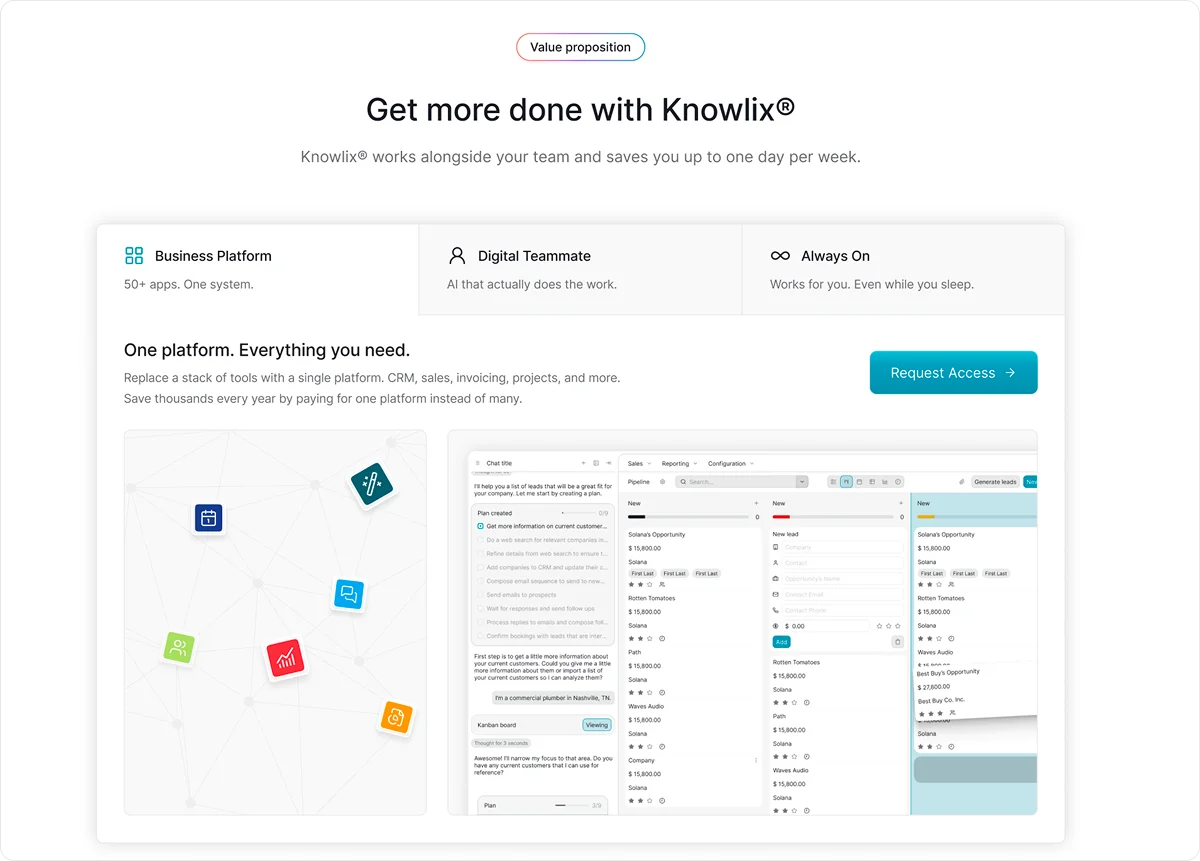
Knowlix is an AI-first, all-in-one platform that centralizes business data and applications across departments such as project management, sales, and marketing.
Project management, sales, and marketing operate within the same platform, supported by automation and AI that reduce manual effort and increase efficiency.
The platform combines AI note-taking with more than 50 integrated business and AI tools, all accessible within a single, unified interface.
Despite its comprehensive capabilities, Knowlix is built for simplicity.
There’s no steep learning curve or complex implementation process, so your team can get started right away, regardless of technical background.
Key features:
1. AI Teammate
Works alongside your team across the whole platform.
It combines what you’d normally need separate AI tools for, such as chat assistants, phone agents, website builders, email helpers, customer support bots, sales assistants, and marketing tools, in one place.
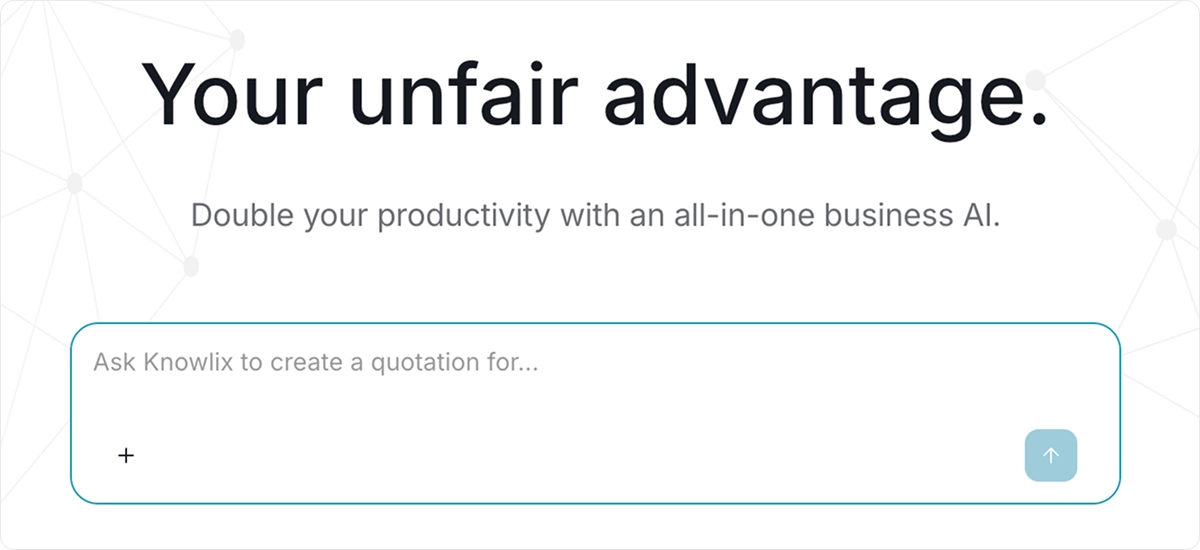
Every action your AI Teammates take connects directly to your business data, so nothing works in isolation.
Besides recording an activity, the AI Teammate understands context, updates the system intelligently, and executes defined next steps.
For example, it can add requests to your project tracker or update deal stages based on the discussion.
2. Intelligent CRM
Knowlix can automatically capture leads from interactions and add them directly to your visual pipeline.
It handles calls, takes notes, creates invoices, and books meetings.
Whenever a task comes up, you can simply assign it to your AI Teammate through chat.
Meeting insights flow directly into your CRM, calendar, customer service, and task management tools, which gives your team the information they need to collaborate and get things done without any friction.
3. Customization features
With one-click activation or deactivation of its 50+ apps, you can instantly tailor the platform to match your exact needs as your business grows.
And the same is true for AI Teammate. We train your AI assistant, so it fully understands and represents your business.
Pricing
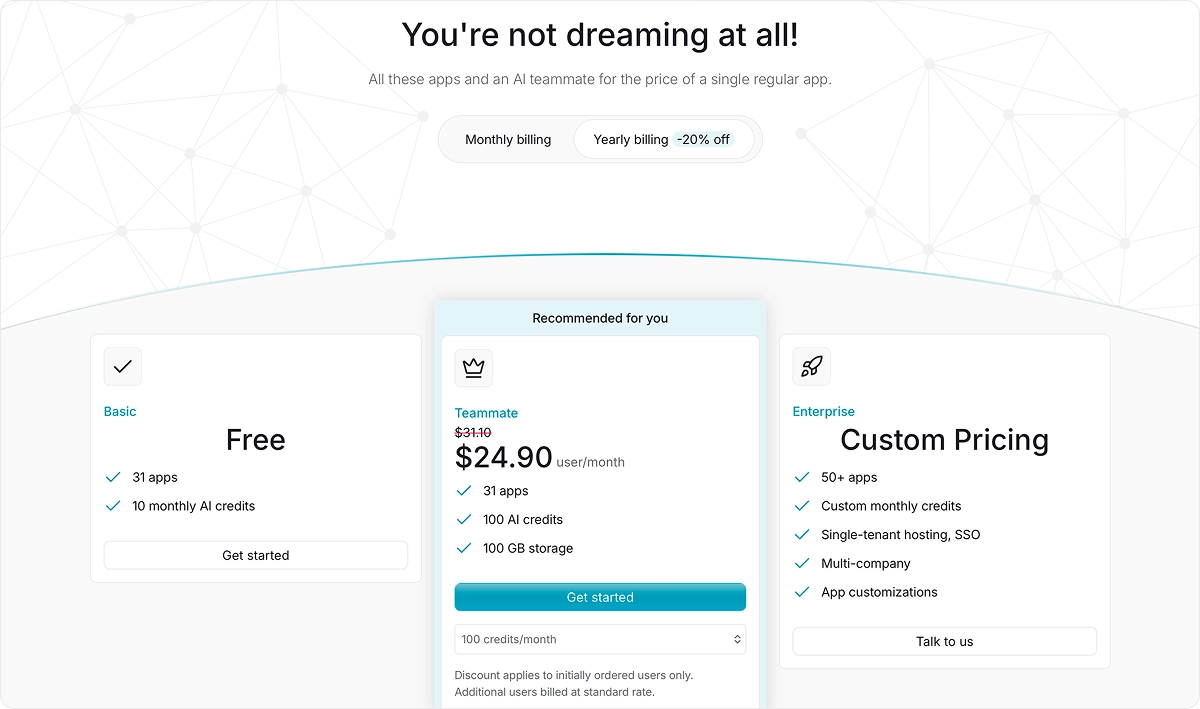
Knowlix offers 2 tiers, starting at $37.40 per user per month, with most apps and features, as well as AI Teammate included in the lower tier.
There’s also a free 30-day trial.
2. Trello
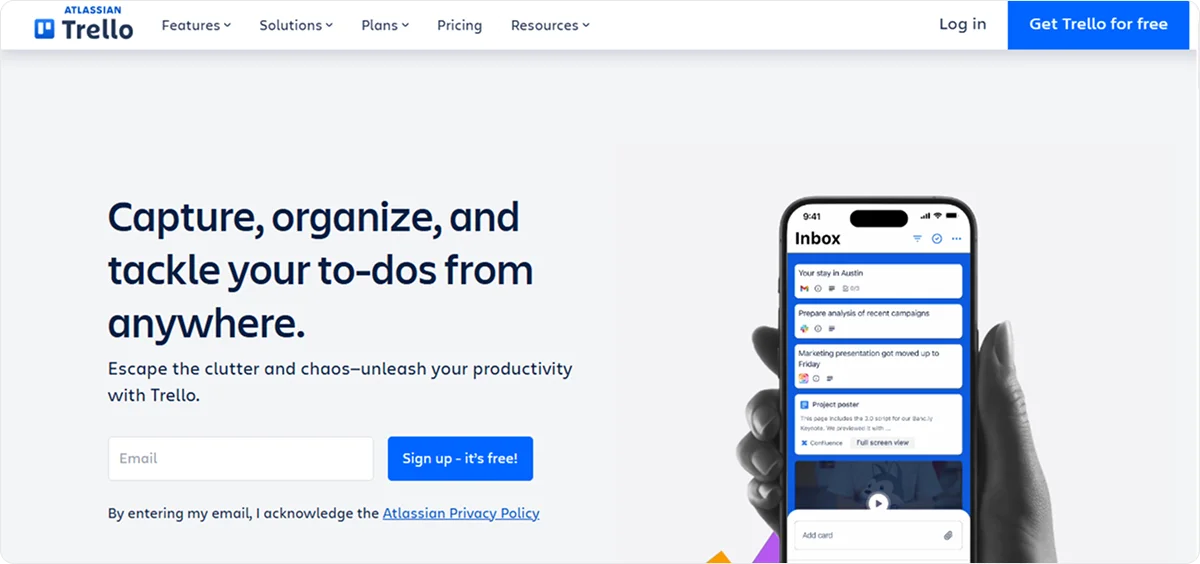
Trello is a project and work-management platform that uses a highly visual, board-based interface to help businesses organize tasks and projects.
The platform follows the Kanban model and provides boards, lists, and cards to manage deadlines and keep teams aligned throughout a project.
Trello supports integration with digital tools, such as Google Drive, Slack, calendar apps, and more.
Key features:
- Planner: Organizes and schedules tasks in one place and lets you connect your board to external calendars. You can drag and drop tasks into boards
- Inbox: Provides a central place to capture tasks, ideas, and to-dos from emails and chats before organizing them
- Templates: Access ready-made, customizable templates across categories such as product roadmaps, project management, HR, marketing, sales, and more
- Automation tools: Enable you to set up rules, buttons, and commands to automate actions on boards and cards. The built-in tools suggest automation ideas based on repeated actions you take.
- Trello Views: Let you see projects from different perspectives, including Board, Timeline, Table, Calendar, Dashboard, Map, and Workspace views. Basic board view is available to all users, while the additional views require a Premium or Enterprise plan.
Pricing
Trello offers 1 Free plan for up to 10 collaborators, and 3 Premium Plans, starting from $6 per user per month.
The lower-tier plan doesn’t provide access to AI tools or advanced workspace views.
3. Asana
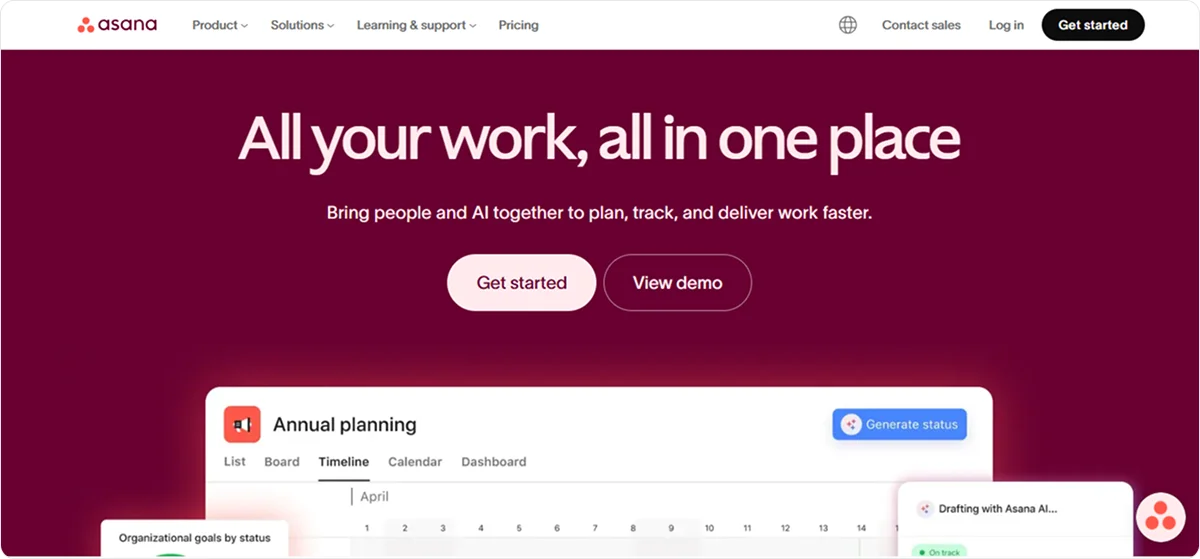
Asana is a cloud-based work and project management platform that helps businesses organize, track, and manage work.
The main focus is on providing visibility into tasks, deadlines, and progress.
Asana connects with external apps and services, such as Slack, Gmail, Microsoft 365, and more, so you can coordinate work across tools you already use.
Key features:
- Task and project organization: Enables you to break work into tasks and subtasks, assign owners, and set due dates. Projects collect related work in a shared space, and tasks can appear in multiple projects if necessary.
- Project views: Allow multiple ways of viewing work, such as lists, Kanban boards, calendars, Gantt-style timelines, and dashboards.
- Built-in automation tools: Let you set up rules and workflow builders to automate repetitive steps and reduce manual work.
- Reporting: Includes goal setting and tracking, dashboards for real-time reporting, workload views for balancing team effort, and resource planning across projects.
- AI-powered tools: Help with routine tasks, workflow design, and organizing project work, such as suggesting structures or filling in fields
Pricing
Asana offers 1 Free Plan for personal projects and 3 Premium plans starting at $13.99 per user per month.
4. Jira
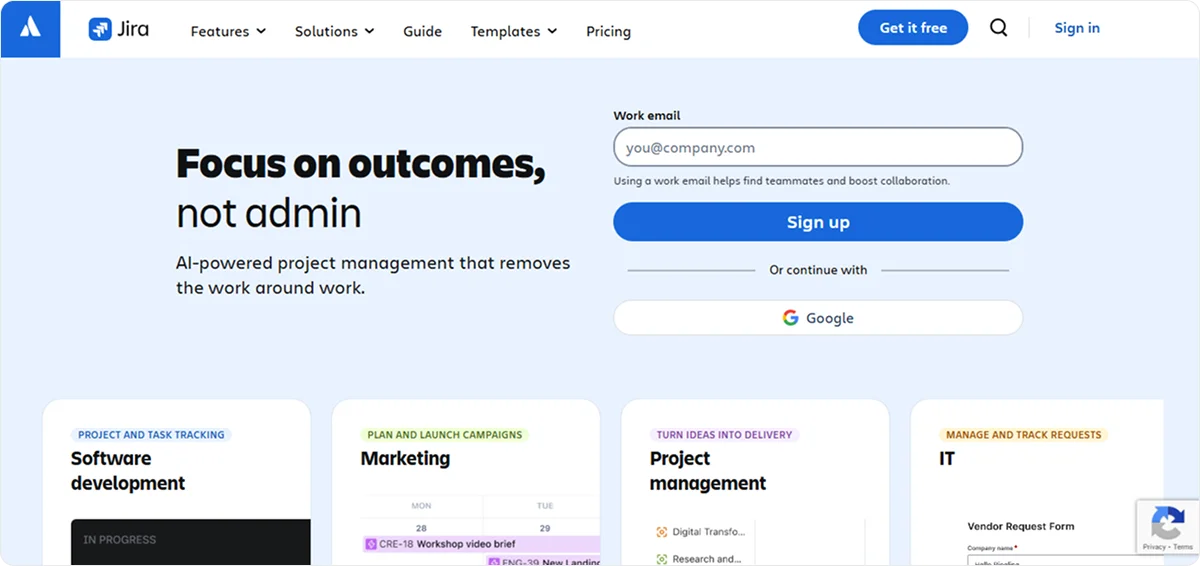
Jira is a work and project management platform that helps teams plan, track, and manage tasks and projects in a centralized system.
It primarily caters to software development and IT teams and offers integrations with tools such as Loom, Slack, Figma, GitHub, Google Drive, etc.
Key features:
- Planning and tracking: Enables you to break down ideas into tasks, assign work, and prioritize tasks. It supports different views, such as boards, lists, timelines, and calendars.
- Templates: Access a variety of ready-made templates, including Scrum, Kanban, Project management, bug tracking, and employee onboarding.
- Rovo AI: Provides a set of built-in AI-powered agents, chat, and support that can create notes, summarize information, prioritize tasks, and more
- Reporting and insights: Provide dashboards, reporting tools, and real-time data so teams can see how work is progressing, monitor performance, and adjust plans.
Pricing
Jira’s pricing depends on the team size, but in general, Jira offers 1 Free Plan for 10 users, and 3 Premium Plans, starting at $9.05 per user per month for teams of up to 100 members.
5. Basecamp
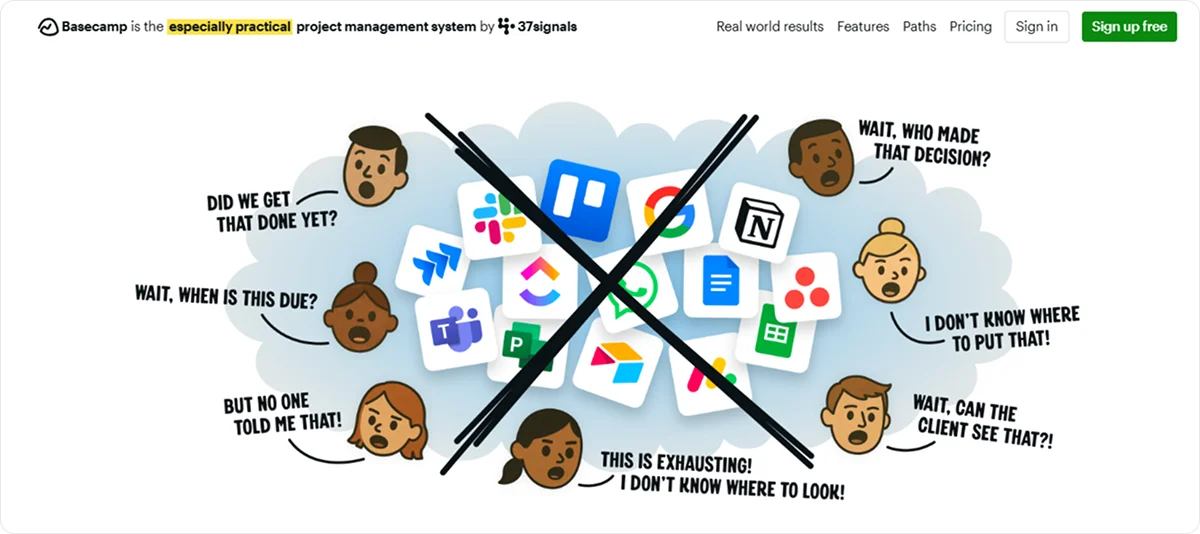
Basecamp is a project management and team collaboration platform for organizing work, communication, files, schedules, and tasks.
The platform is easy to use and displays assignments, schedules, and projects in a single view.
Basecamp integrates with external tools for time tracking, file backup, reporting, planning, and more.
Key features:
- Project features: Combines to-do lists, message boards, schedules, and calendars for easier project tracking.
- Hill charts: Track how tasks are progressing, showing which parts are still in discovery versus execution.
- Lineup and mission control: Shows the status of multiple projects and how work is distributed across the workspace
- Hey! Menu: Centralizes notifications that show recent updates and items that need your attention
Pricing
Basecamp offers 1 Free Plan for 1 project at a time, and 3 Premium plans, starting at $15 per user per month, with limited access to advanced features.
6. Wrike
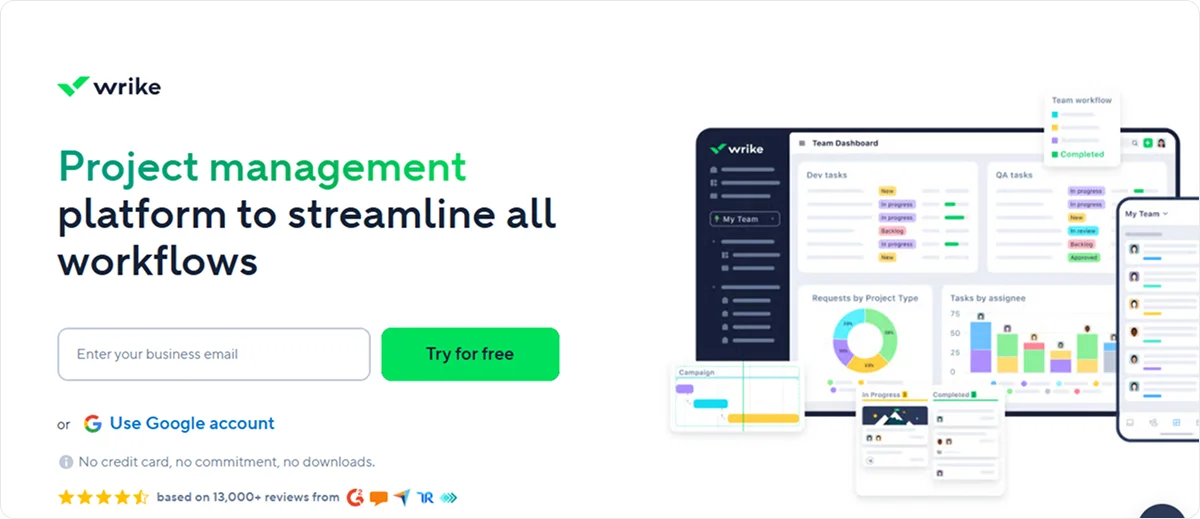
Wrike is a cloud‑based work and project management platform that helps teams plan, coordinate, execute, and track work.
Wrike integrates with third‑party apps, such as Salesforce, Slack, Zoom, and more, and supports custom workspace types, user roles, and API connections for tailored workflows.
Its solutions are better suited for larger projects with more complex workflows and require more robust customization.
Key features:
- Project views and tracking: Provides multiple project views, such as Gantt charts, Kanban board view, table view, calendar, and workload charts
- Automation and AI feature: Includes workflow automation tools and built‑in generative AI to automate repetitive tasks, suggest smart actions, and generate task descriptions or rule suggestions
- Collaboration tools: Enable real-time collaboration, route tasks and approvals, attach files, and work with external collaborators
- Reporting and analytics: Provide dashboards, advanced analytics, real‑time reporting, and time‑tracking tools to help teams measure performance and make data‑informed decisions
Pricing
Wrike doesn’t disclose the pricing details, but it has tiered pricing with limited access to more advanced features in lower tiers.
7. Airtable
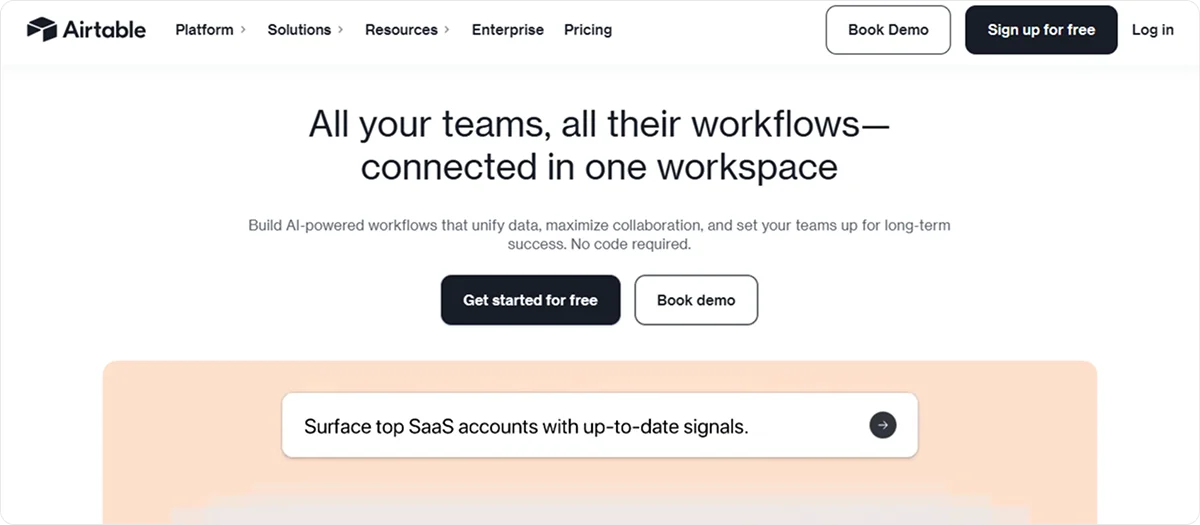
Airtable is a cloud‑based digital operations platform that helps teams organize, manage, and scale work using customizable data structures and workflows.
You can build custom apps, interfaces, and automated workflows tailored to how your business works, and integrate data from across teams into a single workspace.
Key features:
- Multiple project views: Provide multiple views on projects, including Kanban boards, Gantt charts, timeline and calendar views, grid, gallery, and dashboard views
- Built‑in automation tools: Reduce manual work by triggering actions based on task status changes, updating linked records, sending notifications, or generating recurring records
- AI‑powered tools: Help with generating summaries, providing insights, detecting risks, and suggesting ways to structure workflows
- Templates and custom workflows: Enable you to use ready‑made templates for project planning and tracking, with customizable fields, views, and structures
- Project portfolio management: Evaluates and tracks multiple projects together with shared timelines, capacity views, and dashboards
Pricing
Airtable offers 1 Free Plan with limited access to advanced features, and 3 Premium plans, starting at $24 per seat per month.
8. Notion
Notion is a productivity and collaboration platform that combines notes, documents, databases, wikis, and task and management tools into a single workspace.
The platform enables you to create custom systems for organizing information and work without switching between multiple apps.
Key features:
- Notes and documents: Enables you to create rich, formatted pages for documentation, meeting notes, knowledge bases, and more. These pages can include text, images, embeds, tables, and other content blocks.
- Centralized database: Allows you to track all your important information in one place, and combine multiple data sources
- Automation tools: Streamline task flows, bug reports, database entries, doc outlines, and more.
- Project management tools: Let you break projects into manageable pieces, provide multiple project views, check project progress, etc.
- AI Autofill: Adds user stories, key results, and updates for every project deliverable
Pricing
Notion has 1 Free Plan for individual use and 3 Premium Plans, starting at $12 per member per month, with AI tools and more advanced features available in higher-tier plans.
9. Zoho Projects
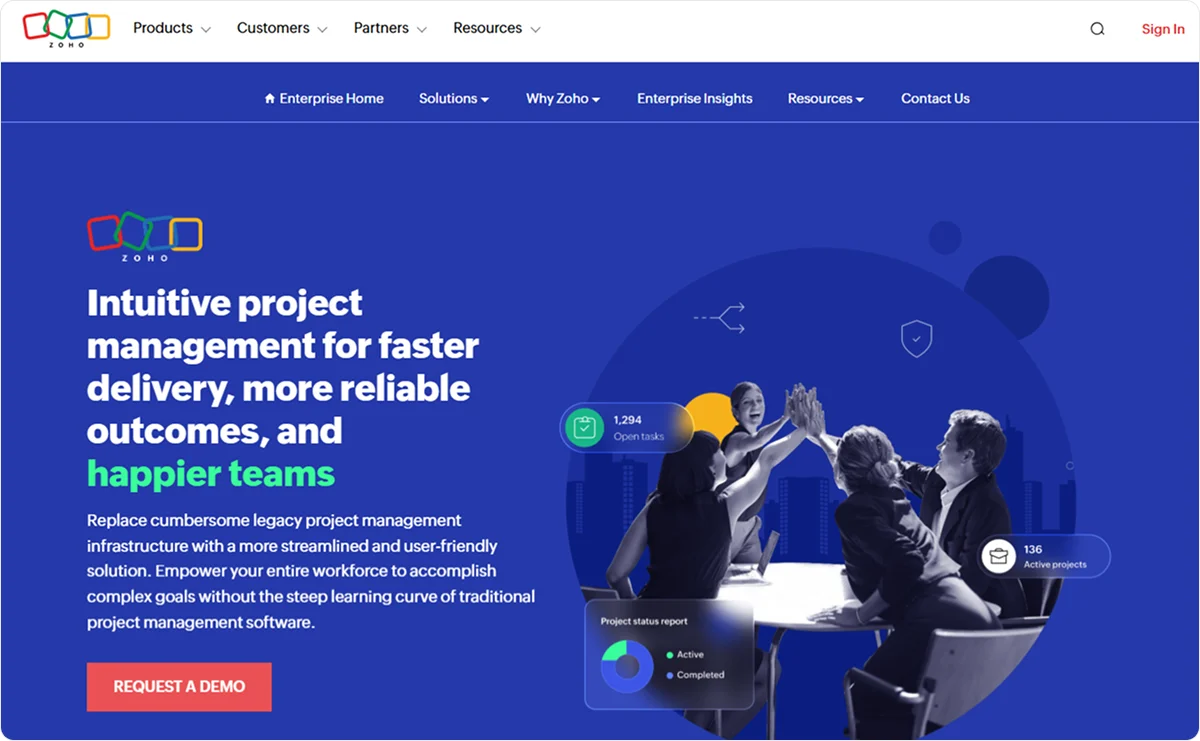
Zoho Projects is a cloud-based project management platform that helps you plan, organize, track, and collaborate on work.
It enables you to break down work into manageable pieces, track progress visually, automate routine tasks, and keep teams aligned across project activities
Since it’s a part of the Zoho family, it integrates with other applications in the Zoho ecosystem and third-party tools.
Key features:
- Task and work management: Enables you to structure work with milestones, task lists, tasks, and subtasks, assign owners and due dates, and view tasks in different formats, such as lists, Gantt charts, or Kanban boards.
- Time tracking and timesheets: Let you log hours manually or with timers, track both billable and non-billable time, and use timesheets, which can integrate with invoicing tools
- Automation tools: Let teams create custom rules and workflow automation
- Reporting and dashboards: Includes reporting tools and dashboards that give visibility into project status, resource use, and progress
Pricing
Zoho Projects offers 1 Free Plan for up to 5 users, and 4 Premium plans, starting at $5.90 per user per month.
10. Monday.com
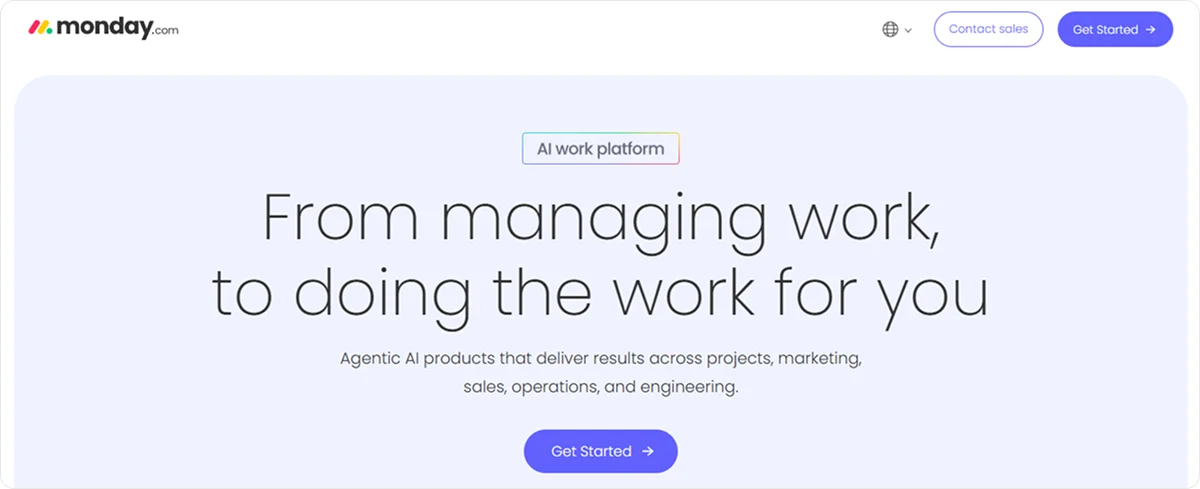
Monday.com is a cloud-based work management and project platform that helps teams plan, execute, and deliver work across projects from a unified workspace.
It’s a highly visual platform that enables you to build custom workflows, automate processes, track progress, and manage tasks.
Key features:
- Custom views and dashboards: Enable multiple project views, including boards, timelines, calendars, and customizable dashboards that pull relevant project data into visual summaries
- AI-powered tools: Automate routine steps, and provide insights or risk detection across projects and workflows
- Project and portfolio management add-on: Includes features for multiple project planning and tracking, such as task lists, milestones, timelines, and Gantt charts
- Automation tools: Enable you to set rules for status updates, reminders, and notifications.
Pricing
Monday.com’s pricing depends on the number of seats.
There is 1 Free Plan for individual use and 3 Premium plans, starting at $16.50 per seat per month, for teams with 10 seats.
Why should you opt for Knowlix?
Choosing the right ClickUp alternative for project management depends on multiple factors, such as your business size, project complexity, and overall needs.
Some robust solutions, such as Wrike, come at the expense of being complex to learn.
Others, like Notion and Airtable, have a lengthy setup.
On the other hand, Trello or Asana are easy to use, but aren’t really suitable for more complex projects.
Knowlix stands out because it transforms the way teams work by combining all your business tools and AI into a single, unified platform.
It replaces separate systems for CRM, project management, accounting, HR, marketing, and more, while AI Teammates handle tasks like chat, calls, emails, customer support, and sales.
The result is:
- Smarter automation
- A team that gets more done, faster
- A single, scalable platform instead of fragmented tools
Sign up for Knowlix to simplify project management while eliminating tool overload.


Subscribe for Our Newsletter
Book your call below.


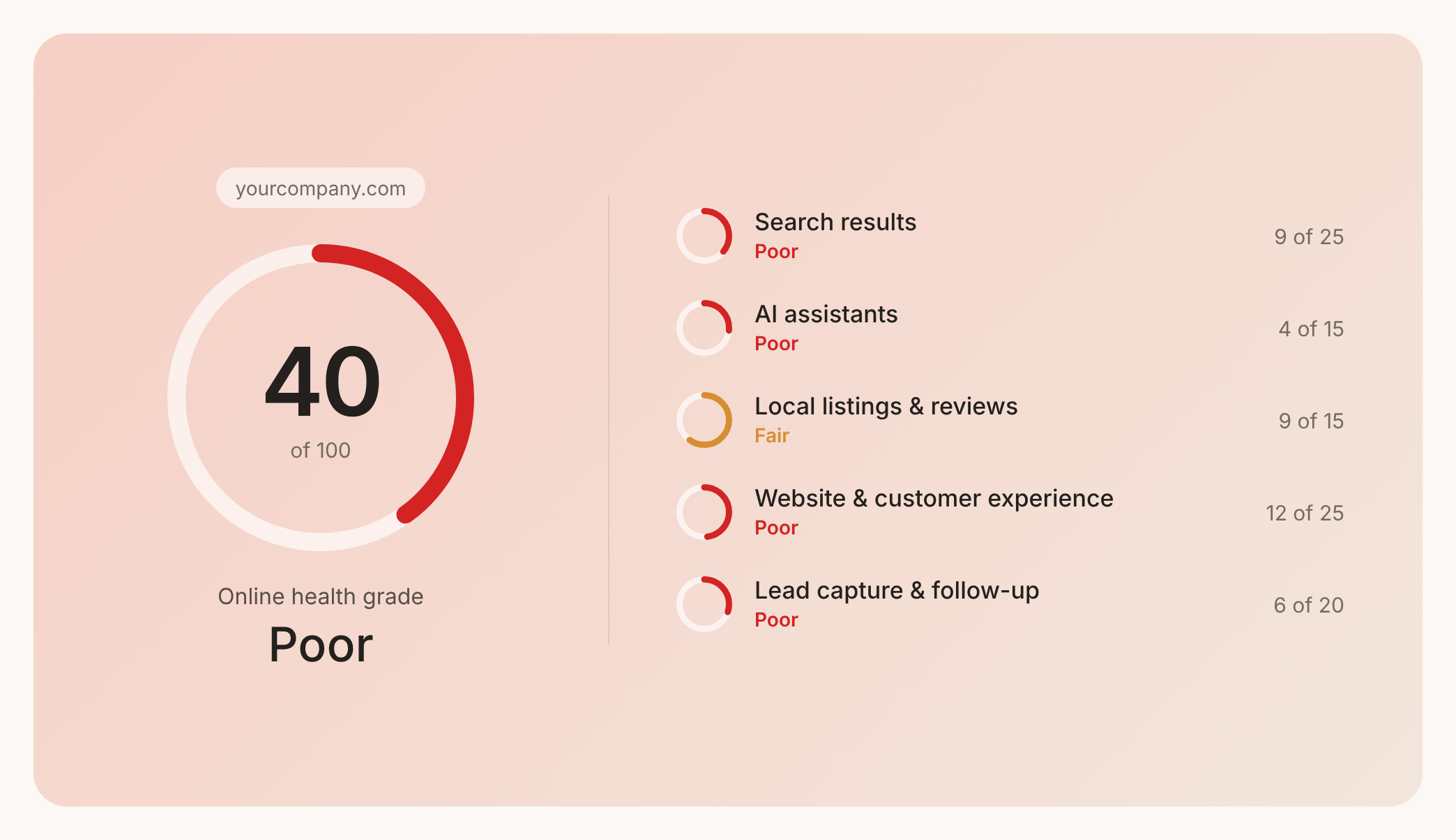

Prüfen Sie Ihren Website-Health-Score
Scannen Sie Ihre Website in Sekunden und stellen Sie sicher, dass Sie Ihrer Konkurrenz voraus sind.
