
10 Best Notion Alternatives for Teams & Productivity [2026]

Notion is a household name for creating a knowledge base and organising documents.
However, robust as it may be, it lacks more advanced built-in features, including built-in AI tools.
Consequently, it may not be enough for growing teams that need more complex capabilities.
Read on to check our top 10 Notion alternatives to find the one that can scale with your growth and help your team stay more aligned.
10 best Notion alternatives to boost your team’s productivity
Here are the key highlights of our top picks.
*Check vendors’ official websites for up-to-date, location-specific pricing
1. Knowlix
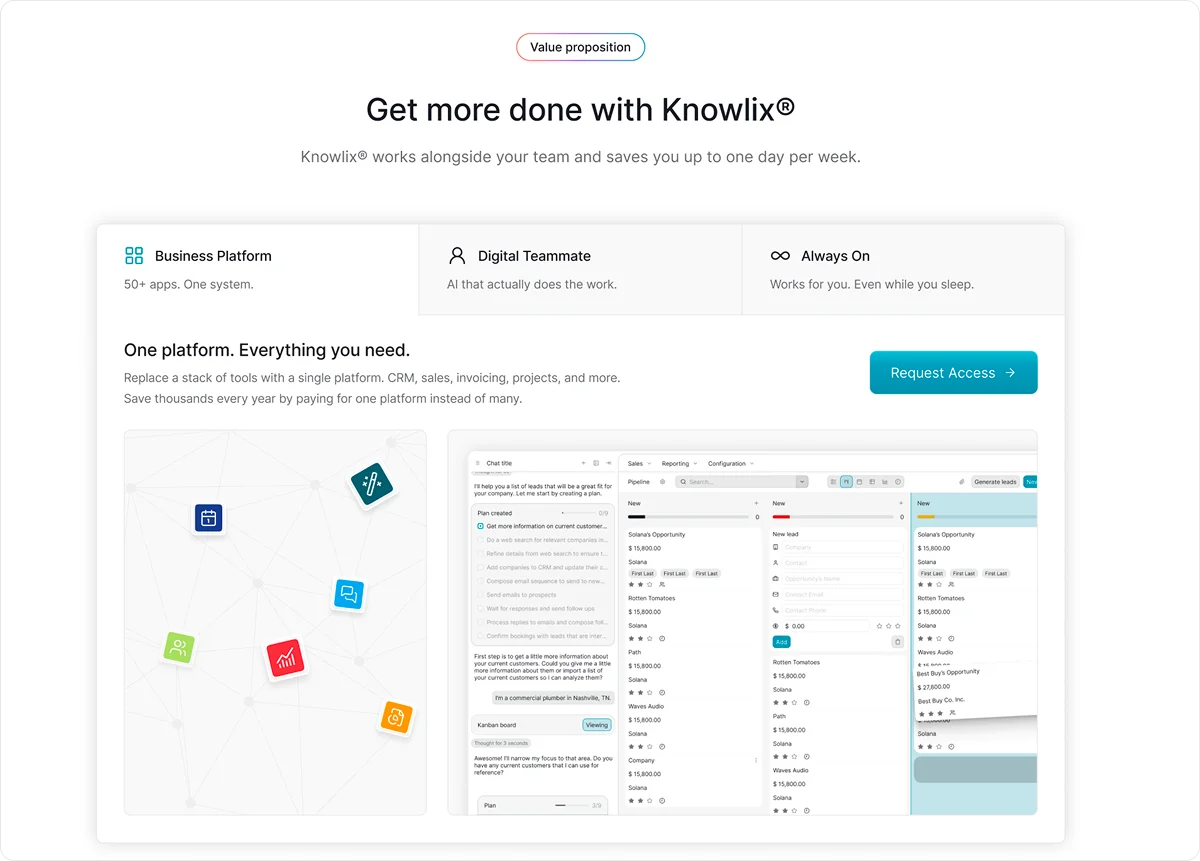
Knowlix is an all-in-one AI platform that centralizes business data and applications across departments such as project management, sales, and marketing.
By bringing these functions into a single workspace, teams can work within the same system instead of switching between multiple tools.
With Knowlix, you can count on a built-in AI teammate to help you reduce manual tasks and support more efficient day-to-day operations.
The platform includes AI note-taking and access to more than 50 integrated business and AI tools, all available through a unified interface.
As a result, you can simplify workflows and improve visibility across teams.
Knowlix doesn’t require complex setup or extensive technical expertise, allowing teams to adopt it and begin working productively without a lengthy implementation process.
Key features:
1. AI Teammate
Knowlix’s AI Teammate works as your reliable assistant.
It proactively works alongside your team and collaborates on what needs to get done so your people can perform at their best and focus on what they love.
Instead of relying on multiple separate AI tools, such as chat assistants, phone agents, website builders, email helpers, customer support bots, sales assistants, or marketing tools, the Teammate combines them all in one place.
.webp)
Because it operates directly within your system, every action connects to your existing business data, so tasks aren’t handled in isolation.
The AI Teammate interprets context, updates relevant records, and automatically carries out defined next steps.
For example, after a meeting, it can:
- Summarize notes
- Update lead information
- Draft follow-up emails
- Generate quotations
- Add new requests to a project tracker
- Move a deal to the appropriate stage.
By combining documentation with execution, it reduces manual follow-up work and allows teams to move faster and stay aligned.
2. Intelligent CRM
Knowlix includes an intelligent CRM that automatically captures leads from interactions and adds them directly to a visual sales pipeline.
This way, new opportunities are recorded without requiring manual data entry.
The system can support activities such as handling calls, taking notes, generating invoices, and scheduling meetings.
When a new task arises, it can be assigned to the AI Teammate through chat, allowing follow-up actions within the same system.
Insights from meetings and interactions flow into connected tools such as the CRM, calendar, customer service, and task management modules.
By keeping information synchronized across functions, the platform helps teams collaborate with shared, up-to-date data and reduce friction in day-to-day workflows.
3. Customization capabilities
With the ability to activate or deactivate more than 50 apps in a single click, you can adjust the platform to match changing business needs.
This flexibility allows teams to enable only the tools they require and adapt the system as the business grows.
The same approach applies to the AI Teammate.
You can train it to understand your company’s processes, terminology, and workflows, so its actions align with how your business operates.
This way, AI supports your team in a consistent, context-aware way.
Pricing
Knowlix offers a free plan where you have access to 38 apps and 10 monthly AI credits.
Besides, it offers 2 price tiers, starting at €19.90 ($24.99) per user per month, with most apps and features, and with the AI Teammate included.
2. Basecamp
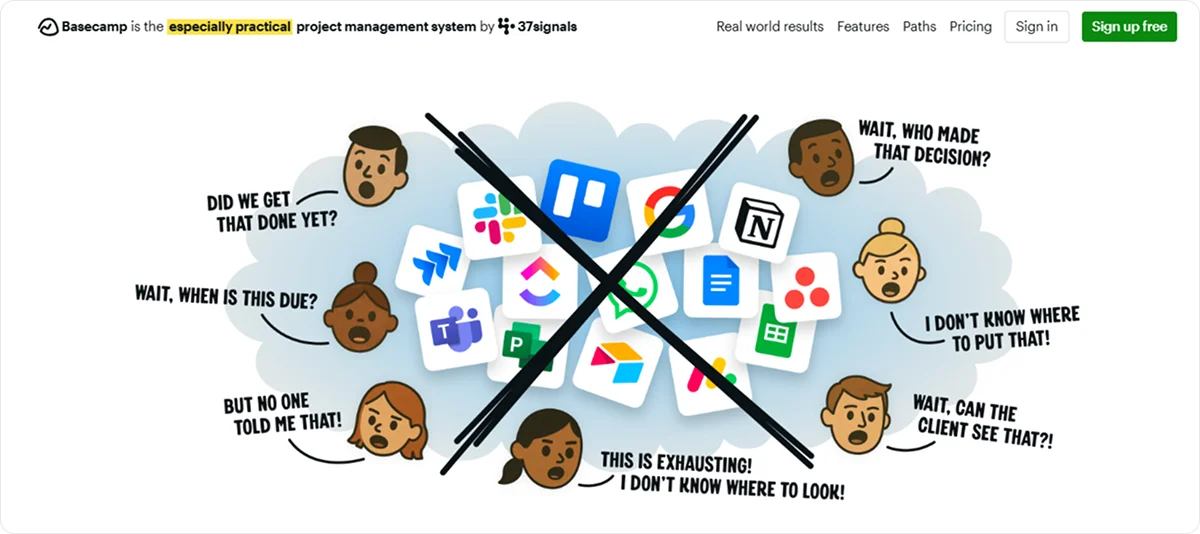
Basecamp is a team collaboration suite that combines messaging, tasks, schedules, and shared docs.
It focuses heavily on communication and task management and caters to small to mid-sized teams.
Key features:
Message boards: Provide an organized topic-specific space for team discussions and announcements
Campfire Chat: Enables real-time group chat built directly into projects
To-Dos: Allows you to create task lists, assign them to team members, set due dates, and track completion
Lineup & mission control: Shows how multiple projects are progressing
Pricing
Basecamp offers 1 Free Plan that allows you to manage one project at a time, along with three paid plans starting at €13 ($15) per user per month, with limited access to advanced features.
3. Confluence
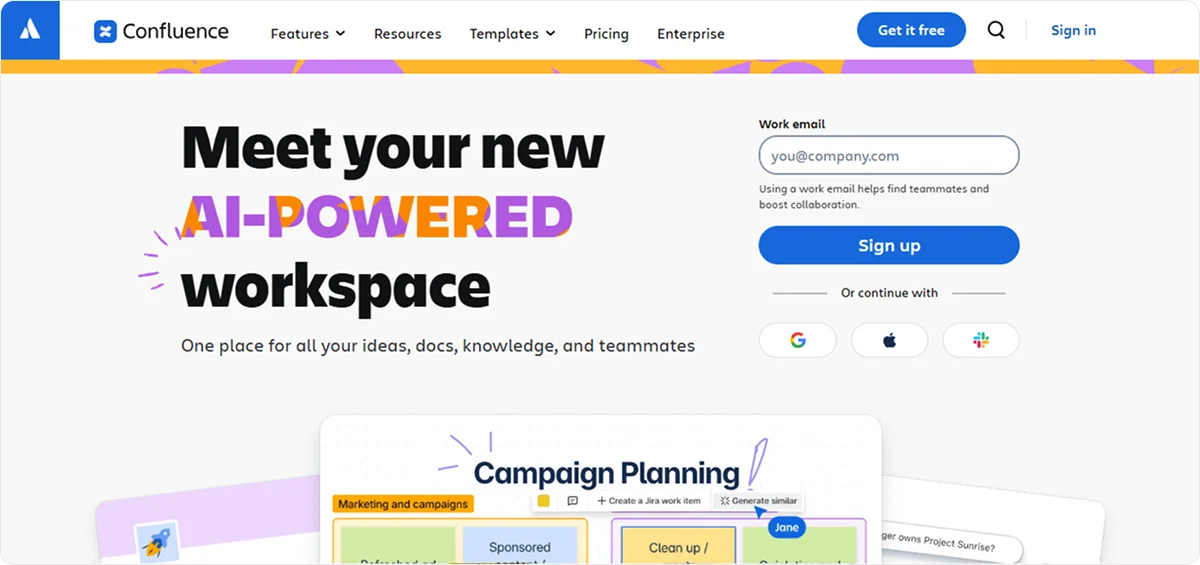
Confluence is a team workspace and knowledge management platform by Atlassian.
It’s mainly used as a company wiki where teams create, organize, and share documentation in one centralized place.
Key features:
- Collaboration tools: Include whiteboards, databases you can view as tables, boards, or cards, and Loom video embeds that record and embed screen and camera videos directly in pages
- Templates: Give you access to pre-built templates for meeting notes, project plans, retrospectives, etc.
- Rovo AI assistance: Summarizes content, extracts insights, and drafts output from notes
- Spaces and Structure: Organizes content hierarchically into spaces and nested pages for teams or departments
Pricing
Pricing depends on team size, but Confluence offers 1 Free Plan for 10 users and 3 Premium Plans, starting at €6 ($6.70) per user per month for teams up to 100 members, with limited access to higher-tier features.
4. Coda
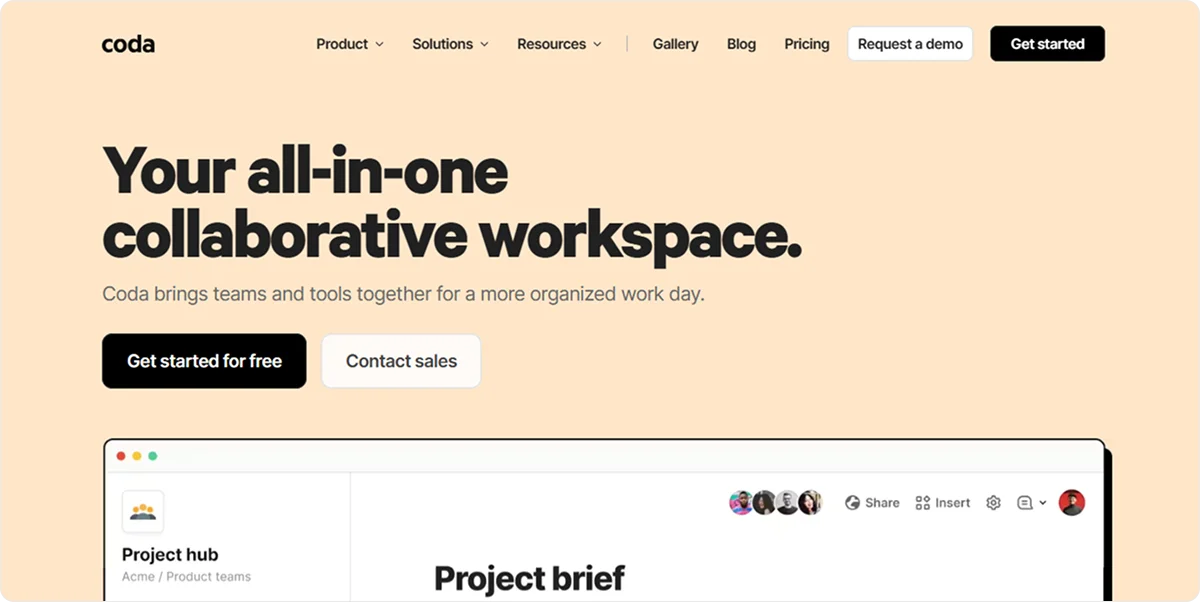
Coda is a collaborative workspace that combines documents, spreadsheets, databases, and apps into a single platform.
It helps teams build custom workflows inside a document.
Key features:
Trackers and Apps: Let you turn tables and docs into custom tools for tracking goals, managing projects, and visualizing timelines
Templates library: Includes ready-made templates, such as OKR tracker, product roadmap, timeline, task, and project tracker templates
Coda AI: Automate repetitive work, such as meeting summaries or status messages
Docs and Team Hubs: Enables teams to create, store, and collaborate on content within the same workspace
Pricing
Coda’s pricing depends on the team size.
For teams of 30 members, Coda offers 1 Free and 3 Premium Plans, starting at €10.40 ($12) per Doc Maker per month, with limited access to more advanced features.
5. Taskade
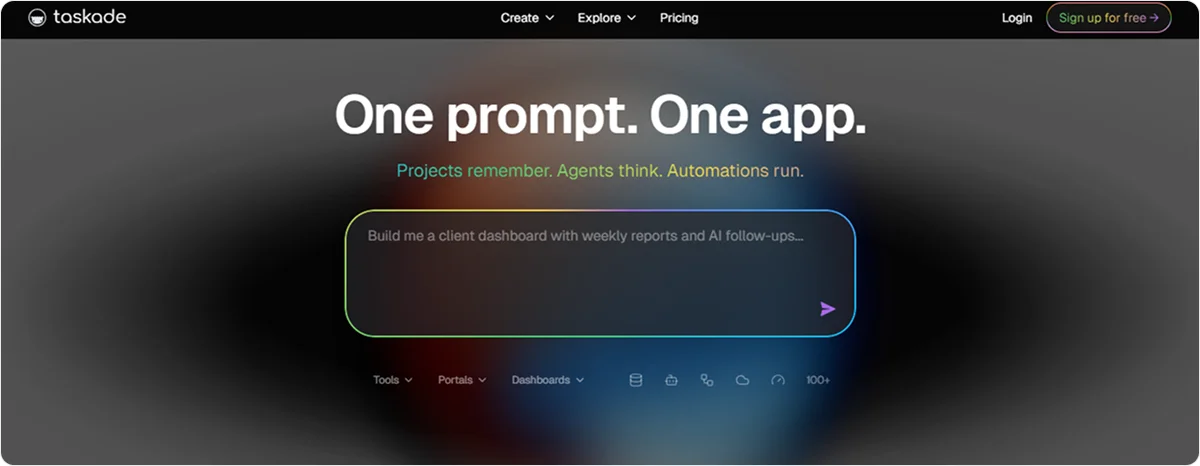
Taskade is a collaborative productivity and project management platform.
It combines task management, real-time collaboration, and workspace organization, with AI integration.
Key features:
- Tasks and outlines: Enables you to create structured task lists, checklists, and nested outlines.
- Real-time collaboration: Allows team members to edit, comment, and chat inside tasks and projects
- Multiple Views: Let you switch between lists, boards, calendars, and mind maps
- AI assistance: Generates notes, summarizes tasks, or drafts content with AI features integrated directly into your workspace.
Pricing
Taskade's pricing depends on the number of users.
Team plans start from €5.20 ($6) per user per month for 3 users, $20 per user per month for 10 users, and $50 per user per month for unlimited users and teams.
6. xTiles
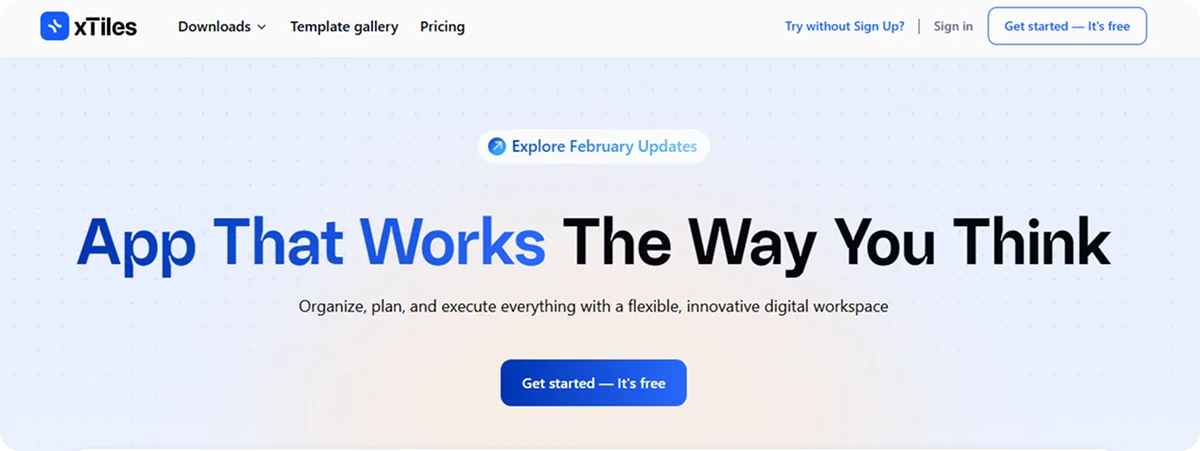
xTiles is a visual digital workspace that combines notes, tasks, projects, ideas, and collaboration tools.
It has Notion’s organizational capabilities, with a visual canvas style organized into movable tiles you can arrange freely.
The platform caters to smaller teams.
Key features:
- Task and project management features: Help you convert ideas into tasks and switch between views, such as table, Kanban, calendar, and cards, depending on how you want to track work
- Team and collaboration features: Provide shared workspaces for teams with real‑time collaboration on tiles. You can integrate workflows with Google Calendar, Slack, Google Drive, and Zapier
- Visual organization features: Let you arrange notes, checklists, links, images, and files on free‑form pages
- Templates: Provides access to a wide range of templates for productivity, marketing, planning, meetings, and more.
Pricing
xTiles’s pricing for a team is $35 per team per month.
7. Slite
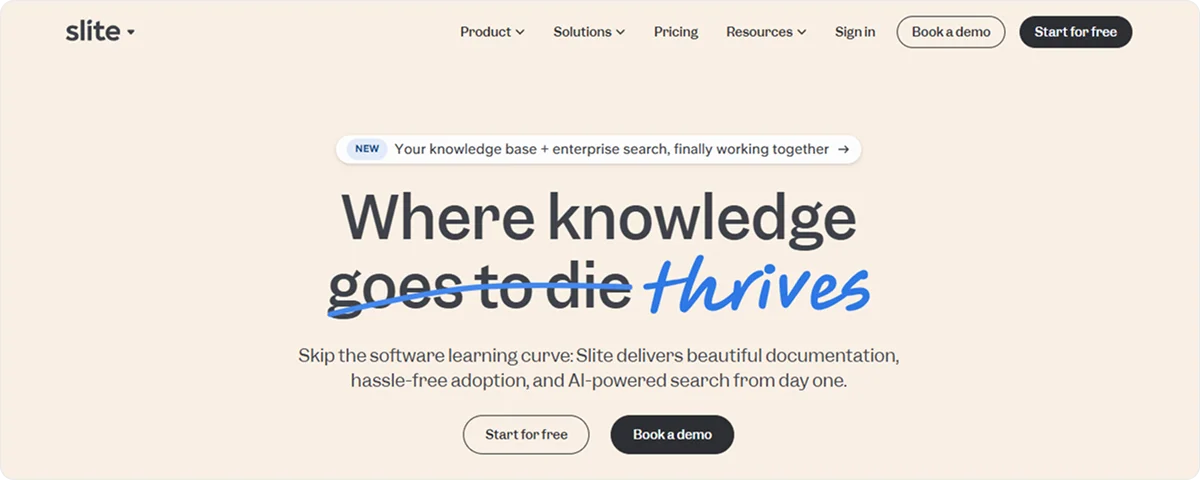
Slite is a collaborative documentation and knowledge‑sharing platform that helps teams create, organize, and share information.
It provides a centralized space where teams can keep notes, guides, decisions, and resources.
Key features:
- Document creation editor: Supports rich text, formatting, images, embeds, and other media
- Real-time collaboration features: Enable multiple users to edit the same document at the same time and put inline comments, mentions, and discussions
- Collections and folders: Help you organize content, filter, and save views. Documents can include sketches, videos, and embeds from other tools.
- AI‑powered search, Ask: Lets you get answers from your knowledge base with context and links to source documents. It includes verified docs features that can mark content as trusted and up to date.
- Templates library: Provides various templates for meeting notes, onboarding guides, project documents, and more
Pricing
Plans for teams start at €30.40 ($25) per user per month for a minimum of 10 users.
8. Airtable
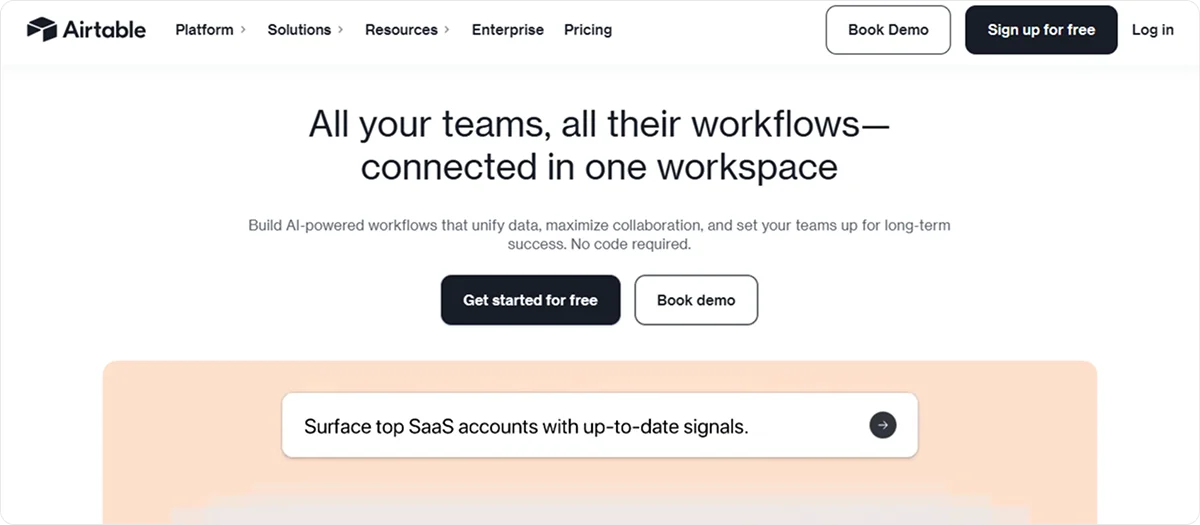
Airtable is a database platform that helps teams organize complex information, automate workflows, and visualize projects in multiple ways.
The platform enables you to build dashboards and interfaces for reporting and tracking.
Key features:
- Real-time collaboration: Allows you to tag teammates, leave notes, and track changes
- Relational databases: Let you link tables together, for example, connect tasks to projects or clients
- Custom views: Enable switching between table, board, calendar, and timeline layouts
- Automation: Triggers actions based on rules, such as send emails, update records, or notify Slack
- Templates library: Includes prebuilt setups for marketing, product, HR, content planning, and more
Pricing
Airtable offers three Premium plans for teams, starting at €20.85 ($24) per seat per month.
9. Monday work management
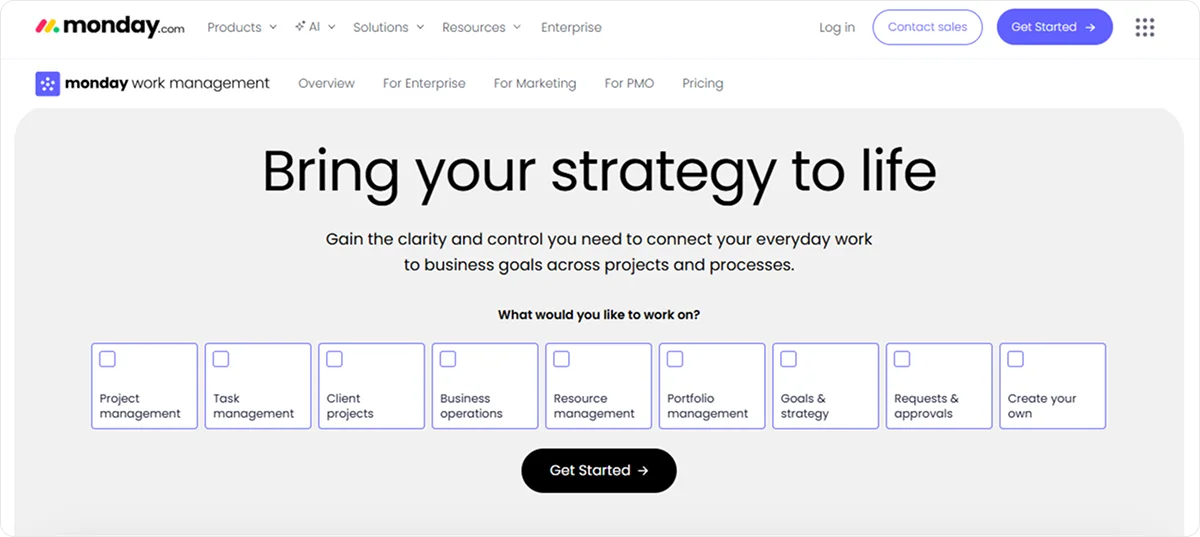
Monday work management is a scalable platform that helps teams plan, execute, automate, and measure work in a central place.
The platform focuses on custom automations and integrations to standardize workflows.
Key features:
- Project Management: Enables you to plan and track projects, coordinate tasks, manage dependencies, and keep timelines on schedule
- Portfolio Management: Allows you to see all your projects in one real-time overview
- Process Management: Standardizes and scales workflows with no-code automations
- Resource Management: Let you visualize workloads, balance team capacity, and optimize assignments based on skills and availability
- AI tools: Suggest project plans, categorize requests, identify risks, and offer intelligent automation options
Pricing
Monday work management has 4 Premium Plans for teams, starting at €14.33 ($16.50) per user per month, with limited access to more advanced features.
10. ClickUp
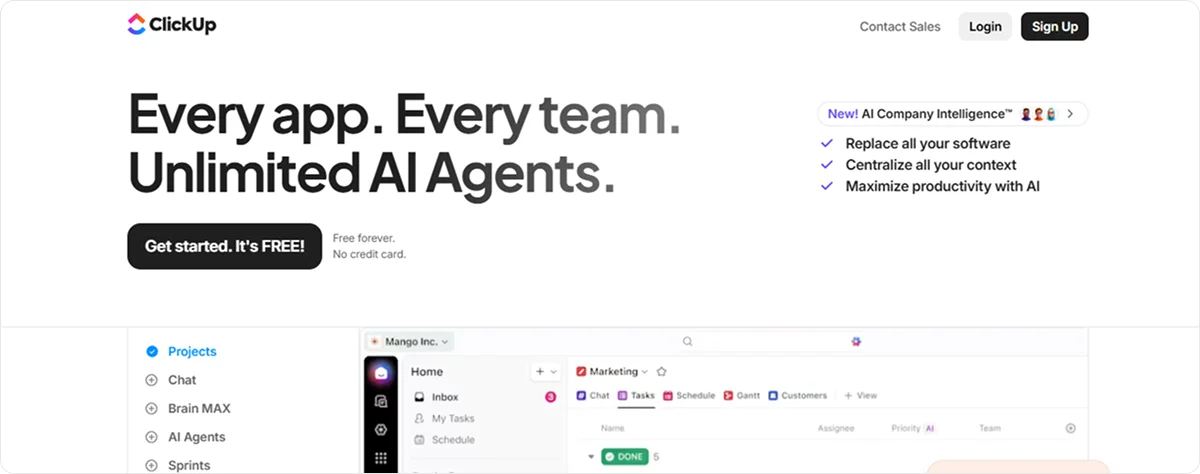
ClickUp is a work management and productivity platform to help teams plan, organize, and execute projects.
It combines project management, documentation, goals, chat, and automation tools into a single system.
Key features:
- Customizable Workspaces: Enable you to organize work by Spaces, Folders, Lists, and tasks
- SyncUp: Lets you collaborate while AI captures, summarizes, and assigns next steps
- Docs and whiteboards: Allow you to build documentation and brainstorm visually
- Dashboards and reporting: Enable monitoring workload, progress, and performance
- Knowledge management feature: Supports rich formatting and enables you to turn any ClickUp Doc into a wiki page and use prebuilt wiki templates to build an organized knowledge base. It includes real-time collaboration features.
Pricing
ClickUp offers 3 Premium Plans, starting at €8.69 ($10) per user per month, with limited access to more advanced features and some AI-powered features.
Why should you choose Knowlix to boost your team’s productivity?
All Notion alternatives above are robust in their own right, and the right choice depends on your team’s size and needs.
ClickUp and Monday work management offer deep project features, but often require upgrading to higher-tier plans for access to most capabilities.
Platforms like Taskade or xTiles focus on flexibility and collaboration, but still leave gaps that teams fill with additional software.
In contrast, Knowlix combines a wide range of capabilities, including CRM, project tracking, AI assistance, and automated workflows, without purchasing or integrating lots of separate products.
At the same time, the AI Teammate handles routine tasks, such as chat, calls, emails, customer support, and sales, which reduces manual work and keeps information synchronized across functions.
This approach delivers smarter automation and enables teams to accomplish more in less time.
Interested to know more?
Sign up for Knowlix intro to learn how you can boost your team’s productivity from a single, scalable platform that replaces the complexity of fragmented tools.


Subscribe for Our Newsletter
Book your call below.


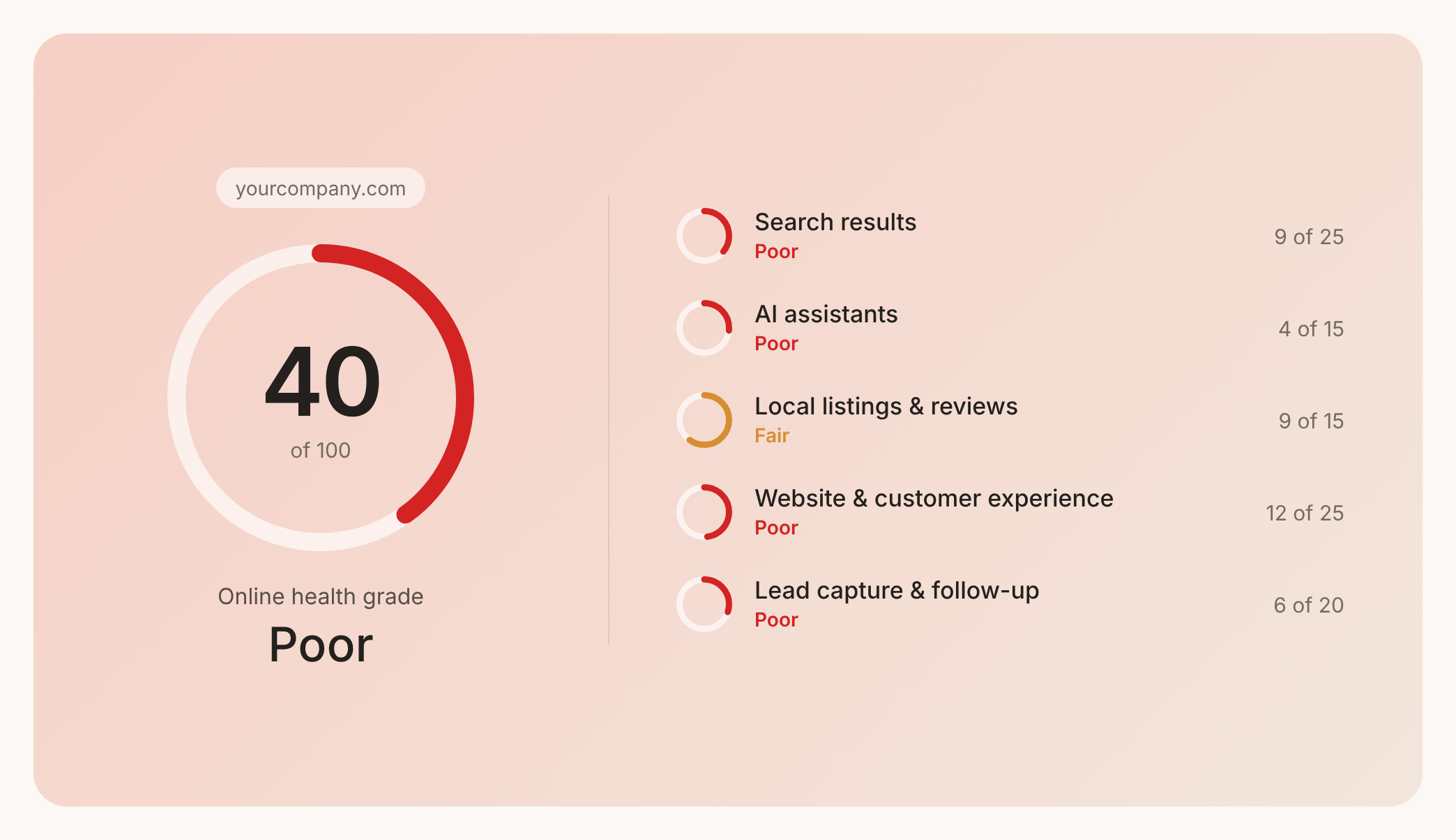

Prüfen Sie Ihren Website-Health-Score
Scannen Sie Ihre Website in Sekunden und stellen Sie sicher, dass Sie Ihrer Konkurrenz voraus sind.
