

Switch from Notion to
Knowlix AI

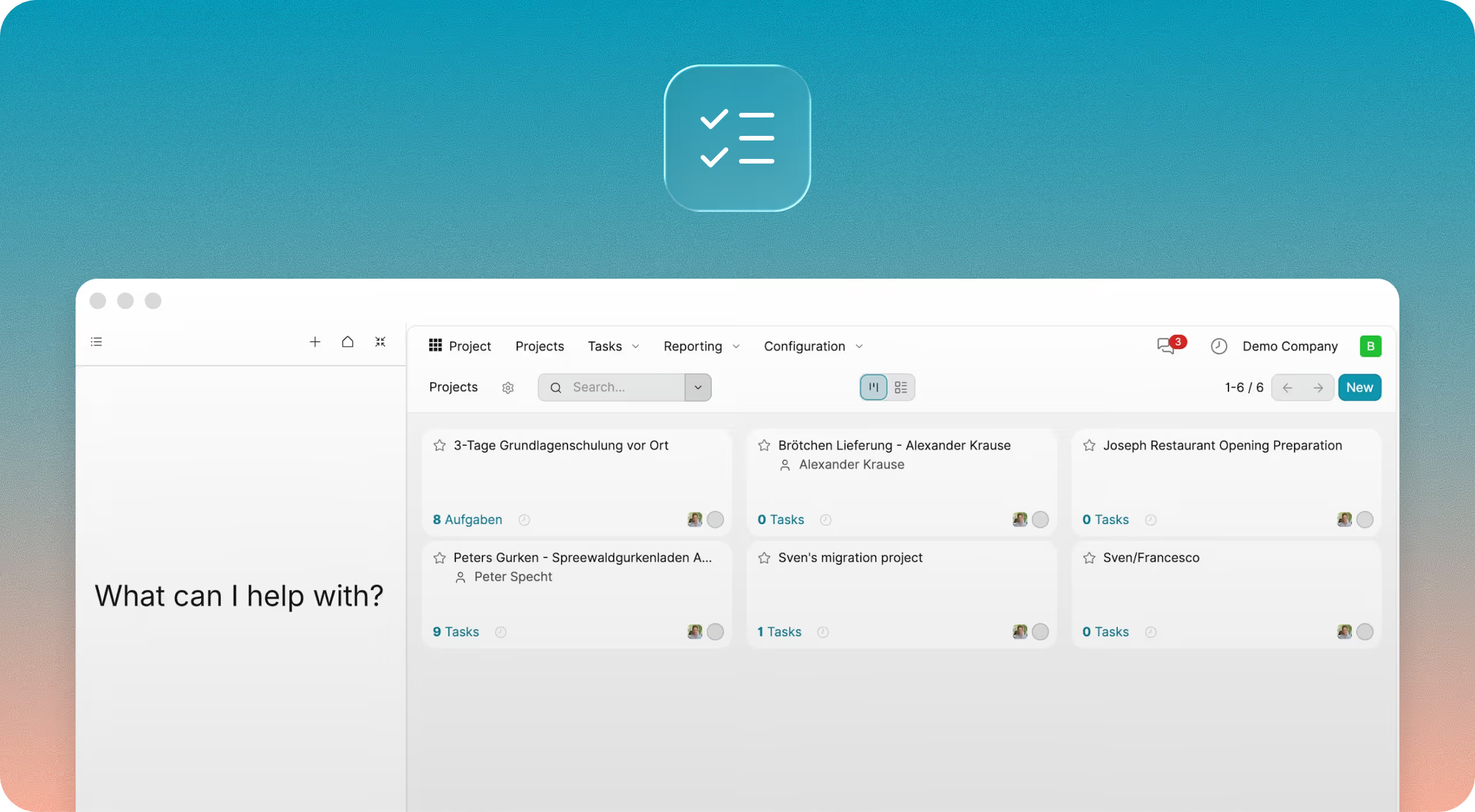

.svg)


.svg)
.svg)
.svg)
Why switch from Notion

Notes don't turn into actions
Notion captures ideas and meeting notes, but execution still depends on your team. Knowlix AI turns conversations into actions by creating tasks, leads, and follow-ups automatically. Your notes don’t just sit there, they drive outcomes.

Project tracking requires manual setup and updates
Notion lets you build project boards and workflows, but they require manual updates and structure. Knowlix AI generates projects, tasks, and milestones automatically based on your goals. Work starts fully structured without setup or templates.

AI helps document work, but doesn’t execute it
Notion AI helps summarize content and generate meeting notes. Knowlix AI goes further by turning meetings into actions, creating tasks, updating CRM records, scheduling follow-ups, and assigning responsibilities instantly. Meetings don’t end in notes, they end in execution.

Workflow still depends on multiple disconnected tools
Notion is often combined with tools for CRM, calendar, invoicing, and communication. Knowlix AI replaces all of them in one platform where everything is connected and automated. No integrations, no switching, no lost context.
Knowlix AI vs Notion comparison



Why Knowlix AI
Use notes to boost execution
Notion is great for writing things down, but your team still needs to act on them manually. Knowlix AI eliminates that gap by turning every input into an executed outcome. Work doesn’t stop at documentation, it continues automatically.
Helps you use meetings to move work forward
Notion AI can summarize meetings, but it doesn’t execute what was discussed. Knowlix AI creates tasks, assigns owners, schedules follow-ups, and updates CRM records instantly. Every meeting becomes a completed workflow.
Automate your calendar
Notion offers a calendar view, but coordination and scheduling still require manual input. Knowlix AI lets you create, update, and manage meetings through simple commands. The AI handles availability, invites, and updates automatically.

Get more than a workspace for business
Notion is a flexible workspace, but it doesn’t replace your CRM, invoicing, or operations tools. Knowlix AI is a complete business system where everything from sales to projects runs in one place. You don’t build your system, you use it from day one.
Leaders love it.
With Knowlix, we found not only great employees but also people who fit our culture. The recruitment process was quick.


Everything your business needs. Nothing you need to manage.
Frequently asked questions


Yes. While Notion focuses on documentation and workspace organization, Knowlix AI executes business workflows automatically across projects, CRM, meetings, and operations.
Yes. Knowlix AI replaces Notion and additional tools by combining project management, CRM, scheduling, and operations into one AI-powered system.
Notion AI helps generate and summarize content, while Knowlix AI executes real business actions like creating tasks, scheduling meetings, and updating CRM data.
Yes. Knowlix AI not only supports project management but also automates project creation, task assignment, and workflow execution using AI.
Book your call below.


Check your website health score
Scan your site in seconds and make sure you're beating your competitors.