
9 Key ERP Features Explained: Must-Have Capabilities

An Enterprise Resource Planning (ERP) connects core functions into a unified platform.
The ERP market reaches $106.22 billion in 2026, with small and medium-sized businesses contributing over 50% of that share.
But not all ERP systems offer the same functionalities, which is especially important for small and scaling businesses, where choosing the right features can directly impact efficiency, costs, and long-term growth.
The features you need now might not be the same ones you’ll need in a year or two, while some features are nice-to-haves but not immediate needs.
Read on to learn about the ERP features you should look for to streamline operations.
Key Takeaways
- Centralize your finances for smarter decision-making
Using ERP financial management, small businesses can track accounting, invoicing, budgets, and taxes in one place. This gives real-time visibility into cash flow, reduces errors, and helps you make faster, more informed decisions. - Automate workflows to save time and reduce errors
ERP systems streamline approvals, repetitive tasks, alerts, and data syncing. Automation ensures your team spends less time on manual work and more time on growth-focused activities, keeping operations running smoothly. - Unify customer data with CRM integration
A CRM-connected ERP centralizes customer information, tracks sales pipelines, and improves communication across departments. - Leverage data with business intelligence and reporting
Dashboards, KPIs, custom reports, and data visualization turn raw data into actionable insights. Real-time reporting allows you to spot trends, identify opportunities, and make smarter operational decisions without waiting for end-of-month reports. - Choose a flexible, integrated solution
Knowlix combines AI note-taking, workflow automation, and over 50 integrated apps in one platform. It automatically syncs meeting insights, manages tasks, updates CRM records, and reduces manual work, helping small businesses streamline operations and grow efficiently.
Why is an ERP necessary for small businesses?
Unlike large enterprises that often use highly complex ERP systems with extensive customization, for small businesses, simplicity and flexibility are more important than sheer power.
Here are the key characteristics you should look for:
- Affordability: A good ERP should offer transparent pricing and a clear return on investment without high upfront costs.
- Ease of use: If your team can’t use it, it won’t work. Intuitive interfaces and minimal training requirements are a must.
- Scalability: Your ERP should grow with your business. What works for 5 employees should still work when you have 50 or 100.
- Integration capabilities: Since no system operates in isolation, your ERP should connect seamlessly with eCommerce platforms, payment systems, and CRM software.
9 ERP features every small business should look for
Below are the main features you should look for when choosing an ERP system for your business.
1. Financial management
The set of features ensures you have full control and visibility over your company’s finances and includes capabilities such as general ledger and accounting, accounts payable and accounts receivable, invoicing and billing, budgeting and forecasting, and tax management and compliance.
Instead of manually reconciling numbers across multiple systems, ERP software centralizes everything, so you don’t need to switch between spreadsheets or separate tools.
This way, you get clear, real-time insights into cash flow and profitability, fewer late payments, faster invoicing, and less time spent finding financial data.
2. Automation and workflow management
As your business grows, manual processes can quickly slow you down, but ERPs can help by automating:
- Approval processes: Automatically route approvals to the right people to reduce delays and eliminate back-and-forth emails
- Repetitive administrative tasks: Handle routine tasks such as invoicing, order updates, or status changes
- Notifications and alerts: Keep your team informed in real time by sending automatic updates when actions are required or when something needs attention
- Data entry across modules: Sync information between departments to keep data consistent and ensure teams only need to enter it once
Instead of relying on emails, spreadsheets, or memory, workflows run automatically in the background.
For example, the system can instantly approve purchase orders based on rules, and teams get notified without constant follow-ups.
Besides reducing errors, automation saves time without adding more workload to your team.
Did you know?
The Knowlix AI Teammate captures meetings, organizes notes, updates CRM records, creates follow-up tasks, and automatically prepares draft quotations.
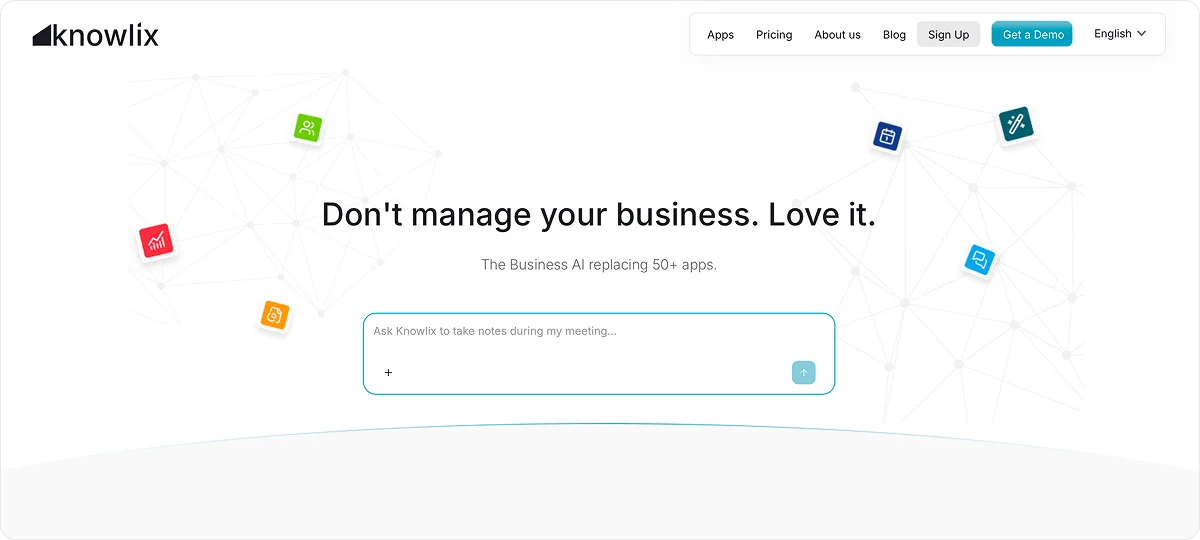
It also works asynchronously and detects requests via email or chat and executes the next steps without manual intervention.
For example, it can automatically:
- Add new requests to your project management tool
- Assign follow-up tasks
- Update deal or project stages based on meeting outcomes
- Keep timelines moving forward without manual intervention
By turning conversations into structured, actionable work, it keeps your pipeline, projects, and teams fully aligned while saving time and reducing errors.
3. CRM integration capabilities
Customer relationships are often managed across disconnected tools, which creates friction for customers and across departments as well.
However, if you opt for an ERP system with CRM integration, you can centralize customer data, track sales pipelines, align sales and operations teams, and improve customer communication.
Everyone across departments has the same information, customers don’t have to repeat themselves, and your team can respond faster and more effectively.
Worth knowing:
With Knowlix’s AI CRM, you can automatically capture leads from conversations and sync them directly into your pipeline.
In addition, it also handles calls, takes structured notes, creates invoices, and books meetings, which reduces the manual admin work that often slows teams down.
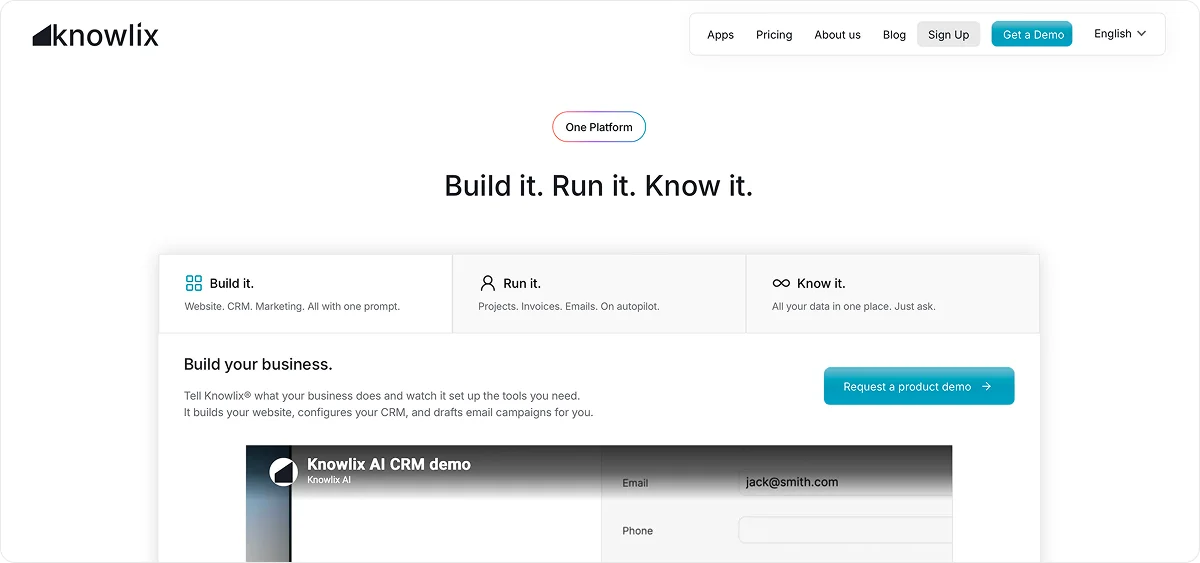
Meeting insights automatically sync with your CRM, calendar, customer service tools, and task management system.
This unified flow of information ensures your team always has the context they need to collaborate effectively and prioritize the right work.
4. Business Intelligence and reporting
You should look for ERP systems that include built-in analytics tools to turn raw data into clear, actionable insights:
- Real-time dashboards: Give you an instant overview of your business performance, so you can quickly spot what’s working and what needs attention without digging through reports
- Key performance indicators (KPIs): Highlight the metrics that matter most, such as sales, margins, or inventory turnover, which help you stay focused on your business goals
- Custom reports: Allow you to generate reports tailored to your specific needs, so you don’t end up with generic data that doesn’t reflect how your business operates
- Data visualization: Transforms complex data into easy-to-read charts and graphs, so you can understand trends and share insights with your team much faster
You don’t have to wait for end-of-month reports because you can make decisions based on live data.
5. Integration capabilities with third-party tools
Robust integration capabilities ensure your ERP fits into your existing ecosystem instead of replacing everything at once.
Common integrations include:
- eCommerce platforms: Automatically import online orders into your ERP, so you can manage inventory, shipping, and fulfillment without manual entry
- Payment gateways: Sync payments directly with your accounting system to gain real-time visibility into cash flow and reduce reconciliation errors
- HR systems: Keep employee data consistent across payroll, scheduling, and performance tracking, and eliminate duplicate updates and administrative issues
Integrations like these help you create a central place with fewer mistakes, less repetitive data entry, and faster access to accurate information
As a result, you can spend less time on updates and more time on growth-oriented activities, customer service, and strategic decision-making.
For example, Knowlix connects seamlessly with eCommerce platforms, payment gateways, HR systems, and over 50 other business tools.
As a result, all your data, such as orders, payments, and employee information, is centralized and up-to-date.
By reducing manual entry and connecting workflows, your team can focus on growth-oriented tasks instead of constantly updating multiple systems.
6. Customization and modular capabilities
Modular and customizable systems let you adapt the software to your business, and not the other way around.
Since no two small businesses operate exactly the same way, flexibility in an ERP system is something you should definitely look for.
For example, customizable ERPs enable you to add or remove features as you see fit.
This way, you can start with the tools you currently need, and add new capabilities as your business grows.
You aren’t paying for features you don’t use, and you can add new capabilities as your business expands.
Customization also allows you to tailor workflows, reports, and processes to match how your business actually runs.
In addition, you should look for platforms that offer industry-specific models, so you can access features that are relevant and tailored to your sector.
Worth knowing:
Knowlix lets you tailor the platform to your exact needs, adding or removing modules with one-click activation or deactivation of over 50 apps.
You can train the AI Teammate to understand your processes, terminology, and priorities, and make it an embedded partner in your workflow.
7. Inventory management
If your business deals with physical products, inventory management features are essential.
An ERP system allows you to track stock levels in real time, monitor inventory across multiple locations, automate reordering, and forecast demand based on historical data.
If you run a small business, these capabilities mean fewer surprises.
You always know what’s in stock, what’s running low, and what’s selling, without going through spreadsheets or manually checking inventory.
Automated reordering helps you avoid last-minute shortages, while demand forecasting prepares you for peak periods instead of reacting too late.
As a result, you aren’t tying up money in slow-moving stock, and you aren’t missing revenue due to stockouts.
8. Sales and order management
If your business is related to sales, then you should choose an ERP that offers sales and order management and streamlines the process by:
- Automating order entry and processing: Capture and process orders instantly, which reduces manual input and minimizes errors that can slow down fulfillment
- Tracking order status from purchase to delivery: Give you full visibility into every order, so you always know where things stand and can update customers quickly
- Managing customer information in one place: Store all customer details, order history, and preferences centrally to deliver personalized service
- Applying pricing rules and discounts automatically: Ensure consistent pricing by automatically applying discounts, promotions, or customer-specific terms without manual calculation
For example, you can prompt Knowlix’s AI Teammate directly and type “Create a new lead for Sarah Johnson from Acme Corp,” and the AI will check if the lead exists, update or create the record, and place it in the correct pipeline stage.
This way, you can turn every conversation into actionable progress without manual data entry.
9. Procurement and supply chain management
ERP systems simplify procurement by managing supplier relationships in one place and tracking pricing, performance, and communication history.
They enable you to generate and process purchase orders automatically.
You gain clear visibility into deliveries and vendor performance, so you always know what’s been ordered, what’s on the way, and which suppliers are consistently reliable.
With this level of insight, you can avoid delays, prevent duplicate orders, and respond quickly when issues happen.
An additional benefit is that you can negotiate better terms with suppliers based on real data, maintain steady inventory levels without over-ordering, and keep operations running without interruptions.
ERP features: How to make them work for your small business?
For small businesses, a “lighter” ERP approach often works best.
Instead of committing to a massive, all-in-one system, modular and cloud-based solutions offer flexibility, affordability, and scalability.
ERP isn’t too complex for small businesses, but the true benefits depend on picking the right system, planning carefully, and training your team properly.
The smartest choice may not be a full-blown ERP, but tools that can expand with your needs and give you what you need at this moment.
How to streamline your operations with Knowlix?
Knowlix is an agentic ERP that unifies your business data and applications across sales, marketing, and project management, leveraging AI and automation to boost efficiency.
Here’s how our solution helps:
- Combines 50+ business apps with one AI Teammate in a single platform, so your ERP stays automatically updated
- Syncs meeting insights automatically with CRM, calendar, customer service, and task management tools
- Understands context by leveraging CRM and cross-departmental data without needing explanations
- Enables immediate use with an intuitive interface and minimal training required
Curious to know more?
Sign up for Knowlix today and turn your conversations, data, and tasks into action.
FAQ:
1. What are the main components of ERP?
The five core components of an ERP system include finance, human resources, manufacturing or operations, supply chain management, and CRM.
These modules centralize key business processes and allow data to flow across departments to improve efficiency, visibility, and decision-making.
2. What features can I expect from an ERP system?
ERP systems include features such as financial management, inventory tracking, sales and order management, procurement, and reporting.
In addition, they offer automation, real-time data access, and integration with other business tools to streamline operations.
3. Is an ERP worth it for a small business?
Yes, it is because it saves time, reduces errors, and supports growth by streamlining processes and reducing manual work.
SMBs represent the fastest-growing segment, with a 21.22% CAGR through 2030, and with 77% of SMBs already using ERP to standardize back-office operations.


Subscribe for Our Newsletter
Book your call below.


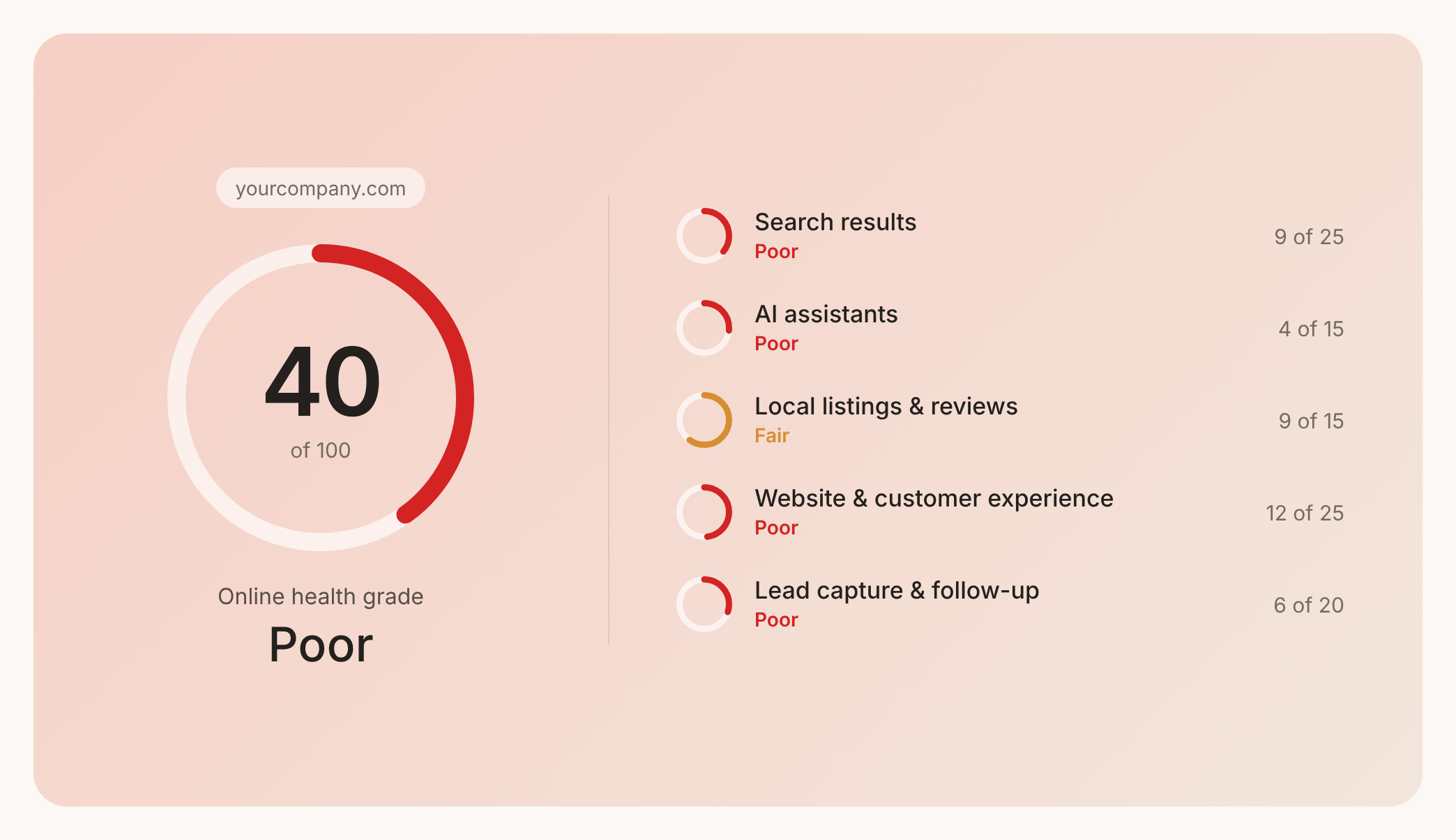

Prüfen Sie Ihren Website-Health-Score
Scannen Sie Ihre Website in Sekunden und stellen Sie sicher, dass Sie Ihrer Konkurrenz voraus sind.
