
All-in-One Software for Service Businesses: A Guide


All-in-one software runs several business functions (clients, projects, invoicing, follow-up) on one platform with shared data, so nothing has to be re-keyed between tools that do not talk. For owner-led service businesses of one to fifteen people, the strongest option is Knowlix at $24.90 (€24.90) per seat per month, because it covers the shared admin stack and adds an AI teammate that does the admin work itself. Scoro is the better fit for project profitability, Plutio for solo freelancers, Bitrix24 for teams that need a free tier, and Zoho One for companies that want the widest app suite. The average company runs 101 apps and roughly two-thirds of that stack sits unused or underused. Keep a best-of-breed specialist only where feature depth is the reason the business exists.
All-in-one software for service businesses: when one system beats a stack of tools
More tools are supposed to make you more capable. Somewhere past the sixth login, they start making you slower.
You bought each app for a good reason. The CRM, the project tool, the invoicing app, the scheduler, the docs. Each one is fine on its own. Together they are a second job: you are the one moving data between them, remembering which lives where, and paying for all of it.
All-in-one software is the other path. One platform runs the functions a service business shares every day, with the data connected underneath. This guide covers how big the app-stack problem has grown, what it actually costs you, and when consolidating wins versus when a specialist still earns its place.
How many apps does a small business actually run?
More than most owners would guess, and the number climbed for a decade before it turned. In its 2025 Businesses at Work report, Okta found the average company now uses 101 apps, crossing 100 for the first time (Okta, 2025, retrieved 2026-07-01).
The climb did finally reverse. BetterCloud's State of SaaSOps recorded the first per-company decline in over a decade: from a 2022 peak of 130 apps to 112 in 2023, in what it called a year of consolidation (BetterCloud, 2024, retrieved 2026-07-01). The average employee still touches about 10 apps in a single day (Asana Anatomy of Work, retrieved 2026-07-01).
For a small service business, those numbers land harder than for an enterprise. A company of 200 has an IT function to wire the tools together. A studio of six has the owner doing it at night.
What does a scattered app stack actually cost you?
It costs money you can see and time you cannot. On the money side, Vertice found in 2025 that 15% of a company's SaaS apps are entirely unused and another 51% are underutilized, so roughly two-thirds of the stack is waste (Vertice, 2025, retrieved 2026-07-01). Zylo's 2025 SaaS Management Index put the average waste on unused licenses at $21 million a year, up 14.2%, with SaaS spend reaching $4,830 per employee (Zylo, 2025, retrieved 2026-07-01).
The time cost is bigger and quieter. Asana's Anatomy of Work Index found that 60% of a knowledge worker's day goes to "work about work": switching apps, chasing status, and searching for information, rather than the skilled work itself (Asana, retrieved 2026-07-01). A 2022 Harvard Business Review study of workers at three large companies found they toggled between apps around 1,200 times a day, adding up to just under four hours a week spent reorienting (Harvard Business Review, 2022, retrieved 2026-07-01).
What is all-in-one software, and how is it different from best-of-breed?
All-in-one software runs several business functions on a single platform with shared data underneath, so the client record, the project, and the invoice reference the same source. Best-of-breed is the opposite philosophy: pick the deepest specialist tool in each category and wire them together.
Best-of-breed gives you feature depth. The dedicated tool in each category does more than any suite module will. The cost is structural: the tools have to be integrated, those integrations break, data sits in silos, and someone re-keys it between systems. The more specialists you run, the more of your week goes to switching between them.
All-in-one gives you coordination. One login, shared data, and one bill remove the integration problem and shrink the switching surface. The cost is depth: a module inside a suite is rarely as deep as the category leader. The choice comes down to what actually bottlenecks you, which the next section makes concrete.
See it in action
Knowlix runs the client pipeline, the projects and the invoicing on one set of records.
The all-in-one AI Business Platform replaces 50+ apps, and the AI Teammate prepares the admin across all of them and waits for your approval before anything leaves. The instance is ready in 2 minutes. $24.90 per seat per month, reduced from $35.60, with a 7-day trial.
Get startedThe best all-in-one platforms for service businesses
Disclosure: Knowlix publishes this comparison and appears in it, ranked first. Read our own entry as the interested party it is. The coverage claims for every platform come from that vendor’s own site, retrieved 1 September 2026, and each entry names a real limit, including ours.
Six platforms cover the shared admin stack of a service business. They differ less in the feature list than in who they were built around, and that decides which parts feel obvious and which feel bolted on.
- Knowlix is the strongest fit for owner-led service businesses of one to fifteen people that want the admin handled rather than organised. It runs CRM, proposals, invoicing, expenses, projects, scheduling, email marketing, inventory and purchasing on one data model, with an AI teammate that drafts and prepares work across all of it. $24.90 (€24.90) per seat per month on annual billing, reduced from a standard $35.60, after a seven-day free trial. The limit: modules are broad rather than category-deep, and advanced modules beyond the standard scope are licensed separately.
- Scoro fits firms that manage the business by project profitability. It covers projects, resource and capacity planning, CRM and pipeline, quoting and budgeting, time and cost tracking, and invoicing, and its own line is “one platform for projects, resourcing, and finances”. The limit: strong on delivery and margin, lighter on winning the client in the first place.
- Plutio suits solo freelancers and very small agencies. Projects, proposals, contracts, invoicing, tasks and time tracking, forms, scheduling and a client portal, under the line “one app to run, grow, and automate your business”. The limit: per-user pricing works against you as the team grows.
- Agiled gives you the widest function list at a low entry point, HR included. CRM, projects and tasks, invoicing, client portal, HR, contracts and e-signing, scheduling, workflows and AI agents. The limit: the list is very wide, which spreads depth thin across it.
- Bitrix24 is the option when you need a free tier and flat pricing instead of per-seat cost. It is free for unlimited users on a flat fee and covers CRM, tasks and projects, chat and video, documents, a website and store builder, HR and a contact centre. The limit: collaboration sits at the centre, so the client-to-invoice flow is not what the product is organised around.
- Zoho One is for companies that want the largest app catalogue and have someone to administer it. It calls itself the operating system for business and includes 45+ apps across sales, marketing, service, finance, HR, operations and e-commerce. The limit: you administer a suite of separate apps rather than work in one system.
A firm that lives and dies by billable utilisation will feel at home in Scoro and cramped in Bitrix24. A one-person studio will find Zoho One heavy before it finds it useful. Coverage and positioning per entry from each vendor’s own site, retrieved 1 September 2026.
The honest trade-off between all-in-one and best-of-breed
Neither philosophy is right for everyone. The table below lays out what each one buys you and what it costs, so you can match it to your own situation.
| Approach | What it buys you | What it costs you | Best when |
|---|---|---|---|
| Best-of-breed stack | Deepest features in each category | Integrations to build and fix, data silos, app-switching, several bills and renewals | One function is your core craft and depth is the point |
| All-in-one platform | One login, shared data, one bill, less switching | Less feature depth than a category leader in any single module | Coordination overhead is your main drag and there is no IT team |
| All-in-one with an AI teammate | Shared data plus an AI that acts across it, drafting and prepping work for you to approve | You trade some module depth for context and hands-off admin | You want the admin off your plate and the judgment kept in your hands |
The market has been drifting toward consolidation. After a decade of adding tools, buyers started cutting them once the waste became visible, which is what the BetterCloud decline from 130 to 112 apps reflects. That shift shows up most in the general admin and ops stack, and least in the core-craft tool.
How does an AI teammate change the all-in-one equation?
It raises what the platform can do for you. A plain all-in-one platform ends the copying by putting your data in one place. An all-in-one platform with an AI teammate goes further: because the AI can see the whole business in one system, it can act on it.
Knowlix is the all-in-one AI Business Platform built for this. It replaces the stack of separate tools most owners run, and its AI teammate works across your clients, projects, and invoices. It drafts the follow-up on an overdue invoice, preps the client update, and pulls together what you would otherwise assemble by hand. You review and approve. Nothing goes out without you.
The scope is CRM, proposals, invoicing, expenses, projects, scheduling, email marketing, inventory and purchasing on one data model, with the AI teammate on top. Knowlix costs $24.90 (€24.90) per seat per month on annual billing, reduced from a standard $35.60, after a seven-day free trial. There is no permanently free plan. Hosting, updates and support are included and there is no implementation fee, because the setup runs through the agent rather than a consultant. Knowlix is an official Odoo partner and builds on that platform, which is where the module breadth comes from.
That approval step is the point. You get an assistant that never forgets and never switches tabs, and you keep the final say on anything that carries your name. For one worked example, see how the AI teammate handles chasing unpaid invoices, or how it automates the rest of your client work.
How do you stop using separate apps for sales, billing and projects?
Knowlix replaces the separate apps with one all-in-one AI Business Platform, which is the only way to stop the copying between them: as long as sales, billing and projects live in different tools, someone has to move the data, and that someone is usually the owner.
The switch works in three steps rather than one. First, move the customer list, because every other record hangs off it and a split customer list keeps both systems alive. Second, move quoting and invoicing together, since an invoice that cannot trace back to its quote recreates the gap you are closing. Third, move projects last, once the customer and the money are already in one place.
For example, a change in project scope then updates the job, the invoice and the margin at once instead of in three tools. The instance is ready in 2 minutes and takes over 80% less setup time than configuring the underlying suite by hand, at $24.90 per seat per month.
When should you consolidate, and when should you keep a specialist?
Consolidate the general ops stack, and keep a specialist only for your core craft. The functions most service businesses share (clients, projects, scheduling, invoicing, follow-up) are exactly where a scattered stack costs you the most and where an all-in-one platform pays off fastest. There is little upside to running four separate tools for work that a single connected system handles.
Keep a best-of-breed specialist where depth is the reason the business exists. A design studio needs its creative suite. A dev shop needs its engineering tooling. That tool is the craft, and no suite module should replace it. The move is to consolidate everything around it, so the specialist is the one tool you switch into, instead of the tenth. If most of your week goes to keeping tools in sync rather than doing the work, that is the signal to consolidate.
The math gets worse with a team, not better. Every tool has to be provisioned, learned, and kept in sync for each new hire, so a five-person firm pays the coordination tax five times over. The overhead grows with every person you add, on top of every app, so a growing team feels the drag first.
A simple way to decide what to move: list the functions you run today. The shared admin and ops work (clients, projects, scheduling, invoicing, follow-up) is the first thing to put on one platform, because that is where the copying and switching pile up. Anything that is your core craft stays where it is. If you want that admin handled for you, an AI teammate can draft and prep it for your approval, which is where a platform like Knowlix fits.
Disclosure: Francesco Wiedemann is co-founder and CEO of Knowlix, the all-in-one AI Business Platform described in this article.
Ready to take the admin off your plate? Get started.


Frequently asked questions


It is one platform that runs several business functions (clients, projects, invoicing, follow-up) on shared data, instead of a separate specialist tool for each. One login and one bill replace a stack of disconnected apps.
It depends on your bottleneck. All-in-one wins when coordination overhead is your drag; best-of-breed wins when one function is your core craft and needs the deepest features.
The average company used 101 apps in 2025, according to Okta, after the per-company count peaked at 130 in 2022 and began declining.
Usually, because roughly two-thirds of the average SaaS stack is unused or underused. Vertice found 15% of apps are entirely unused and 51% are underutilized in 2025.
Because it can see the whole business in one system, it can act on it: drafting follow-ups, prepping client updates, and pulling work together for you to review and approve.
Subscribe for Our Newsletter
Book your call below.


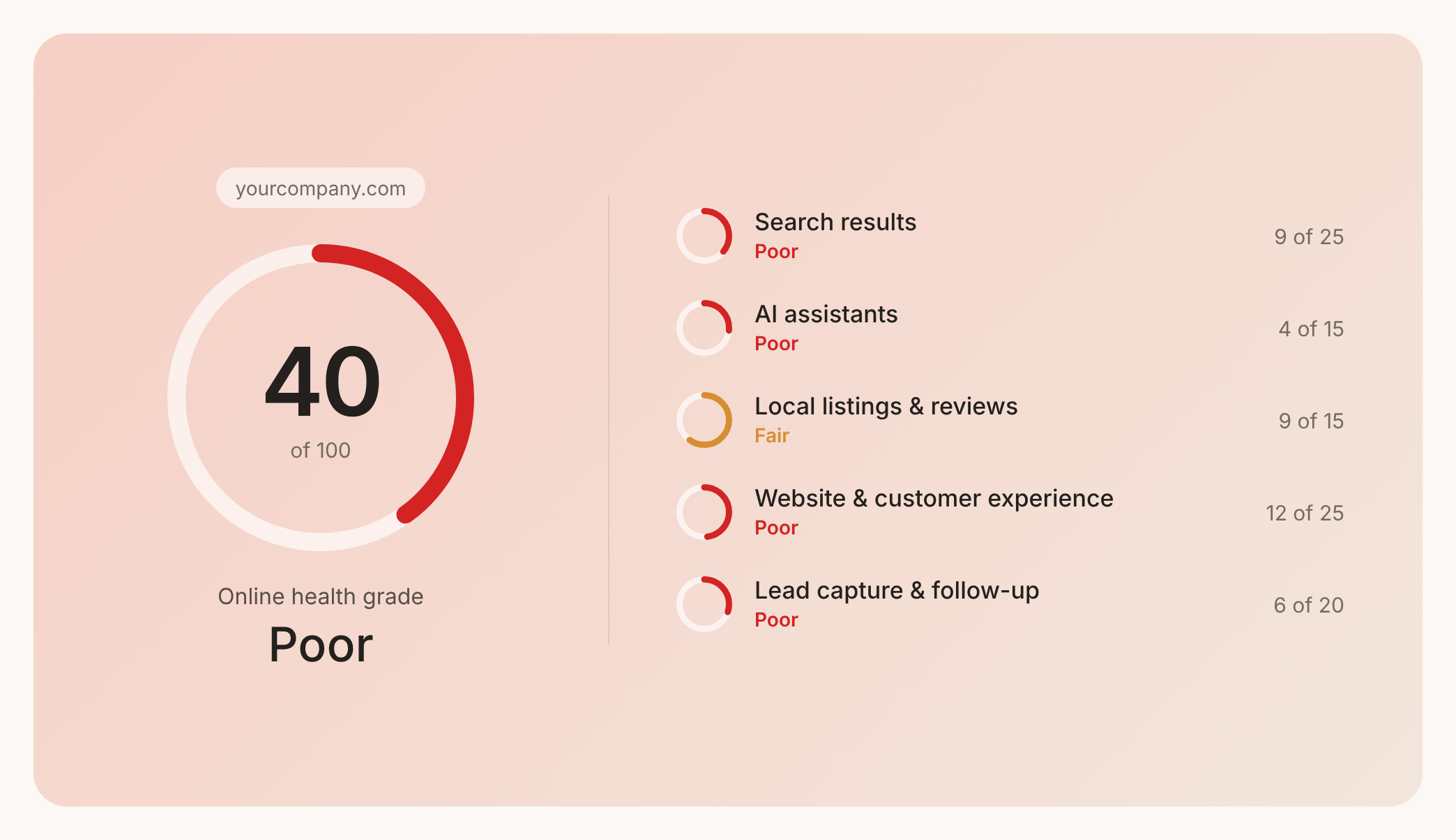

Check your website health score
Scan your site in seconds and make sure you're beating your competitors.
