
CRM Automation: Benefits, Tools & How to Automate Your CRM

Between tracking leads, following up with prospects, and keeping customer data organized, many small businesses find managing customer relationships overwhelming.
As a consequence, teams spend hours on repetitive tasks instead of focusing on growth, customers may be underserved, and communication gets chaotic.
However, CRM automation can streamline your business operations within a single system.
Read on to learn more about CRM automation benefits and the ways it can save time, increase conversions, and deliver consistent, personalized experiences.
Key Takeaways
- CRM automation turns repetitive admin work into structured workflows
Instead of manually assigning leads, updating deal stages, or sending follow-ups, automation uses triggers and rules to handle these tasks instantly. This saves time, reduces human error, and frees your team to focus on selling, strategy, and customer relationships. - Faster response and smarter lead prioritization increase conversions
Businesses that use structured lead nurturing generate 50% more sales-ready leads at 33% lower cost, and 80% of new leads never convert without consistent follow-up. AI-powered CRM systems score leads based on real behavior, so high-intent prospects rise to the top while others stay nurtured automatically. - Automation improves customer experience without removing the human touch
Automated onboarding emails, renewal reminders, and follow-ups ensure consistency as your customer base grows. When your CRM connects with other essential systems, your team can access the right information at the right time. - Accurate data and real-time insights lead to better decisions
Poor CRM data can cost companies over 10% of annual revenue, and automation helps prevent this by logging activities, enforcing required fields, and standardizing updates. With real-time dashboards, you can track pipeline velocity, conversion rates, and campaign ROI, allowing you to spot issues early and scale what works. - The right all-in-one AI CRM makes automation simple and scalable
Small businesses need a system that is easy to implement, affordable, and powerful enough to grow with them.
Knowlix brings CRM, sales, marketing, project management, and over 50 integrated apps into one unified platform, powered by an AI teammate that captures leads, drafts follow-ups, books meetings, and manages tasks automatically.
What is CRM automation?
CRM automation uses workflows, triggers, and rules within your CRM system to automatically perform tasks related to sales, marketing, and customer service.
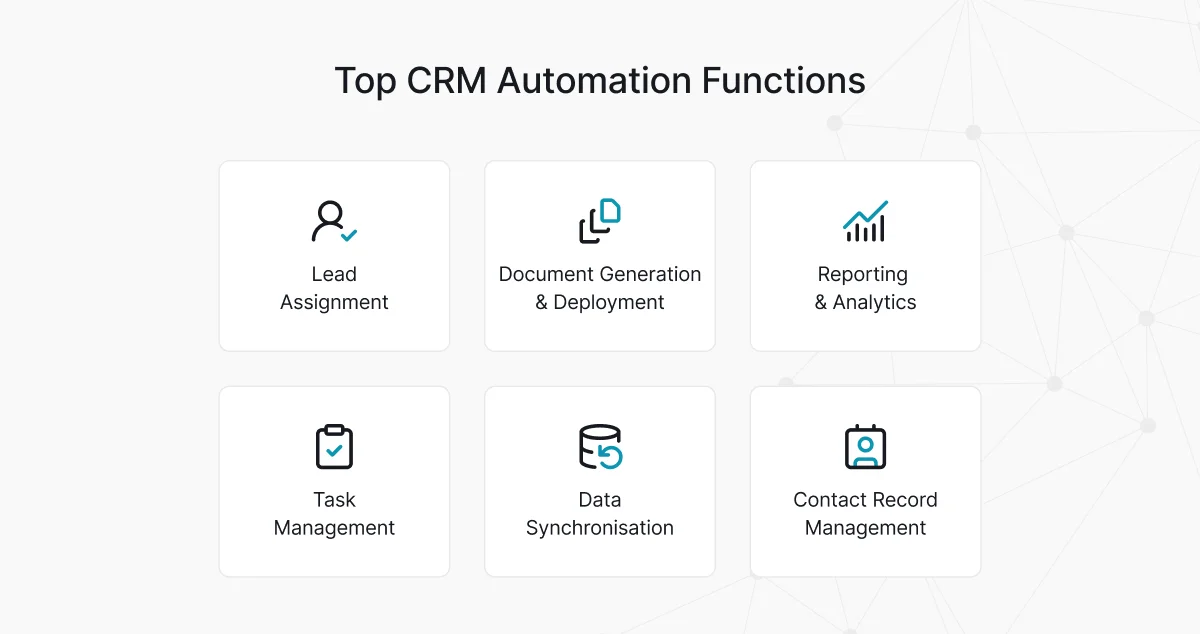
Instead of manually updating fields, assigning leads, or sending follow-up emails, the system does it based on predefined conditions.
For example, when a lead fills out a form, CRM automatically assigns it to a sales rep. Or when a customer buys a product, CRM triggers onboarding emails.
5 key benefits of CRM automation you should know about
When you implement automation properly, it can deliver noticeable and measurable improvements across sales, marketing, and customer experience.
1. Time saving
One of the most immediate and measurable benefits of CRM automation is time savings.
Manual CRM updates are repetitive and low-value and take a great amount of time across sales and marketing teams.
Tasks such as data entry, lead assignment, task creation, email follow-ups, and status updates often require constant attention.
Automation can speed up the process by executing these actions instantly and consistently.
Did you know that sales teams spend more than 20% of their day on manual data entry, with administrative tasks, internal meetings, and data management consuming even more of their time?
When automation handles repetitive tasks, sales teams can focus on conversations and closing deals, marketers on strategy and optimization, and support teams on resolving issues.
2. Faster lead response and prioritization
Smaller teams usually don’t have the capacity to pursue every lead with the same level of intensity.
When everyone is wearing multiple hats, chasing low-fit prospects can quietly drain revenue potential.
However, companies that implement structured lead nurturing through automation generate 50% more sales-ready leads at 33% lower cost compared to those that don’t.
And if you know that 80% of new leads never turn into sales without proper, consistent, and personalized nurturing, the need for robust CRM is even more apparent.
AI-powered CRM evaluates behavior and engagement signals in real time. Website visits, email opens, content downloads, demo requests, and repeat inquiries can all automatically increase a lead’s score.
This way, high-intent prospects rise to the top automatically.
On the other hand, prospects who show minimal engagement remain nurtured but move to lower-priority nurture categories until they show stronger buying intent.
As a result, you spend sales time on prospects that are most likely to convert, while also getting insights that previously required hours of manual analysis.
For smaller businesses, this aspect is even more important since it ensures that you direct your limited resources toward revenue-generating conversations.
3. Better customer experience
Small businesses often differentiate themselves through personalized service.
However, as the customer base grows, maintaining that consistency becomes quite difficult without structured processes.
CRM automation ensures that:
- Welcome sequences are triggered automatically after a purchase
- Onboarding emails are delivered consistently
- Renewal reminders are scheduled in advance
- Follow-up surveys are sent after support interactions.
The good thing is that automation doesn’t take away the personal touch. That is still your and your team’s job.
Automation handles the timing and logistics and ensures consistency across every interaction.
Worth knowing:
Your CRM should work smoothly with systems, such as ERP, supply chain software, and other essential apps.
When everything is connected, your team can access the information they need without switching between multiple platforms, which makes internal processes smoother, faster, and far less frustrating.
As a result, you can interact with customers more effectively to ensure that every touchpoint is informed, timely, and personalized.
4. Improved data accuracy
Inaccurate data can take many forms, such as missed follow-ups, incorrect forecasts, duplicated outreach, or confusing customer conversations.
When teams are small, there is no dedicated data operations department that maintains quality.
Manual data entry often results in errors, and the consequences are significant: 44% of interviewed organizations estimate they lose over 10% of annual revenue due to poor CRM data quality.
And although for smaller companies the loss may be less, it can still affect pipeline forecasts.
CRM automation reduces these risks by automatically logging emails, tracking calls, capturing website activity, enforcing required fields, and standardizing record updates.
Instead of relying on memory or discipline, the system consistently records the necessary information.
As a result, the company gets a single, reliable source of truth, and when you review the pipeline, the numbers reflect reality. This way, CRM eliminates internal confusion.
In fact, companies describing their CRM data quality as poor were 450% more likely to lack a clear data owner than those reporting high-quality data.
5. Actionable insights
Collecting data doesn’t mean that you know how to use it most efficiently and turn it into meaningful insights.
CRM automation can solve this by generating real-time dashboards and automated reports that identify patterns.
For example, automated dashboards can reveal which lead sources convert best, which sales stages stall most frequently, which products generate higher margins, and which campaigns deliver measurable ROI.
As a result, you can see performance indicators, such as pipeline velocity, close rates, response times, and customer retention in real time.
Thus, you can immediately spot problems and refine strategy while allocating budget and scaling what is already working.
3 best AI-powered tools to use for CRM automation
The ideal CRM should combine flexible pricing and feature customization with quick implementation and minimal training requirements.
It must also include advanced automation and AI tools that enable small teams to operate at scale without increasing overhead.
To help you get started, here are our top 3 picks based on affordability, scalability, and ease of use.
AI CRM platformKey advantagesBest forPricingKnowlixComprehensive with no complex setup Easy to learn and use Budget-friendly scaling and customization AI and automation across all stages A complete business suite, not just CRMSmall businesses that want comprehensive and adaptable enterprise features without the enterprise cost7-day free trial, then €24.90 ($24.90) per user/month*PipedriveIntuitive interface Affordable and flexible pricing tiers AI sales assistantSmall businesses that need a simple and affordable solutionStarts at $14 per user/monthFreshworksEasy to set up and use Affordable pricing AI assistantSmall businesses that need a simple and affordable solutionStarts at $9 per user/month
*Check vendors’ official websites for up-to-date, location-specific pricing
1. Knowlix
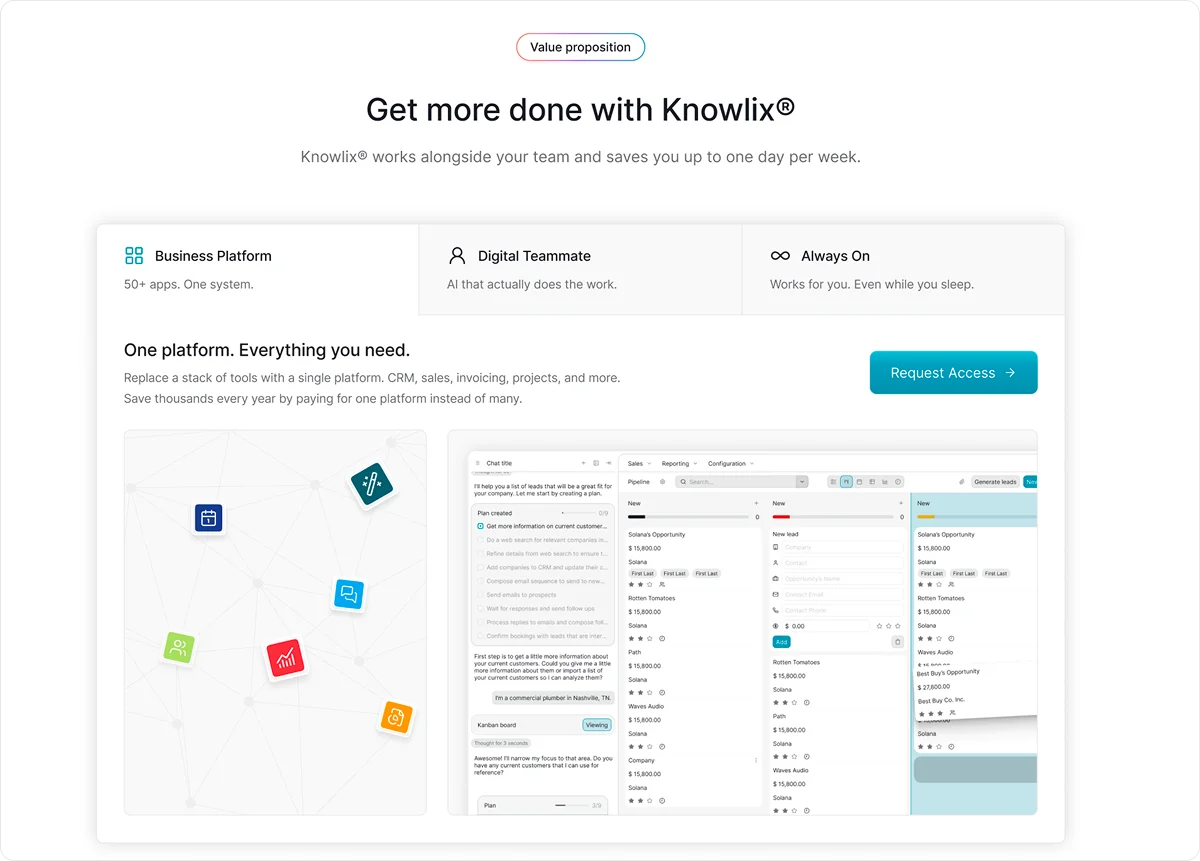
Knowlix is an all-in-one AI-powered business platform that combines a comprehensive management system with over 50 integrated apps and built-in AI capabilities.
Each employee is supported by an AI teammate that understands business context and can automatically handle tasks such as capturing leads, answering calls, creating quotes, scheduling meetings, forwarding issues, and taking notes.
Designed specifically for small businesses, Knowlix offers an intuitive, customizable pipeline, quick implementation with no complex onboarding, and flexible, transparent pricing.
As a result, it enables teams to scale productivity without increasing headcount.
2. Pipedrive
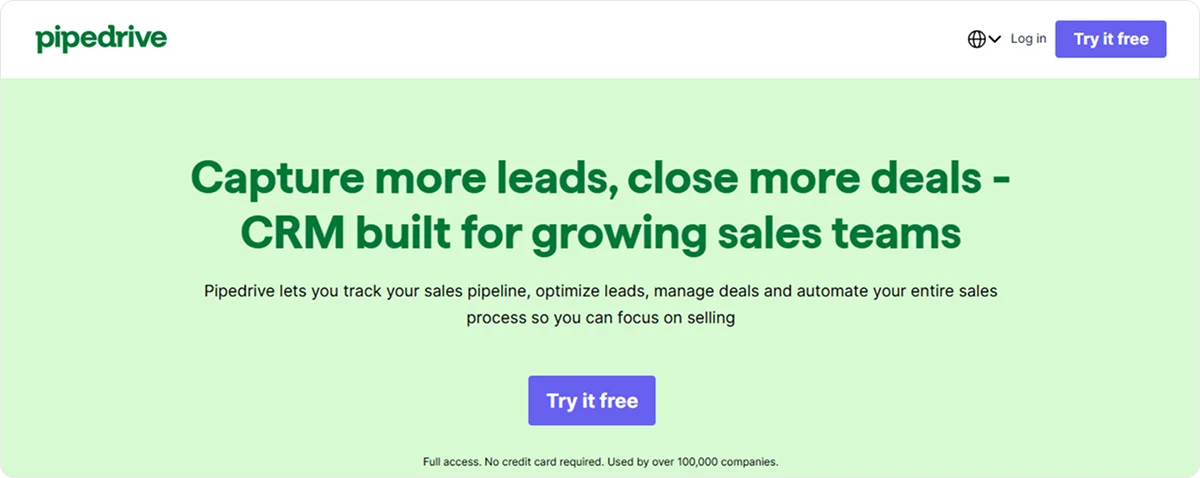
Pipedrive is a user-friendly CRM and sales platform with an intuitive drag-and-drop visual pipeline, which gives teams a clear, real-time view of deals at every stage.
It includes an AI-powered sales assistant that provides performance insights and funnel improvement suggestions.
The solution also supports automation across the sales cycle, including lead routing and follow-ups.
3. Freshworks
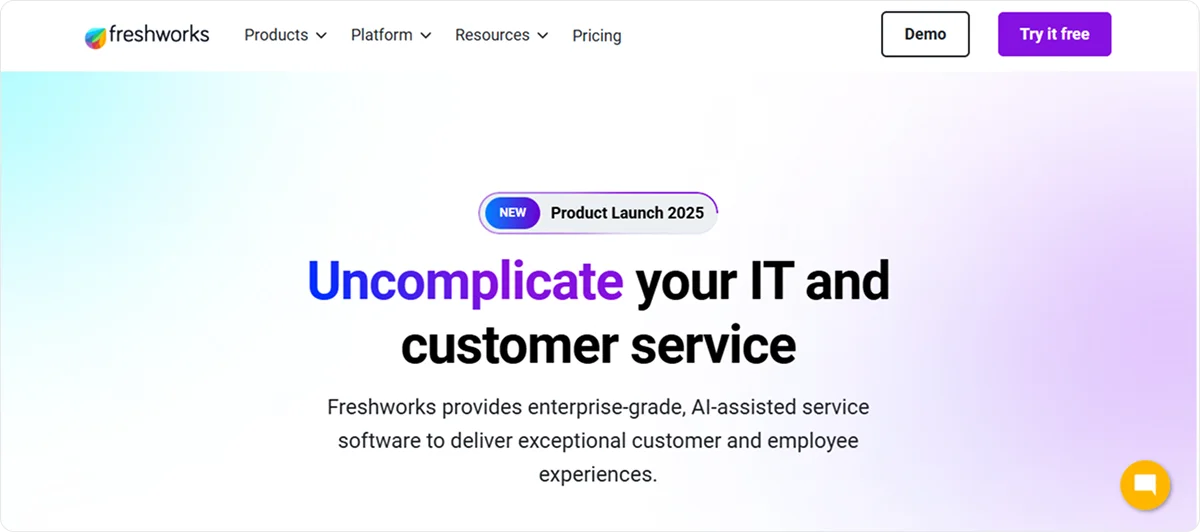
Freshworks is a CRM platform with an integrated ecosystem that supports sales, marketing, customer service, and service management within one unified system.
It offers an AI assistant that helps identify high-quality leads, draft personalized communications, and quickly retrieve relevant data.
For a more detailed review and more tool options, jump to our blog, 6 Best AI CRM for Small Businesses in 2026: Features, Pricing, and More.
How to automate your CRM in 6 steps?
Here are the main steps to automate your CRM and make everyday business processes smoother.
1. Define your goals
Before starting automation, the key is to figure out what you want to achieve with automation.
Are you trying to reduce manual follow-ups, ensure proper lead prioritization, or improve customer response times?
If you define your goals clearly, you can then build a CRM system that aligns with your business needs.
2. Evaluate your current CRM usage
Besides defining goals, you need to evaluate the current situation when using CRM.
You should check for the bottlenecks and tasks that are repetitive and time-consuming.
Once you define the pain point, you’ll get a clearer picture of where automation can make the best impact for your business.
3. Choose the right CRM tool
When you run a small business, you don’t have the time, budget, or personnel to struggle with a system that’s too complex or poorly aligned with the pace of your business.
Think about how big your team is. Who will actually use the CRM every day?
What processes do you need to improve first: lead follow-up, pipeline visibility, customer retention, or reporting?
Some CRMs are built around email automation and marketing campaigns.
Others excel at task management and sales pipeline tracking. More advanced platforms offer AI-powered lead scoring and predictive insights.
You should prioritize the capabilities that solve your immediate issues.
Another important decisive factor is the budget, as well as onboarding time, training effort, customization, and ongoing management.
A feature-packed system may look impressive in a demo, but if it requires months of configuration or constant admin oversight, it may drain more resources than it saves.
You should opt for a system that feels intuitive to your team, fits naturally into your existing workflow, and allows you to scale.
4. Map workflows you wish to automate
Mapping workflows means that you have to start turning your everyday processes into structured, repeatable workflows.
You should determine how each process unfolds across your business.
What happens when a new lead fills out a form? What steps follow a discovery call? How does a customer move from proposal to payment?
Doing so will reveal any potential gaps, delays, or inconsistencies.
You should start with workflows that create immediate, visible impact, such as:
- Lead scoring: Automatically ranks prospects based on behavior
- Drip campaigns: Automatically send helpful, relevant content to prospects who aren't yet ready to convert
- Task automation: Automatically triggers follow-ups, reminders, reassignments, and more, and keeps your team on track without manual effort
Make sure that workflows aren’t too complex. Overly complex ones quickly become a management headache and a troubleshooting nightmare.
Worth knowing:
A common mistake businesses make with CRM automation is that they try to launch everything at once.
When multiple workflows go live simultaneously, it’s much more difficult to notice errors, measure impact, or understand what’s working.
Start with a single, high-impact workflow, run it for a week or two, and monitor the results before moving on.
5. Test CRM automation
Although automation mistakes can seem subtle, they can still be costly.
For example, sending a generic nurture email to a prospect who just requested a quote, or assigning a high-value lead to the wrong salesperson.
Small-scale testing prevents these moments from happening at scale.
To do so, your team must provide feedback during the testing phase. Their insights will often reveal problematic points you wouldn’t notice from a dashboard.
If the first workflow is running smoothly, start expanding gradually by adding the next automation and testing again.
By introducing automation step by step, your team has time to adapt.
6. Monitor and optimise your automation
CRM automation isn’t a one-time setup. It’s an ongoing process that grows and adapts as your customers and market do.
CRM analytics may show you whether certain emails consistently get ignored or unqualified leads get pushed to the top of the queue.
Small adjustments, such as tweaking a scoring rule, refining a trigger, or adjusting a delay, can improve outcomes.
Regular reviews are also important because they help you see a bigger picture:
- Are your KPIs improving?
- Are there new issues or obstacles emerging?
- Has your sales process changed?
- Are there new opportunities to automate?
This way, you can fine-tune a system that prioritizes the right prospects, supports your team, and strengthens customer relationships.
How can Knowlix help you with CRM automation?
Knowlix is an all-in-one business platform that eliminates tool fragmentation and centralizes your entire operation.
Instead of handling separate systems for sales, marketing, project management, customer service, and invoicing, Knowlix brings over 50 integrated apps together in one unified platform, fully connected to your CRM and powered by automation and AI. Coming from a marketing-led CRM, the shortlist of HubSpot alternatives for small businesses shows how much of that stack collapses into one login.
Because everything is in a single system, data flows automatically across departments.
Each employee gets an AI teammate that works across the entire system.
It can:
- Capture leads from interactions
- Answer calls
- Draft follow-ups
- Book meetings
- Create invoices
- Assigns tasks
No more manual digging. Simply chat with Knowlix's AI assistant and let it act on your customer history, pipeline, and cross-department data instantly.
You can also give it instructions through chat, and it does them using data from your customer history, pipeline activity, and cross-department data.
It understands the context because it is an integral part of your business system.
Despite its depth, Knowlix stays easy to use.
Your team can start immediately without complex implementation or heavy training.
You activate or deactivate apps with a single click, and most features come included in the base plan.
As a result, you scale capability without stacking new software costs.
Curious to learn more?
Get started with Knowlix to give your business the structure to scale without operational chaos.


Frequently asked questions


Small businesses can start with sales automation by identifying repetitive tasks in their CRM, such as follow-up emails, lead assignments, or pipeline updates.
You can set up automated workflows within their CRM to handle these tasks to save time and reduce errors.
Starting small with a few key automations allows you to adjust gradually and scale as you become more comfortable with the system.
To integrate CRM automation with email marketing platforms, you can connect their CRM to their email tool using built-in integrations or third-party connectors.
You should integrate CRM automation with email marketing in a single system to keep all data and workflows centralized.
A unified system ensures contacts, segmentation, and campaign triggers stay synced automatically, which enables more precise, timely, and personalized communication.
CRM automation helps businesses streamline repetitive tasks, improve data accuracy, and ensure timely follow-ups with leads and customers.
It boosts team productivity by freeing staff to focus on high-value activities and provides insights through automated reporting for better decision-making.
Subscribe for Our Newsletter
Book your call below.


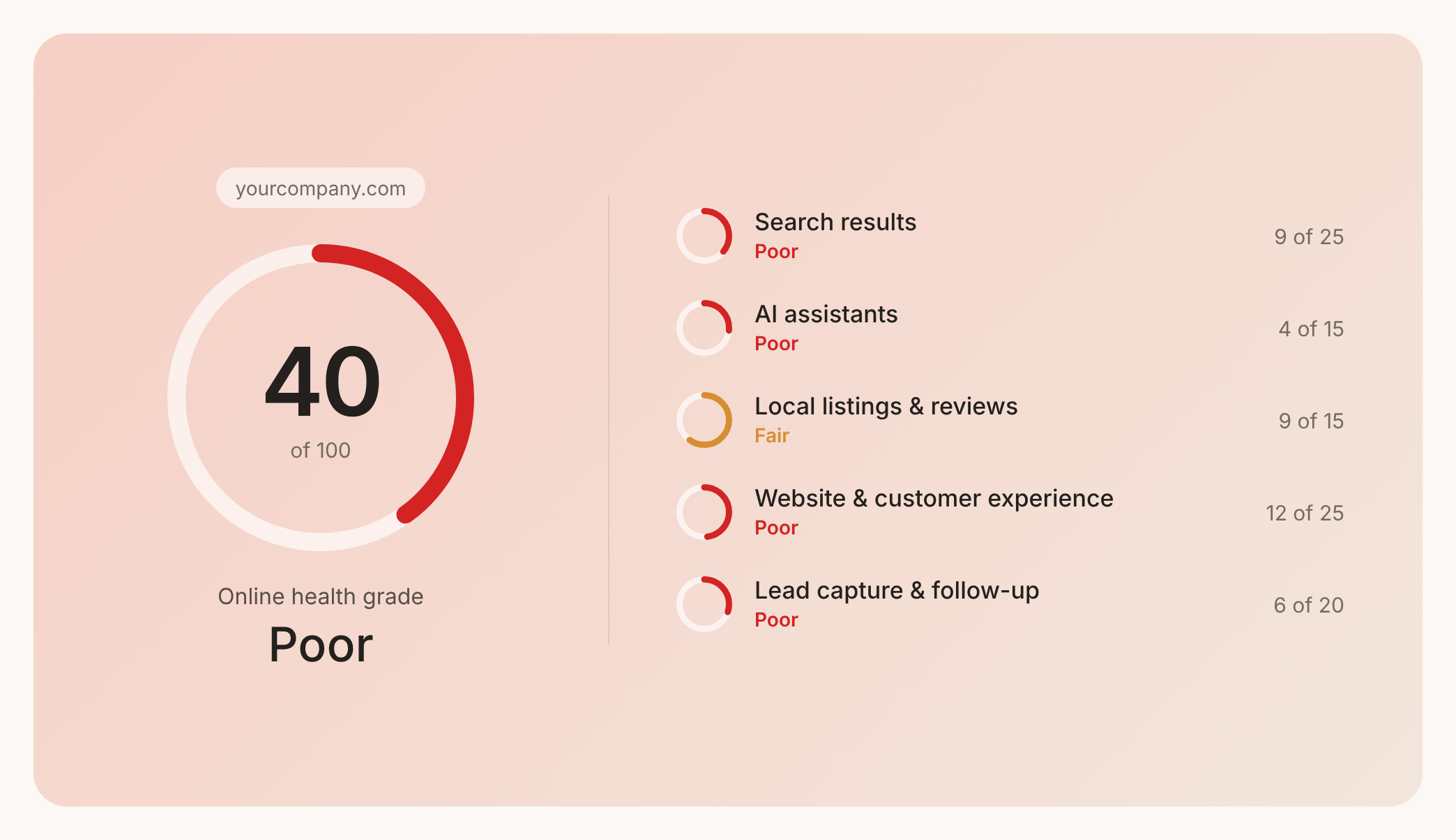

Check your website health score
Scan your site in seconds and make sure you're beating your competitors.
