
How to Use AI for Project Management in 2026 [Full Guide]

![Knowlix and competitor tools compared in How to Use AI for Project Management in 2026 [Full Guide]](https://cdn.prod.website-files.com/69f0963cb4784fc6af86df74/6a22c7cb1c478c324d6368b6_6a1818ddbd29472343c22bf9_How%2520to%2520Use%2520AI%2520for%2520Project%2520Management%2520in%25202026.webp)
AI project management tools help teams automate planning, reporting, meeting follow-ups, risk detection, and workload management across the entire project lifecycle.
Companies are looking for agentic AI systems that can proactively manage workflows, identify delivery risks, and coordinate updates automatically.
The most effective use cases include AI-generated project plans, automated status reporting, meeting intelligence, predictive risk analysis, and resource optimization.
Knowlix, an all-in-one AI business platform, replaces 50+ apps across project management, communication, and workflow automation, and keeps projects updated and moving in real time.
AI in project management has become a core operational module, helping companies automate repetitive work, predict delays, and improve decision-making across entire organizations.
82% of project managers use AI to prioritize tasks, which leads to 18% faster milestone achievement.
However, despite widespread AI use, many companies struggle to use AI effectively, over-automate broken workflows, or deploy AI tools without clear governance or strategy.
Read on to learn how to use AI for project management and make data-grounded decisions about prioritization and risks across your projects.
Key takeaways
- AI in project management automates and enhances the entire project lifecycle
AI helps teams plan, track, and deliver projects faster by automating tasks, analyzing data, and improving decision-making. AI reduces manual coordination while increasing visibility and accuracy across workstreams. - There are two levels of AI: traditional assistants and agentic systems
Traditional AI supports tasks such as summaries and reporting, saving teams up to 35% of administrative time. Agentic AI actively manages workflows, detects risks, reallocates tasks, and coordinates actions across tools with minimal human input. - The highest impact use cases are planning, reporting, and risk management
AI can generate full project plans, automate around 35% of status reporting, and detect up to 25% of project risks early. It results in reduced delays, improved consistency, and earlier visibility into issues before they escalate. - AI improves communication and execution through natural language and automation
Teams can “chat” with an AI app analyzing the project data to generate insights, reports, and forecasts instantly. AI also turns meetings into structured tasks automatically, reducing lost information and closing the gap between discussion and execution. - Knowlix replaces fragmented PM tools with an all-in-one AI Business Platform that runs them on autopilot
Instead of using fragmented tools, Knowlix, an AI-driven platform, combines project management, workflows, communication, and more into one system. Its AI Teammate turns simple descriptions into structured projects, keeps everything updated in real time, and ensures nothing gets missed.
What is AI in project management?
AI in project management is a set of tools that automates tasks, analyzes project data, predicts risks, improves team collaboration, and supports faster, smarter decision-making throughout the project lifecycle.
There are two main AI categories: traditional AI assistance and agentic AI.
Traditional AI
Traditional AI tools help teams with specific tasks. They reduce administrative time by 25–35%, so teams can focus on strategic tasks, such as communication, planning, and stakeholder management.
A project manager might ask an AI assistant to summarize a sprint review meeting, identify action items, and draft a stakeholder update. The AI speeds up administrative work, while you still make decisions and coordinate execution.
Most companies currently operate in this stage of AI adoption.
Agentic AI
Agentic AI tools can autonomously execute multi-step workflows.
They can make limited decisions, coordinate across platforms, and adapt to changing project conditions without constant human prompting.
For example, they can:
- Monitor project timelines continuously
- Detect delivery risks automatically
- Reassign tasks based on team capacity
- Generate recovery plans for delayed projects
- Coordinate updates across multiple channels
- Trigger workflows when blockers appear
For example, if a software release begins to slip behind schedule, an agentic AI system could identify the delay, notify stakeholders, suggest workload adjustments, update sprint timelines, and automatically create follow-up tasks.
Instead of handling isolated tasks, agentic systems operate across entire workflows.
How to use AI for project management: 6 efficient ways
Here are the most common and efficient ways you can use AI in project management. The examples below assume a platform that already holds the work. If you are still choosing one, start with the AI tools that keep timelines, tasks, and emails on one record.
| AI use case | What AI does | Key benefits |
|---|---|---|
| AI task planning | Generates project roadmaps, milestones, task hierarchies, sprint cycles, and workload distribution based on prompts and project data | Reduces manual planning time, standardizes workflows, and can reduce project delays by up to 20% |
| AI-powered natural language insights | Allows teams to “chat” with project data using conversational prompts to generate reports, forecasts, burndowns, RAID logs, and stakeholder summaries | Makes project insights easier to access and understand for both technical and non-technical stakeholders |
| AI status reporting | Monitors activity across project management tools and automatically generates progress updates, blockers, and executive summaries tailored to different audiences | Automates around 35% of status reporting and saves project managers 5–7 hours per week |
| AI meeting intelligence | Transcribes meetings, extracts action items, tracks decisions, assigns follow-ups, and connects outputs directly into workflows | Reduces information loss and speeds up execution by turning meetings into structured, actionable outputs |
| AI risk prediction & issue management | Detects risks using project signals such as workload, dependencies, communication patterns, and delivery trends | Can assess around 25% of project risks automatically and identify failure signals up to three months earlier than traditional methods |
| AI resource & workload optimization | Matches tasks to team members based on skills, availability, and historical performance while balancing workloads across projects | Matches tasks to resources with up to 90% accuracy and helps prevent team overload by balancing workloads |
1. AI task planning
AI planning tools can analyze project requirements, deadlines, team capacity, historical performance data, and operational constraints to automatically generate detailed project roadmaps.
Instead of spending hours on manual coordination and defining deliverables, tasks, and timelines, you can provide a prompt that describes the project objective, expected timeline, and team structure.
Based on your prompt, the AI will create an initial framework that includes:
- Milestones
- Task hierarchies
- Sprint cycles
- Workload distribution
AI systems can continuously update schedules, recommend adjustments based on real-time project activity, and reduce project delays by up to 20%.
If a task falls behind or a dependency changes, the AI can automatically identify impacts and suggest revised timelines or workload reallocations.
As a result, AI-generated frameworks help you standardize workflows, which makes projects easier to track, compare, and scale across the business.
2. AI-powered natural language insights
You can ask AI complex operational questions in natural language and receive immediate answers supported by live project data.
For example, you can ask, “Which epics are most likely to miss deadlines this quarter and why?” Or, ask for an ad hoc analysis: “Show me a burndown that assumes scope freeze today vs. adding these 10 tickets.”
Depending on your input, the AI can then analyze dependencies, workload distribution, historical velocity, and active blockers to generate a clear explanation along with visual reports or forecasting models.
As a result, project insights are faster to access, easier to understand, and more useful for both technical and non-technical stakeholders.
These AI systems can also automatically generate project artifacts. Instead of manually creating documents such as RAID logs, sprint summaries, stakeholder updates, or executive briefings, teams can use prompts to produce structured drafts in seconds.
Knowlix in action:
With Knowlix, teams can describe work in natural language, while the AI automatically converts it into structured tasks, milestones, and real-time project updates.
![Knowlix projects for how to use ai for project management in 2026 [full guide]](https://cdn.prod.website-files.com/69f0963cb4784fc6af86df74/6a181e5a2e6babaa82884733_Frame%202095585895.webp)
3. AI status reporting
AI systems continuously monitor activity across project tools, including task boards, communication platforms, and documentation systems.
AI can automatically generate status summaries that reflect what has been completed, what is in progress, and what is currently blocked. AI automates around 35% of status reporting, saving project managers 5–7 hours per week.
This way, teams don’t need to wait for a project manager to compile progress updates.
What makes AI-powered reporting valuable is its ability to translate complex project activity into language tailored for different audiences.
Executives may receive high-level summaries focused on milestones, risks, and delivery timelines, while team leads may receive more detailed breakdowns of tasks, dependencies, and workload distribution.
AI also improves consistency and accountability.
Manual interpretation can vary from one report to another, but AI ensures that reporting follows a consistent structure and that it’s based on actual system data.
Knowlix in action:
Knowlix provides real-time visibility across all your projects by keeping tasks, deadlines, and progress continuously updated through AI automation.
Instead of relying on manual check-ins or constant follow-ups, the system works in the background to ensure everything stays current and visible without extra effort from the team.
![Knowlix project visibility for how to use ai for project management in 2026 [full guide]](https://cdn.prod.website-files.com/69f0963cb4784fc6af86df74/6a181e76b4b2caf5ac24977a_Frame%202095585894.webp)
4. AI meeting intelligence
AI meeting intelligence tools capture, structure, and distribute meeting insights automatically.
These systems can transcribe conversations in real time, identify key discussion points, extract decisions, and generate clear summaries immediately after the meeting ends.
More advanced tools can distinguish between casual discussion and actionable commitments, ensuring that only relevant information enters the project workflow.
In addition to summarization, AI can also assign action items directly to team members, link them to existing tasks, and schedule follow-ups. This reduces the gap between discussion and execution, which is often where projects lose momentum.
With AI, teams receive structured outputs that are immediately usable.
Knowlix in action:
Knowlix’s AI Teammate is fully connected to your business and project data, making every action context-aware and instantly reflected across your workflows.
Instead of working in isolation, it keeps updates, conversations, and decisions synced automatically in real time.
The AI can add new requests to project trackers, assign follow-ups, update deal or project stages after meetings, and keep timelines moving without manual effort.
It manages tasks automatically, but you stay in control. For important decisions, the AI waits for your approval before acting, so automation speeds things up without taking over.
5. AI risk prediction and issue management
AI systems analyze a wide range of signals across a project, including task completion rates, workload distribution, dependency delays, communication patterns, and historical delivery trends.
By combining these data points, AI can detect early warning signs such as slipping deadlines, overloaded team members, or bottlenecks forming in key workflows.
Traditional project management often relies on retrospective reporting, where problems are only visible after delays have already occurred. AI systems can identify risks before they become issues, so they offer a proactive intervention.
AI can automatically identify and assess around 25% of project risks, which reduces manual risk analysis time by roughly 30% and helps teams respond to issues faster.
For example, if a sprint is trending toward delay, the system might recommend redistributing tasks, adjusting scope, or escalating specific blockers before they affect the deadline.
AI can also simulate potential outcomes based on different scenarios.
If an important resource becomes unavailable or a dependency is delayed, the system can estimate the impact on the project timeline and suggest mitigation strategies.
AI risk prediction doesn’t eliminate uncertainty, but it reduces blind spots: AI-powered analytics can identify project failure signals up to three months earlier than traditional methods.
Project managers still make final decisions, but they do so with faster, clearer, and more data-driven visibility into what might go wrong and how to prevent it.
6. AI for resource and workload optimization
AI-driven resource optimization is one of the core AI capabilities inside project management systems.
It analyzes team availability, skill sets, historical performance, project priorities, and delivery timelines simultaneously.
It allows teams to recommend task assignments based not only on who is available, but also on who is best suited for the work. AI matches project tasks to the best available resource with 90% accuracy.
For example, an AI system may identify that a developer with experience in a similar project can complete a task more efficiently than someone with general availability.
Project managers still review and approve assignments, but AI reduces the time required to do so. In addition, managers can monitor workload distribution across departments and identify where resources are either underutilized or stretched too thin.
Some platforms generate visual workload heatmaps and suggest adjustments automatically to rebalance priorities before operational strain affects performance.
How can Knowlix help you streamline project management operations?
Knowlix is an all-in-one AI Business Platform that replaces 50+ apps in one platform, replacing fragmented systems for project management, sales, marketing, operations, and much more.
You can turn the apps on or off with a single click, so you can match the platform to your exact needs.
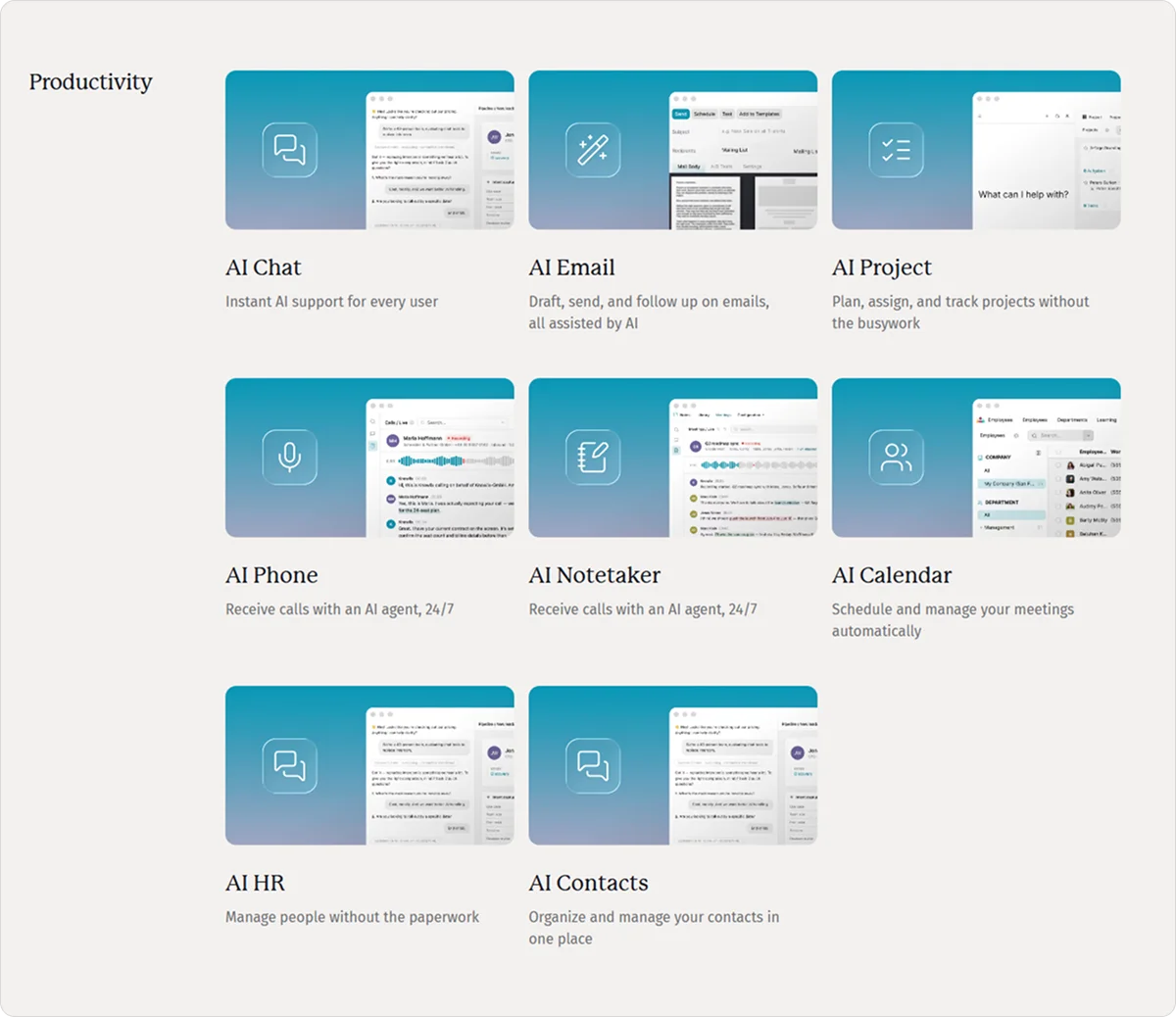
The Knowlix AI Teammate connects everything across the platform, keeping data, conversations, and workflows continuously aligned in one place.
Our agentic AI project management tool can help you run your projects more effectively by:
- Enabling you to describe a project in simple text or conversation, and Knowlix automatically turns it into structured tasks, assigns ownership, and builds out timelines
- Tracking progress in real time, updating task status automatically, and highlighting what needs attention without manual follow-ups
- Keeping client work organized with clear responsibilities, deadlines, and updates, which reduces the need for constant check-ins or lost details
- Capturing decisions from meetings and instantly converting them into actionable tasks, which eliminates manual documentation later
- Keeping workflows structured and connected across teams and operations without adding complexity, and scaling as your team grows
Despite its depth, Knowlix is designed to be simple from day one, with no steep learning curve or complex setup. Teams can get started quickly and bring AI into their daily workflows without changing how they already work.
Sign up for Knowlix to start running your projects and keep them moving without manual follow-ups and micromanagement.


Frequently asked questions


Small teams use AI in project management to automate repetitive work such as task planning, meeting summaries, status reporting, and deadline tracking.
This way, teams can operate more efficiently without adding extra administrative overhead.
AI also improves visibility by helping small teams prioritize tasks, identify risks early, and make faster decisions with limited resources.
Examples of AI in project management include AI-generated project plans, automated status reports, meeting transcription and summaries, predictive risk analysis, and intelligent task prioritization.
You can also use AI for workload balancing, deadline forecasting, resource allocation, and natural language reporting, which generates insights instantly.
The best AI project management tool depends on your team size, workflow complexity, and collaboration needs.
Platforms like Knowlix, ClickUp, Asana, and Jira stand out for their AI-powered planning, reporting, and automation features.
Knowlix is the only one where the AI Teammate also runs the CRM, invoicing, and 50+ other connected apps, not just project tasks.
Subscribe for Our Newsletter
Book your call below.


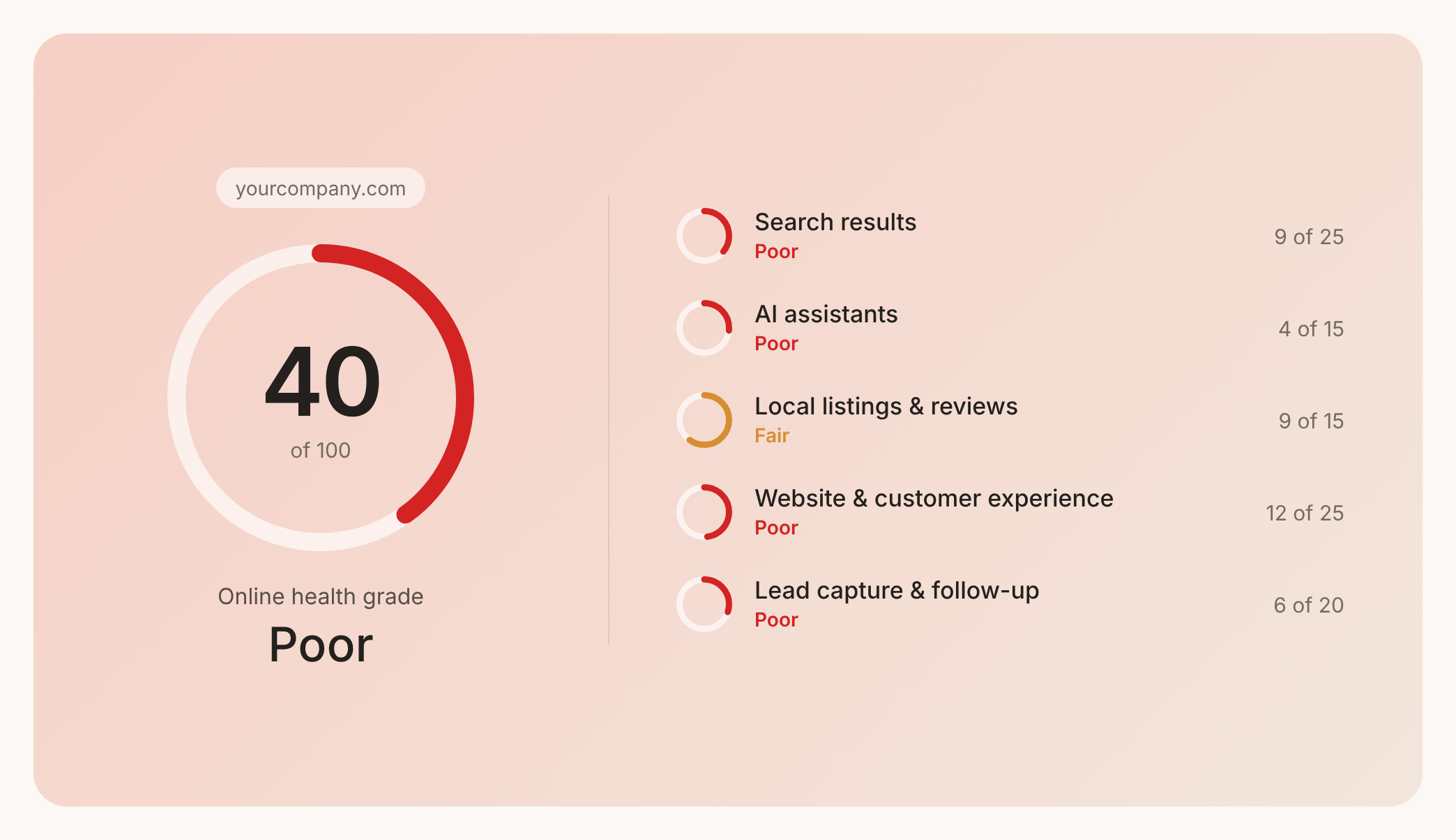

Check your website health score
Scan your site in seconds and make sure you're beating your competitors.
