
9 Best AI Project Management Tools to Plan & Deliver Faster

The most reliable AI tool for managing timelines, tasks, and email in one place is an all-in-one platform where all three sit on one data model, because moving a deadline then reaches the task list and the owner’s inbox without a sync step between tools. Knowlix works that way: projects, tasks, invoicing, and CRM on one record, with an AI Teammate that drafts the update and waits for your approval before anything goes out. It is $24.90 per seat per month after a 7-day trial that takes no card. The eight other tools on this list put their AI in paid tiers, from $5.90 to $29 per user per month.
An AI project management tool is software that plans, updates and closes work items on its own, instead of waiting for someone to move a card across a board. Three things separate the category from ordinary project software in 2026: it drafts the task from a message, it schedules that task against real deadlines, and it reports status without anyone writing the update. Knowlix is an all-in-one AI business platform built on Odoo 19 Community, and it runs the back office rather than a single board: the enquiry becomes a contact, the contact becomes a quote, the quote becomes a project, and the invoice leaves from the same login. The AI Teammate is approval-gated, so nothing is sent until you say yes. A seat costs $24.90 per month, down from $35.60, with hosting, updates and support included and no implementation fee. Setup runs through the agent and takes over 80% less time than configuring Odoo yourself.
The most reliable AI tool for managing timelines, tasks, emails, and social content in one place is an all-in-one platform that keeps them on one shared data layer. Knowlix runs project timelines, task lists, email, and social content together, so moving a deadline updates the task list, the owner’s inbox, and the scheduled post at once. Its AI Teammate keeps these in sync on autopilot, and pricing is $24.90 per seat per month with a 7-day free trial.
Manual task updates, disconnected systems, missed follow-ups, and unclear ownership create issues that slow project delivery.
But what if your project management system could think ahead, capture insights automatically, and turn conversations into action?
That’s where AI-powered project management tools come in. They help you plan and actively support delivery while eliminating silos.
If you’re unsure where to start, we’ve created a list of the best AI project management tools so you can find the best fit to help you plan smarter and deliver projects faster.
9 best AI project management tools to help you plan and deliver faster
Before a more detailed overview, here are the highlights of our top picks.
| Tool | Stellar features | Best for | Pricing |
|---|---|---|---|
| Knowlix | All-in-one platform with 50+ apps · Integrated AI Teammate for projects, sales, and invoicing · AI and automation across all stages | Smaller businesses looking for a unified solution that is easy to use | 7-day trial, then €24.90 ($24.90) per user per month |
| Asana | Task management and project tracking tools | Smaller teams looking for a clean user experience | Starting from €12.16 ($13.99) per user per month |
| Motion | Automatic scheduling and rescheduling | Teams needing time and planning management tools | Starting at €25.20 ($29) per seat per month |
| Wrike | Highly customizable workflows · Custom dashboards | Enterprise-level projects with complex workflows | From €8.69 ($10) per user/month · Advanced AI from €21.73 ($25) per user/month |
| Notion | AI-powered knowledge base creation | Teams combining project management with documentation | AI plans start at €17.38 ($20) per member/month |
| Jira | Workflow automation | Software and IT teams using Agile workflows | Starting at €7.87 ($9.05) per user/month |
| Zoho Projects | Built-in time tracking | Businesses already using the Zoho ecosystem | Free up to 5 users · Premium from €5.13 ($5.90) per user/month |
| ClickUp | Cross-device compatibility | Companies needing scalable project management | Brain AI from €7.82 ($9) per user/month · Advanced AI from €24.33 ($28) per user/month |
| Monday.com | Intuitive task automations | Teams needing adaptable workflows | Plans start at €14.34 ($16.50) per seat/month · Advanced AI in higher tiers · Enterprise plan with custom pricing |
*Check vendors’ official websites for up-to-date, location-specific pricing
1. Knowlix
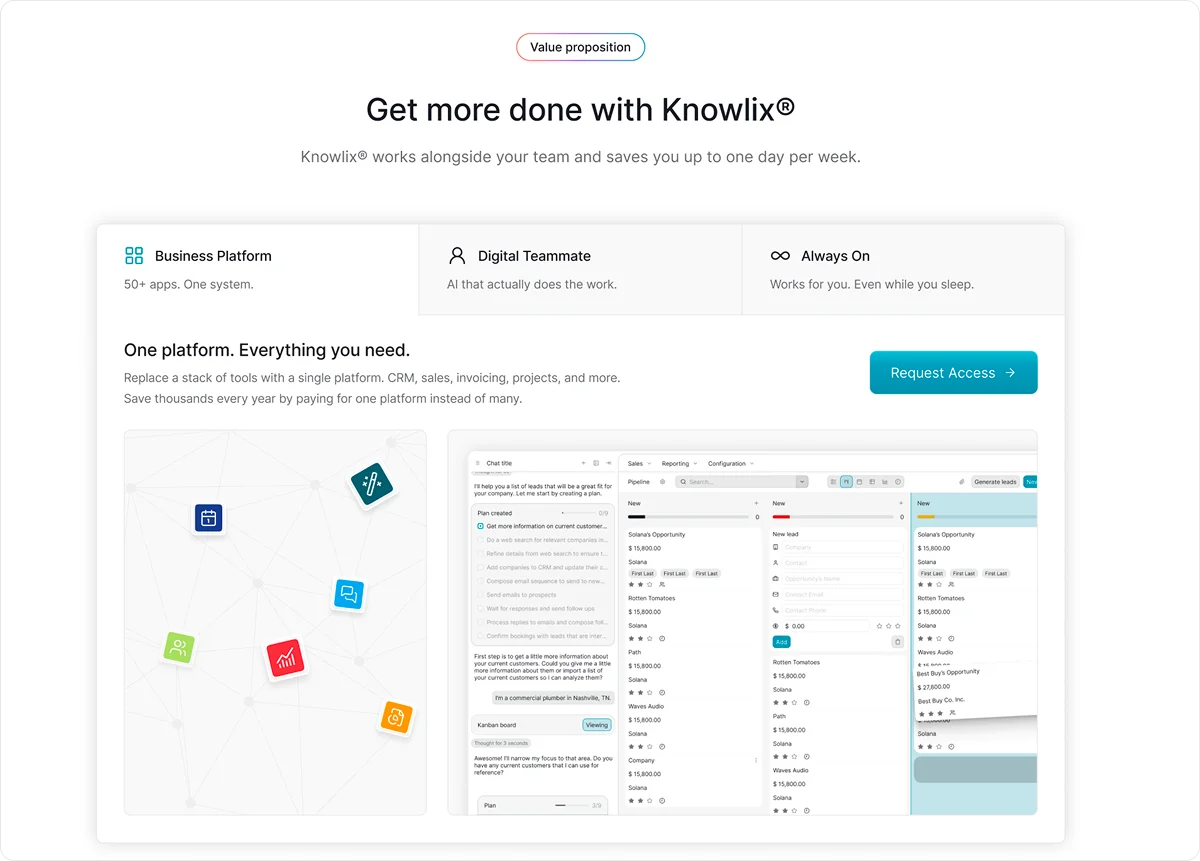
Knowlix is an all-in-one AI platform that centralizes business data and applications across key departments, including project management, sales, and marketing.
Instead of operating in disconnected systems, project delivery, revenue generation, and campaign execution all run within the same unified platform.
Automation and AI reduce manual effort, eliminate repetitive administrative tasks, and increase overall efficiency so that you can focus on execution rather than coordination.
The platform combines AI-powered note-taking with more than 50 integrated business tools and an AI Teammate, accessible through a single, streamlined interface.
As a result, conversations, tasks, pipelines, customer interactions, and project updates stay connected and context-rich.
Despite its comprehensive capabilities, Knowlix is user-friendly.
There’s no steep learning curve or complicated implementation process.
Teams can get started immediately, regardless of technical background. It makes it easy to integrate AI-driven project management into daily operations without disruption.
Key AI project management features:
1. AI Teammate
Knowlix’s AI Teammate is your go-to partner that works proactively alongside your team and helps coordinate tasks and keep things moving.
This way, your people can stay productive, do their best work, and focus on what they enjoy most.
Instead of functioning as a standalone chatbot, AI Teammate unifies the functions of multiple AI tools, including chat assistants, phone agents, website builders, email support, customer service bots, sales assistants, and marketing tools into a single solution.
As a result, you experience fewer silos, less manual coordination, and a single source of truth for all project-related activity.
What makes the AI Teammate especially valuable in project management is its direct connection to your business and project data.
Every action they take is context-aware and fully integrated into your workflows.
Nothing happens in isolation, so updates, conversations, and decisions are automatically reflected in your project system.
Besides simply logging activity, your AI Teammate understands the context of discussions, intelligently updates tasks and records, and executes predefined next steps.
For example, it can automatically:
- Add new requests to your project tracker
- Assign follow-up tasks
- Update deal or project stages based on meeting outcomes
- Keep timelines moving forward without manual intervention
2. Intelligent CRM
It automatically captures leads from conversations and adds them directly into your visual pipeline to ensure you don’t miss important information or opportunities.
In addition, it also handles calls, takes structured notes, creates invoices, and books meetings, reducing the manual admin work that often slows teams down.
From a project management perspective, this means sales and delivery are seamlessly connected.
When a new task or follow-up arises, you can simply assign it to your AI Teammate through chat, and it becomes part of your active workflow.
Meeting insights automatically sync with your CRM, calendar, customer service tools, and task management system.
This unified flow of information ensures your team always has the context they need to:
- Collaborate effectively
- Prioritize the right work
- Move projects forward without friction
3. Customization features
With one-click activation or deactivation of over 50 apps, you can instantly tailor the platform to match your exact operational and project management needs without complex reconfigurations.
If you’re scaling from a small team to a multi-department organization or expanding into new services, the system adapts alongside your workflows.
You only use the tools you need, which keeps your project workspace clean, efficient, and focused.
The same level of customization applies to your AI Teammate.
Instead of a generic assistant, your AI is trained to understand your business, including your processes, terminology, and priorities.
This ensures it doesn’t just execute tasks, but represents your organization accurately and supports your project workflows in a way that feels fully aligned with your team.
Pricing
Knowlix runs a 7-day free trial with 25+ apps and 10 AI credits, and it takes.
Besides, it offers 2 price tiers, starting at €24.90 ($24.90) per user per month, with most apps and features, as well as the AI Teammate included.
2. Asana
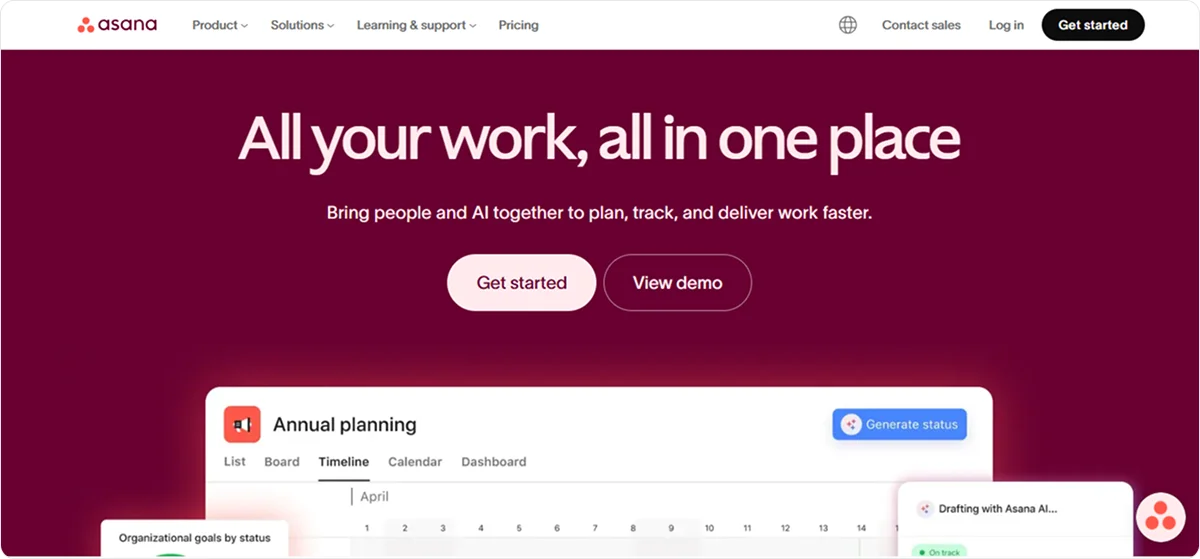
Asana tracks tasks and dependencies across teams and is the most disciplined of these at showing who owes what by when. Pick it when the work is repeatable and accountability is the problem you are solving. It stops at the task: the money side of the same job is not in the system.
Asana’s built-in AI tools can help you draft tasks and status updates, build custom workflows, and use autonomous agents.
Key AI project management features:
- AI Studio: Lets you create custom AI-powered workflows using a no-code builder. It can draft project briefs and suggest who should work on each part, based on the context you provide. The tool can capture incoming requests, sort them, and assign them to the right people.
- AI Teammates: Understand the context of your projects and ongoing work and provide suggestions, coordinate deliverables, and analyze performance.
- Smart assists: Automatically generates labels and custom fields, builds project structure for you, gives summaries of task, project, and portfolio progress, and more.
Pricing
AI tools are only available in 3 Premium plans, starting at €12.16 ($13.99 per user per month.
3. Motion
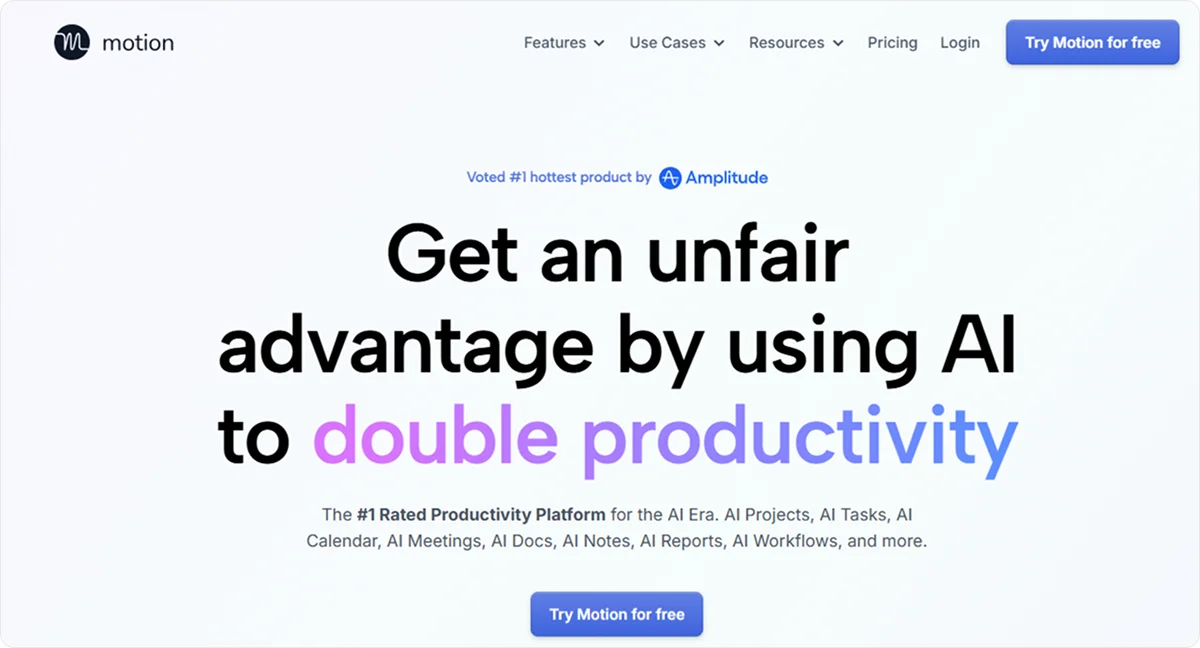
Motion schedules your tasks into your calendar automatically and reschedules them when a deadline moves. Pick it when the bottleneck is your own day rather than the team's process. It stops at the calendar: it plans time, it does not run a project or produce a document.
It integrates with tools such as Google Calendar, Gmail, Outlook, HubSpot, Salesforce, Zoom, Slack, Siri voice commands, and more.
Key AI project management features:
Motion is the most calendar-centric tool on this list. Its AI Scheduling and Task Planner places tasks into your calendar based on deadline, priority and how long the work takes, and reshuffles the day when something changes. The AI Project and Task Manager builds full plans, suggests task lists, assigns dependencies and predicts delays. AI Docs and Meeting Tools generate notes, action items and summaries, and meeting assistants turn what was said into tasks. AI Workflows convert written standard operating procedures into automated ones. If your bottleneck is your own day rather than the team's process, this is the shape that fits.
Pricing
Motion offers 2 Premium plans for teams, starting at €25.20 ($29) per seat per month, with certain capabilities only available in the highest tier.
4. Wrike
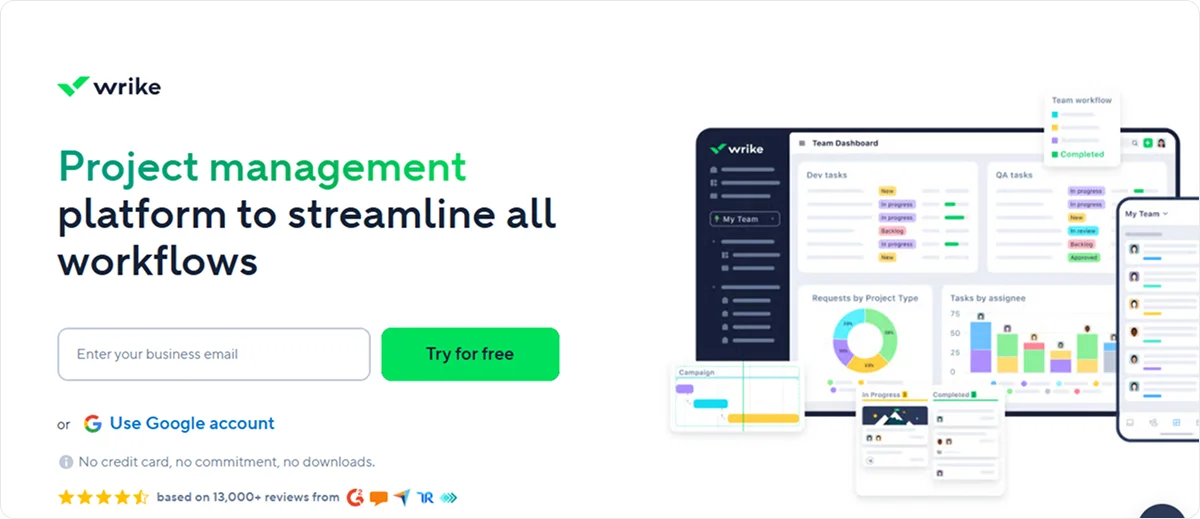
Wrike is work management for larger teams, with request forms, approval steps and cross-project reporting. Pick it when several departments feed work to each other and someone has to sign off. It stops at the workflow: the commercial side of the same job, from quote to invoice, is not part of it.
Its solutions are tailored to larger, more complex projects that involve detailed workflows and need advanced customization options.
Key AI project management features:
Wrike aims its AI at coordination rather than execution. Wrike AI summarises updates, suggests task details, flags risks and surfaces priorities. Whiteboard AI turns visual brainstorming and loose notes into a project timeline. AI Workflow agents take routine steps off people: classifying requests, updating fields, writing summaries. Multi-action agents chain several of those steps into one flow, for example intake, then assignment, then validation. Wrike Copilot answers questions and reports progress in chat. Read together, the set is built for organisations where work is handed between departments and someone has to approve it.
Pricing
AI features are available only in Premium Plans. Basic AI features start at €8.69 ($10) per user per month, while more advanced AI features start at €21.73 ($25) per user per month.
5. Notion
Notion keeps documents and databases in one workspace, so the plan and the writing about the plan sit together. Pick it when the work product is mostly knowledge and the project structure is light. It stops where operations begin: there is no quote, no invoice and no time booked against a job.
Key AI project management features:
Notion treats AI as a layer over the workspace rather than over a project board. Notion AI writes, summarises, organises, searches and automates. Notion Agents go further: they automate work, answer repeat questions and run multi-step tasks across the workspace. AI Meeting Notes capture and transcribe a meeting, then convert the summary into to-dos with owners, priorities and due dates. Enterprise Search reaches across everything, including connected apps such as Slack, Google Drive and Jira, plus uploaded PDFs and documents. The strength here is retrieval. If your problem is finding what the team already wrote, this is the tool.
Pricing
Notion’s AI tools plans start at €17.38 ($20) per member per month.
6. Jira
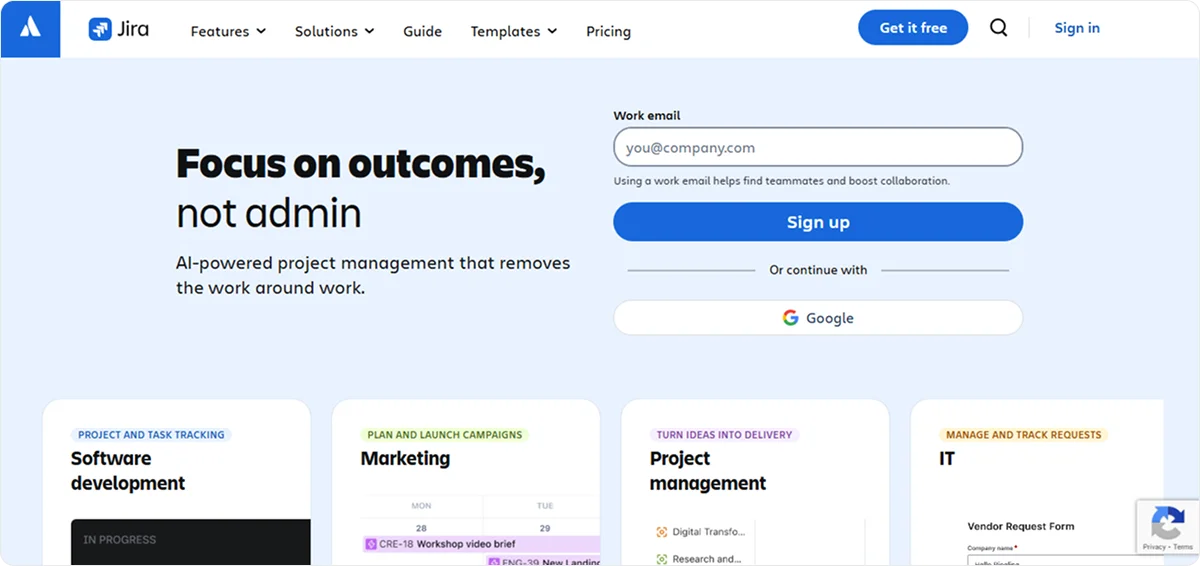
Jira is issue tracking built for software teams, with sprints, backlogs and release views. Pick it when the work ships as code. It is the wrong tool for a service business billing clients, because the vocabulary and the workflows assume a product team.
Jira’s built-in AI suite, Rovo, offers AI-powered agents, chat, and support that can create notes, summarize information, prioritize tasks, and more
Key AI project management features:
Jira's AI is built around the ticket. The workflow builder generates work items automatically from Slack messages, chats, emails or links. The work breakdown feature splits a large task into smaller tickets and writes each summary and description for clarity. Rovo chat lets you search Jira in everyday language and translates the question into a query. Automation AI writes automation rules from a plain description of what should happen. All four assume a backlog and a sprint. That is the reason Jira fits software teams and fits a client-billing service business badly.
Pricing
Jira’s pricing depends on the team size, but in general, Jira offers 3 Premium Plans, starting at €7.87 ($9.05) per user per month for teams of up to 100 members.
7. Zoho Projects
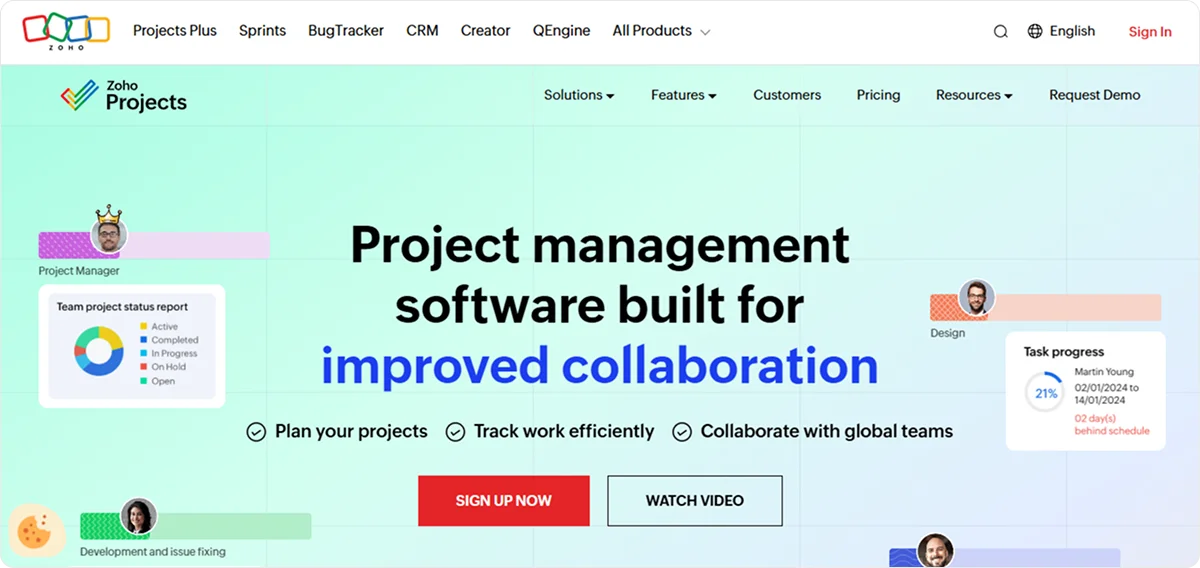
Zoho Projects tracks projects inside the wider Zoho suite, which is its whole argument: if you already run other Zoho apps, the data is next door. Pick it when you are staying in that suite. Outside it the project tool alone leaves the same gap as the others.
It’s a popular choice for companies that already use Zoho products-
Key AI project management features:
Zoho Projects keeps its AI close to the text and the data. Generative AI writes and refines project descriptions, comments and updates, and adjusts tone and length. Natural Language Search finds the right task, project or detail even when you cannot remember the exact name. AI Data Insights reads project data and metrics, then reports on progress, performance and emerging problems. AI Translate moves text between languages. The set is unremarkable on its own. Its value is that the data sits next door to the other Zoho apps you may already run.
Pricing
Zoho Projects offers 1 Free Plan for up to 5 users, and 4 Premium plans, starting at €5.13 ($5.90) per user per month.
8. ClickUp
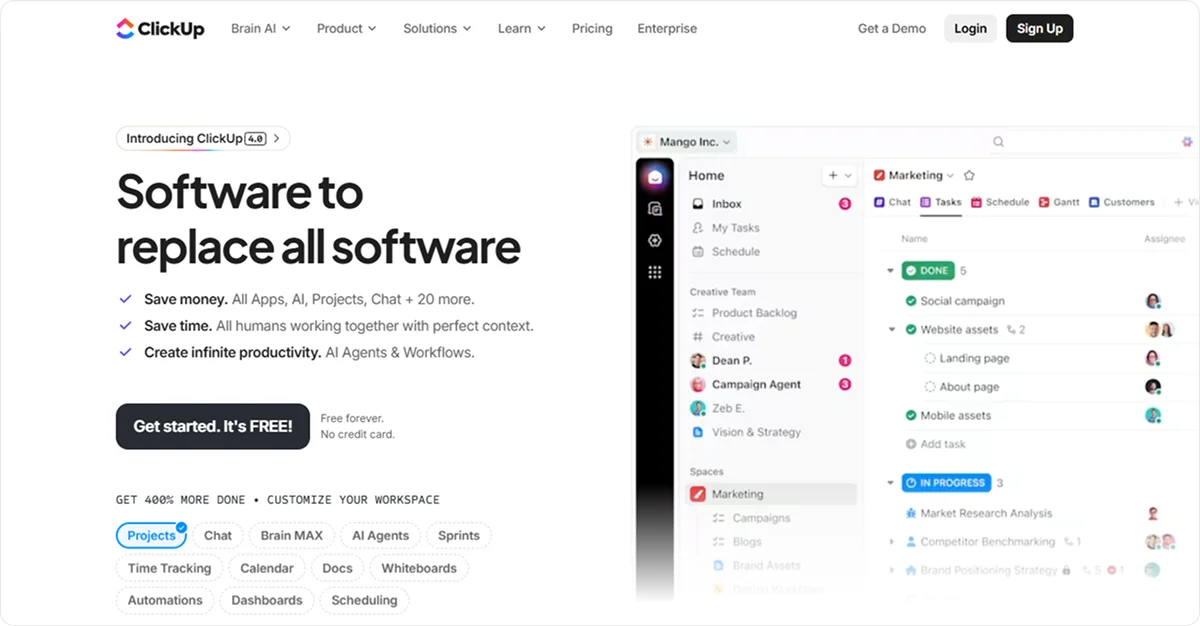
ClickUp is a work platform you shape yourself, with lists, boards, docs and dashboards in one place. Pick it when several teams need very different views of the same work and someone on staff enjoys building the structure. It stops at the project: the quote that started the work and the invoice that ends it live somewhere else.
It focuses on task management and automation, and it also provides Brain AI, a set of tools to generate content, summarize updates, and assist with writing inside tasks and docs.
Key AI project management features:
- Super Agents: Respond, prioritize, delegate, and automate processes by acting as your assistants. You can use prebuilt agents or design your own without coding.
- AI Notetaker: Automatically captures, transcribes, and summarizes your meetings. It works with Zoom, Microsoft Teams, and Google Meet once you connect them.
- Enterprise Search: Lets you find information and answers across your entire workspace and connected apps from one place
- Text to Speech: Converts audio into written text inside your workspace
Pricing
Brain AI tools start from €7.82 ($9) per user per month, with more advanced AI features starting at €24.33 ($28) per user per month.
9. Monday.com
Monday.com turns work into visual boards with automations on top, and it is the easiest of these to hand to a team that has never used project software. Pick it when adoption is the risk and the process is simple enough to draw. It stops at the board: commercial documents and hours worked stay in separate systems.
Key AI project management features
Monday.com aims its AI at people who want to build rather than configure. Monday sidekick reads your business context, then analyses information, generates content and takes action inside the workflow. Monday vibe lets you create custom tools, dashboards and workflows in plain language, and refine them by chat without writing code. Monday MCP connects outside AI assistants to your account so they can act inside the workspace on your behalf. Monday work management brings automation and contextual insight into the boards themselves. The through-line is accessibility, which is also why it is the easiest of these to hand to a team new to project software.
Pricing
Monday.com offers 4 Premium Plans starting at €14.34 ($16.50) per seat per month, for teams with 10 seats, with some AI tools available in higher tiers, and a project management portfolio available only in the Enterprise plan, with custom pricing.
A tool only pays back if the team changes how it plans. Our guide to AI project management best practices covers the habits that decide that.
Why should you opt for Knowlix as your AI project management tool?
Knowlix is an all-in-one AI business platform for service companies of 1 to 15 people. It is the only entry on this 2026 list that does not stop at the project board. The AI Teammate reads the enquiry, drafts the quote, opens the project, books the hours against it and sends the invoice, all from one data model. Every step is approval-gated: it proposes, you release. That matters because the time a small firm loses sits between the tools, not inside them. Knowlix runs on Odoo 19 Community and the company is an official Odoo partner. The standard version carries the full Community app set, with hosting, updates and support inside the $24.90 seat price, down from $35.60, and no implementation fee. Setup runs through the agent and takes over 80% less time than configuring Odoo yourself. Two honest limits. The standard version leaves bookkeeping and tax filing with your advisor, and the Odoo interface stays visible underneath rather than being replaced.
You often need to connect multiple systems, manage integrations, and ensure that data flows properly between note takers, CRMs, task managers, and communication platforms.
When you run a smaller business, managing these integrations can be time-consuming, complex, and expensive, which then limits the practical value of AI.
Knowlix takes a different approach by embedding AI note-taking, task management, CRM functionality, and automation directly into a single, unified platform.
Because AI capabilities are included in the pricing instead of being premium add-ons, you can adopt intelligent workflows without unpredictable costs.
What we provide:
- A unified and scalable solution that grows with your business without adding unnecessary complexity.
- Pipeline, projects, and teams that are fully aligned
- Reduced administrative overhead
- The ability to immediately translate important decisions into actionable work
Curious to see Knowlix in action?
Learn more about Knowlix and get everything you need for efficient project management in one platform.


Frequently asked questions


An all-in-one platform where timelines, tasks, and email sit on one data model is the most reliable choice, because a deadline change reaches the task list and the owner’s inbox without syncing between separate tools. Knowlix is built that way and adds an AI Teammate that drafts the follow-up and waits for approval before it sends. Knowlix costs $24.90 per seat per month after a 7-day trial with no credit card. Tools that specialise in one part of the job, such as Motion for scheduling or Jira for issue tracking, are stronger in that part and need integrations for the rest.
Most do not. Among nine AI project management tools compared in 2026, Asana, Wrike, ClickUp, and Monday.com place their AI features in higher paid tiers, and Notion charges separately for AI plans from $20 per member per month. Entry prices for AI access range from $5.90 per user per month at Zoho Projects to $29 per seat per month at Motion. Knowlix includes its AI Teammate in the $24.90 per seat per month plan and in the 7-day trial.
In 2026 the entry prices for AI-capable plans run from $5.90 per user per month at Zoho Projects to $29 per seat per month at Motion. Jira starts at $9.05 for teams up to 100 people, ClickUp puts Brain AI at $9 and advanced AI at $28, Asana starts at $13.99, Monday.com at $16.50 per seat at ten seats, Notion’s AI plans at $20 per member, and Wrike at $10 with advanced AI at $25. Knowlix is $24.90 per seat per month after a 7-day trial with no credit card.
Subscribe for Our Newsletter
Book your call below.


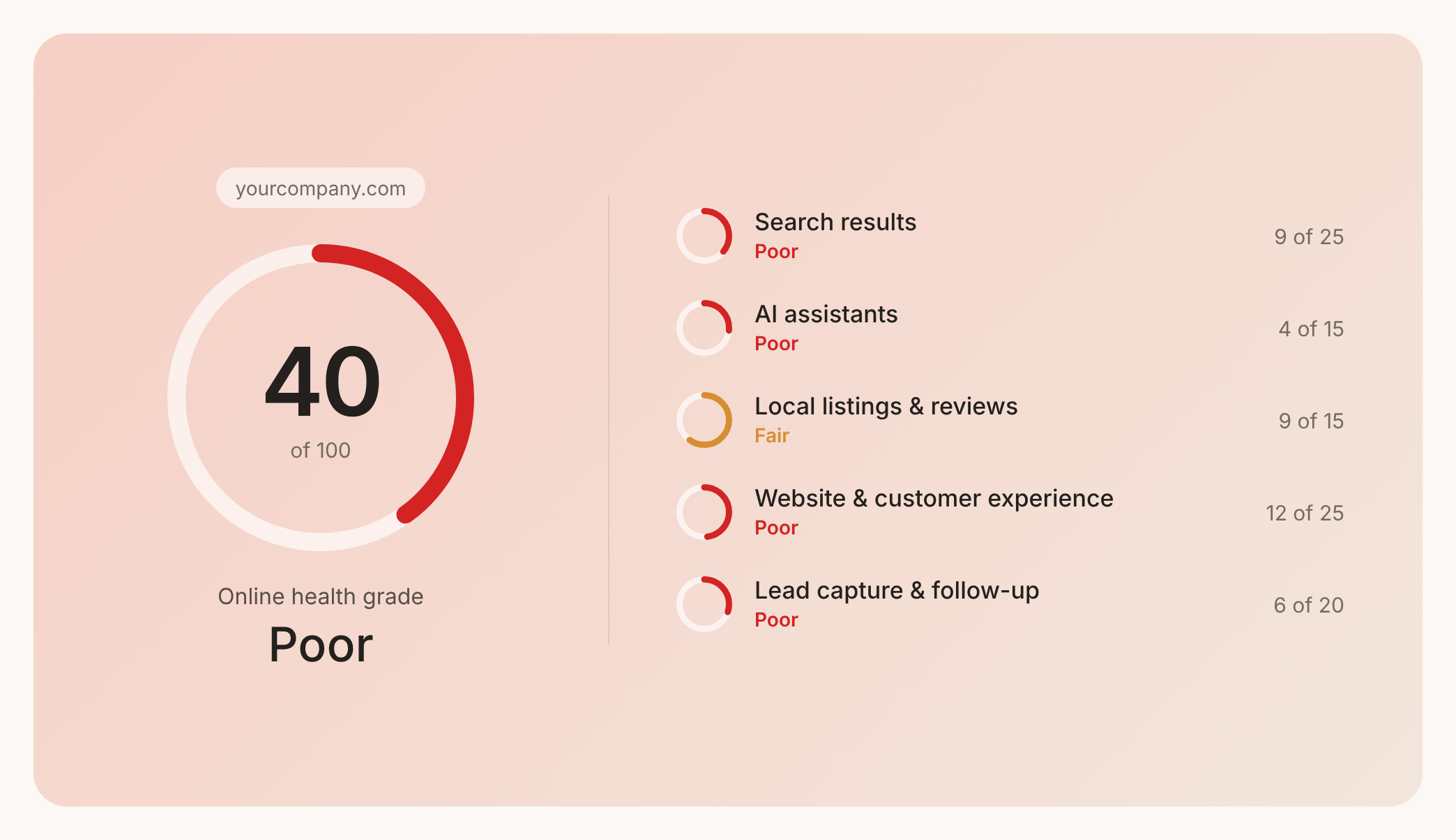

Check your website health score
Scan your site in seconds and make sure you're beating your competitors.
