
AI in ERP: How Intelligent Systems Transform Operations?

AI in ERP systems is a set of tools that changes how teams process data, support decisions, and complete everyday work with less manual effort.
The same tools that required large teams and complex infrastructure are embedded into ERP platforms that connect finance, sales, inventory, and operations in real time.
Read on to learn more about AI in ERP and the ways it influences how work flows across teams.
Key takeaways
- AI ERP turns data into action
Instead of just storing information, AI-powered ERP systems analyze data across your business to detect patterns, predict outcomes, and automate decisions. - Most SMBs use AI, but few integrate it properly
While many businesses use AI tools, only a small percentage embed AI into core systems like ERP. The real advantage comes from integration, where AI connects finance, sales, and operations into a single streamlined workflow. - The biggest value comes from automation and prediction
Core capabilities, such as predictive analytics, automation, natural language queries, and AI agents, reduce manual work and improve accuracy, allowing small teams to operate more efficiently without adding complexity - AI ERP transforms every key business function
AI impacts the entire business, including real-time financial insights, smarter inventory management, personalized sales, and streamlined HR. The result is better decision-making, fewer errors, and more efficient operations across departments. - Knowlix makes adoption practical
Instead of juggling multiple tools, Knowlix centralizes data and workflows in one system, automated by AI. With a built-in AI Teammate and 50+ integrated tools, businesses can reduce manual work, improve visibility, and scale operations without complexity.
What does AI‑enabled ERP do?
AI in ERP analyzes transactional and operational data across finance, supply chain, sales, and HR to surface patterns, anomalies, and predictions.
It can automate repetitive tasks, such as invoicing, data entry, and report generation, detect fraud or compliance risks, and adjust plans dynamically as conditions change.
As a result, AI-powered ERPs enable small businesses to access capabilities that were available primarily to large enterprises:
- Advanced forecasting
- Automated workflows
- Intelligent reporting
Most SMBs are already using AI in some capacity, whether they realize it or not. Automated email marketing, customer support, and content generation tools are all examples of AI embedded into everyday tools.
But there’s an important distinction to make: Using AI tools isn’t the same as integrating AI into your operations.
So, while many businesses experiment with AI, according to the British Chambers of Commerce, only about 11% truly integrate it into their core workflows to automate or streamline operations.
On one side, you have businesses using AI for isolated tasks, such as generating content, automating emails, or manually analyzing reports.
Consequently, these businesses adopt too many disconnected AI tools. While these tools can be helpful, they often create more complexity and data silos instead of reducing them.
On the other side, you have businesses where AI is deeply embedded in ERP systems to automate decisions, streamline processes, and continuously optimize operations.
By doing so, they get:
- A single source of truth
- Automated workflows across departments
- Insights that connect finance, sales, and operations
5 core AI capabilities an ERP system should have
AI-powered ERP systems combine data processing, automation, and learning capabilities to streamline operations and management.
1. Predictive analytics
AI models analyze historical and real-time data to forecast outcomes such as demand, revenue, and cash flow.
These systems identify patterns that aren’t visible in standard reports, such as seasonal fluctuations, customer buying behavior, or early signs of financial risk.
As a result, AI enables better planning and more accurate budgeting.
2. Automation
Automation executes routine, rules-based tasks with minimal human input. For example, it can generate invoices, process payroll, update inventory levels, reconcile transactions, and send reminders.
Unlike traditional automation, AI-driven systems can adapt to exceptions, such as spotting unusual transactions or adjusting workflows based on changing conditions.
3. Natural language interfaces
Natural language interfaces enable you to interact with the ERP system through simple, conversational queries instead of navigating complex dashboards.
You can ask “What are my top-selling products this week?” or “Why are expenses higher this month?” to trigger instant, context-aware responses.
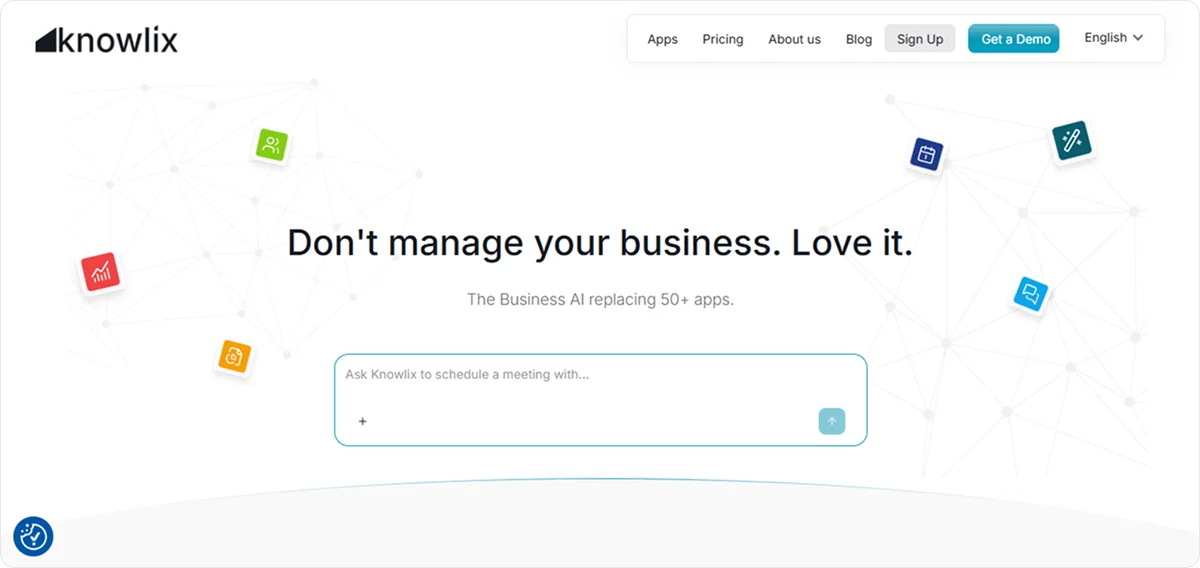
For example, if you use Knowlix’s AI Teammate, you only need to describe a deal in plain language, and the AI takes care of the rest. It extracts the details, checks for duplicates, and automatically creates structured records.
4. AI agents
AI agents are the tools that execute multi-step processes independently.
They monitor conditions, make decisions based on predefined goals, and take action across systems.
For example, an agent can detect declining inventory, generate a purchase order, select a supplier based on past performance, and notify stakeholders.
Did you know?
Knowlix’s AI Teammate works alongside your team and operates as an integrated layer across your business, replacing multiple standalone tools, such as chat assistants, phone agents, website builders, email tools, support bots, sales assistants, and marketing platforms.
Because it works directly within your system, every action is connected to your existing data, which ensures consistency.
The AI Teammate understands context, keeps records up to date, and recommends next steps based on ongoing activity.
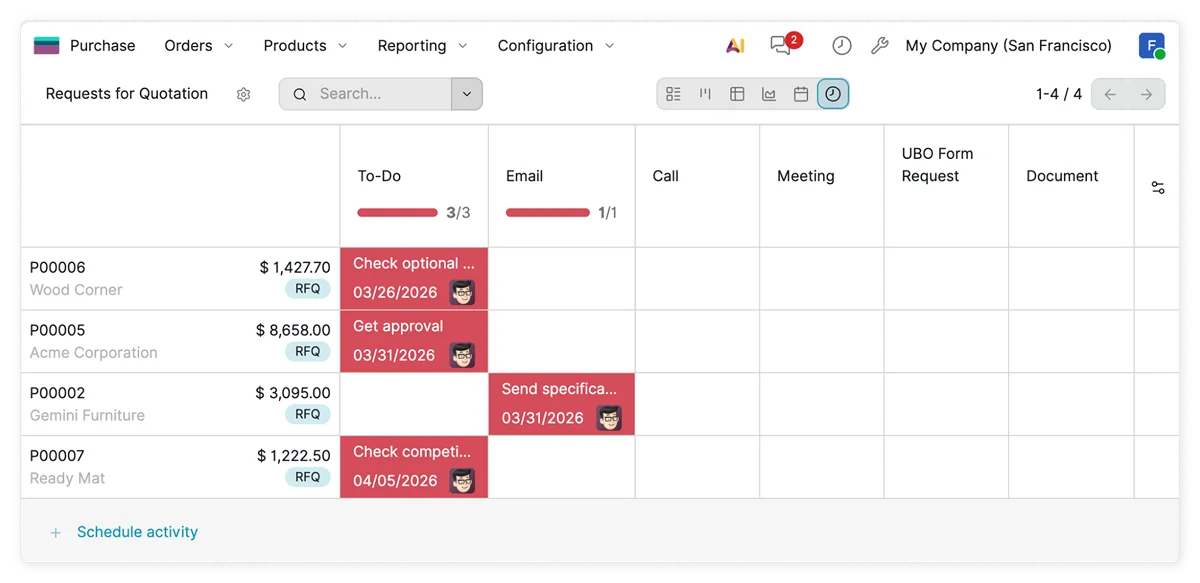
For example, after a meeting, it can:
- Summarize key points
- Create or update contacts
- Update lead and deal information
- Draft follow-up emails
- Generate quotes
- Add tasks to project trackers
- Move deals to the appropriate stage
All updates are visible to relevant team members, while execution remains controlled: The system requires your approval before taking action.
This approach reduces manual follow-up, keeps teams aligned, and ensures that work progresses efficiently without losing oversight.
5. Adaptivity
The key difference between traditional and AI-powered ERP systems is their ability to adapt to change without manual intervention.
When you run a small business, adaptivity equals scalability because systems stay aligned with your business as it grows, enters new markets, or changes operations. They do so by learning from your data over time and adjusting to changes.
As a result, you don’t need constant upgrades, and decision-making remains accurate as conditions evolve.
4 key business operations that AI transforms
AI-powered ERP systems integrate data and workflows across the entire business, which enables automation.
Instead of isolated improvements, the impact “flows” across all functions to enable better operational planning.
1. Finance and accounting
Finance is usually where you can see measurable gains almost instantly because it involves structured data and repeatable processes.
AI ERP in finance can:
- Automatically categorize transactions based on patterns and past behavior to reduce manual input
- Detect anomalies in real time, such as duplicate invoices, unusual expenses, or irregular payment activity
- Generate live financial dashboards with updated profit, cash position, and expense breakdowns
- Forecast cash flow dynamically and adjust projections as new data comes in
This allows you to monitor financial health continuously and act early to cut costs, adjust pricing, or secure funding.
2. Inventory and supply chain management
Inventory management becomes more precise when AI is applied to data across purchasing, sales, and logistics.
AI improves inventory management by:
- Predicting demand at a granular level, taking into account seasonality, sales velocity, and external trends
- Automating replenishment decisions and triggering orders based on thresholds that adapt over time
- Reducing excess inventory to free up working capital that would otherwise be tied up in unsold goods
- Balancing stock across locations to ensure high-demand items are available where necessary
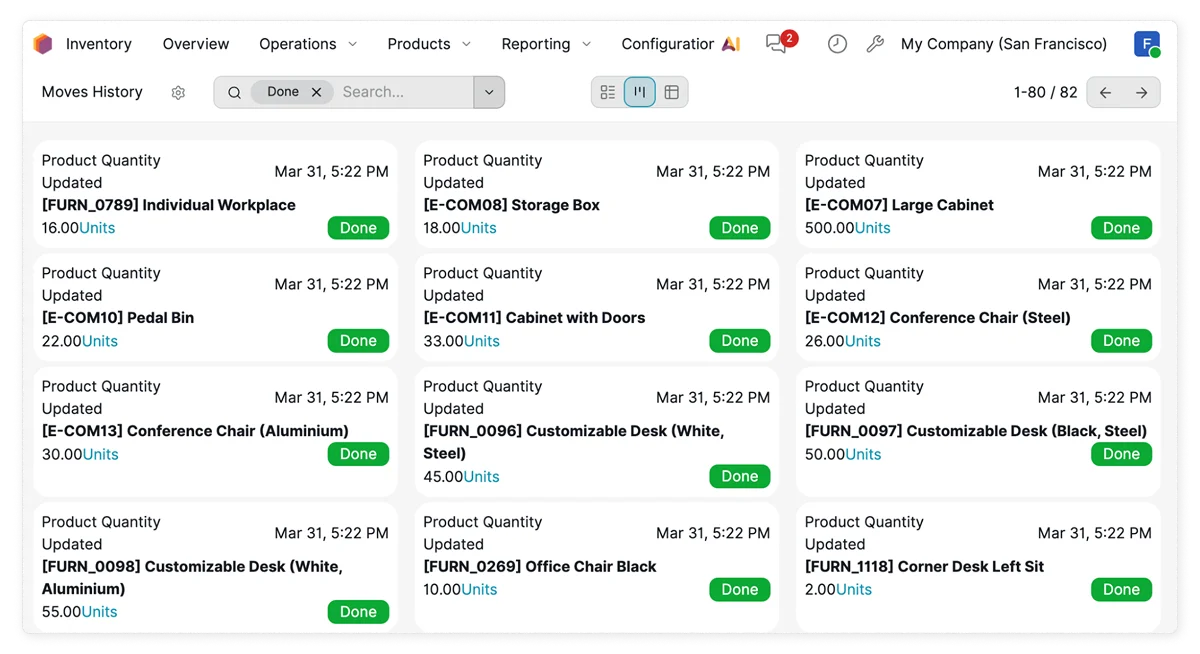
Because the system continuously recalibrates, an additional benefit is that AI reduces two common risks: overstocking and stockouts.
3. Sales and customer management
When ERP and CRM capabilities are combined with AI, customer data becomes actionable.
AI enables sales teams to:
- Segment customers automatically based on behavior, purchase history, and engagement
- Score leads based on likelihood to convert to prioritize outreach
- Recommend next actions, such as follow-ups, upsells, or retention offers
- Personalize communication at scale and adjust messaging based on customer preferences and activity
This way, sales efforts become more targeted, conversion rates can improve, and customer relationships are managed more proactively.
Worth knowing:
Knowlix combines full CRM capabilities for managing leads and sales with ERP functions such as invoicing, project management, and operations, powered by your AI Teammate.
Our smart CRM automatically captures leads from interactions and places them into a visual sales pipeline, which eliminates manual data entry.
It also handles calls, note-taking, invoicing, and scheduling within a single system.
The platform uses AI to process unstructured data, such as emails and meeting notes, and convert it into clear, actionable next steps.
It can recommend follow-ups or identify customers at risk of churn based on activity patterns.
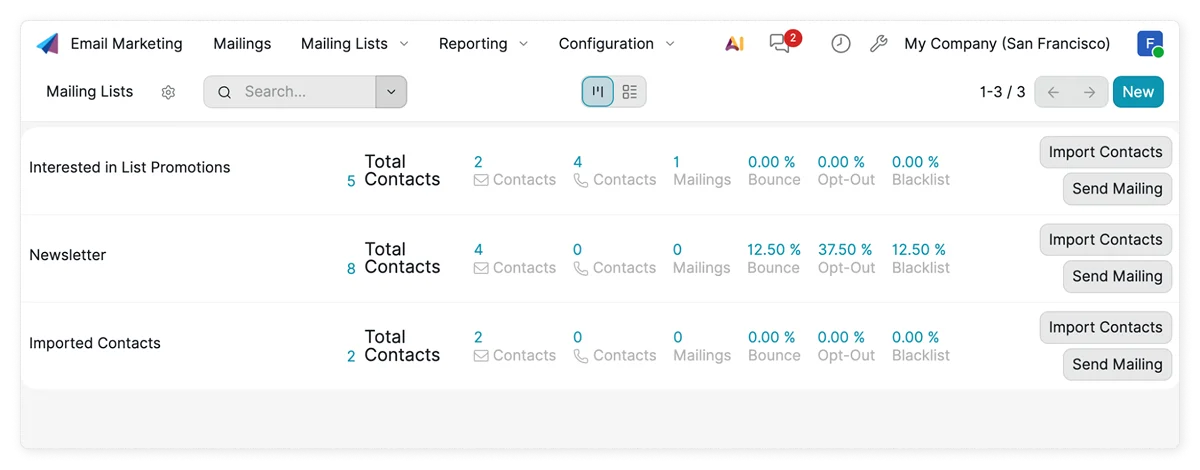
You can assign tasks directly to the AI Teammate, and it will complete them while keeping all insights synchronized across CRM, calendar, support, and task management tools.
4. HR and operations
AI reduces the administrative load in HR while improving visibility into operational performance.
In HR, AI can screen and rank candidates based on role requirements and past hiring data, automate onboarding workflows, including document collection and training steps, and monitor employee data to identify retention and performance patterns.
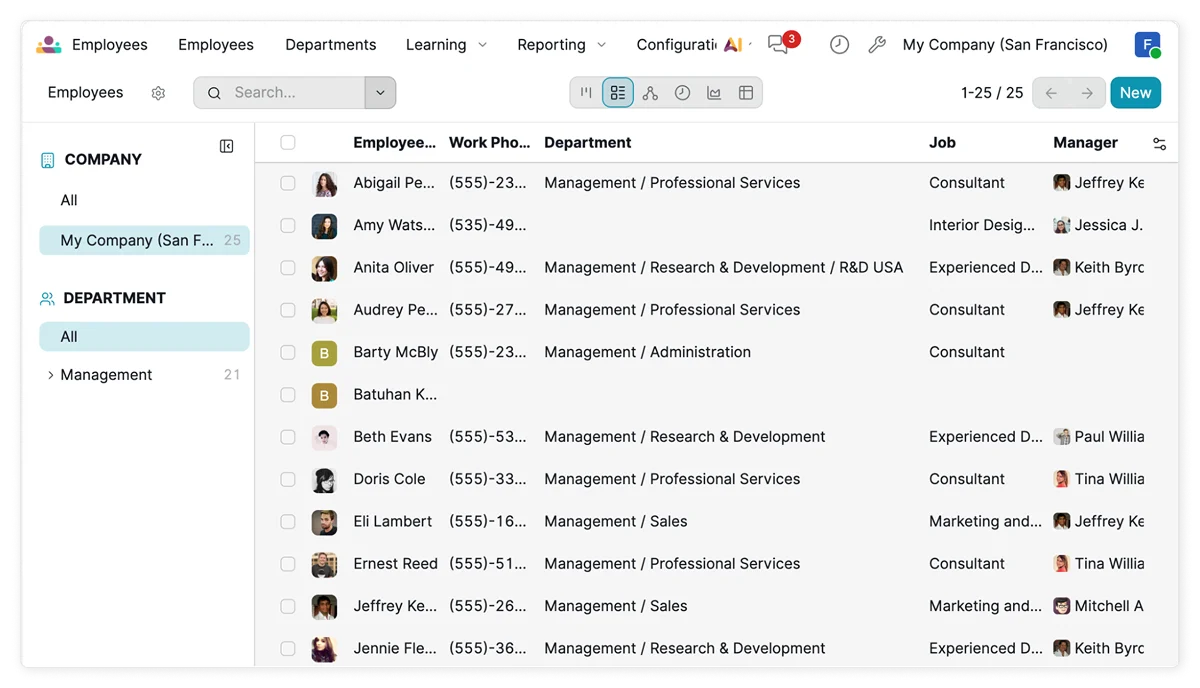
In operations, AI focuses on efficiency by:
- Identifying bottlenecks in workflows, such as delays in order processing or approval cycles
- Recommending process improvements based on system-wide data
- Coordinating tasks across departments, ensuring smoother execution without manual follow-up
The combined effect reduces overhead. The system handles routine coordination and administrative tasks so teams can focus on execution instead of internal management.
4 common challenges in adopting AI in ERP systems
Despite the benefits, adopting an AI-powered ERP can pose some challenges.
Here are the main ones:
1. Cost concerns
The assumption that AI ERP is expensive often comes from comparing it to legacy systems that require large upfront investments.
Cloud-based ERP platforms operate on subscription models, but costs can still feel uncertain when ROI isn’t clearly defined.
Small businesses may also underestimate indirect costs such as implementation time, data migration, or temporary productivity dips during transition, which can lead to hesitation.
2. Lack of expertise
Businesses may assume they need technical skills, data scientists, or dedicated IT staff to use AI effectively.
Although most AI-powered ERP systems are designed for non-technical users, a lack of a clear understanding of what AI can realistically do delays adoption or leads to underuse of available features.
3. Data quality issues
AI systems depend on consistent, structured, and reliable data.
Many small businesses maintain fragmented or inconsistent records, including duplicate entries, missing fields, and outdated information.
When this data feeds into AI models, the outputs become less reliable, which can reduce trust in the system and limit its effectiveness, especially in forecasting and automation.
4. Employee resistance
Operational changes often meet internal resistance. Employees may worry that automation will replace their roles or make their skills less relevant.
Others may be reluctant to change familiar workflows, even if they are inefficient. Without proper communication, employees may view AI adoption as a disruption and not an improvement, which slows implementation and reduces overall impact.
How to overcome the most common challenges: 3 practical ways
The above challenges are common, but they are also manageable with a structured approach focused on incremental progress and clear outcomes.
1. Start small
Instead of a full-scale rollout, begin with a focused use case that delivers immediate value for your business, such as automating invoicing, improving expense tracking, or optimizing inventory reordering.
A smaller scope reduces risk, shortens implementation time, and allows teams to see tangible results quickly.
2. Focus on ROI
AI ERP platforms often promote a wide range of capabilities, but not all of them are relevant for your business.
The priority should be on features that solve specific business problems. Defining clear success metrics ensures that the investment delivers measurable results.
Did you know?
Knowlix enables you to activate and deactivate more than 50 apps with a single click, allowing the platform to adapt based on your needs.
As a result, teams use only what they need and expand functionality as they grow.
3. Communicate the benefits
You should position AI as an operational support tool and emphasize how it removes repetitive tasks, reduces errors, and frees up time for higher-value activities, such as customer interaction or strategic planning.
How to transform business operations with Knowlix?
Knowlix is an all-in-one AI agentic ERP platform that centralizes business data and applications across project management, sales, and marketing into a single workspace.
It enables teams to operate within one system instead of switching between multiple tools.
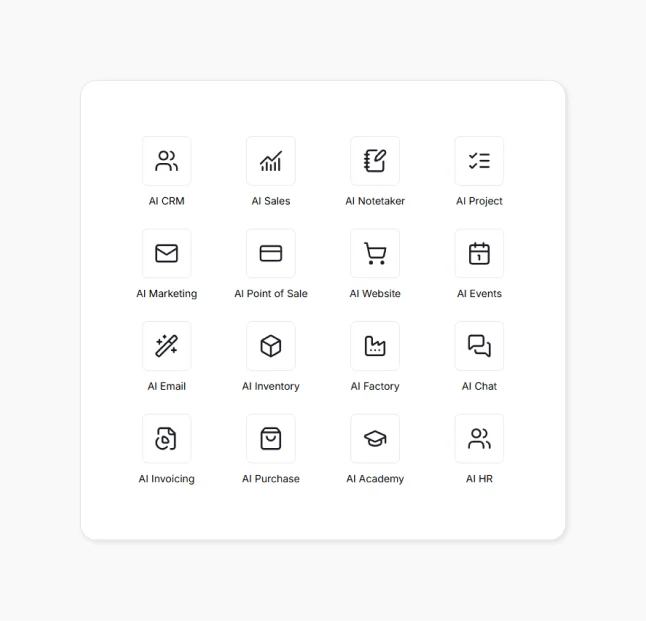
The platform includes a built-in AI Teammate, AI note-taking, and access to over 50 integrated business and AI tools to streamline daily operations, such as:
- AI Sales: Gives you a clear, real-time view of your entire sales pipeline and moves deals through stages
- AI HR: Stores employment terms, schedules, skills, certifications, contracts, and organizational structure in one place, which eliminates multiple spreadsheets or scattered files
- AI Inventory Management: Tracks stock levels, incoming shipments, outgoing orders, and warehouse activity in real time, and suggests the next step
- AI Invoicing: Automatically handles the full invoicing cycle and enables you to create structured invoices with a single prompt
Interested in learning more?
Sign up for Knowlix to see how you can reduce manual work and improve workflow efficiency.
FAQ:
1. How long does it take to implement an AI-powered ERP system?
AI-powered ERP systems can be implemented in weeks, especially with cloud-based platforms.
The timeline depends on business complexity and data readiness, but small businesses can often start seeing value quickly by rolling out one function at a time.
2. What is the first process a small business should automate with AI ERP?
The best starting point is usually a high-volume, repetitive task, such as invoicing, expense tracking, or inventory management.
These areas deliver quick wins, reduce manual workload, and provide clear ROI, making it easier to expand AI usage across the business.
3. Does AI actually deliver ROI for small businesses?
Yes, AI delivers measurable benefits, including increased revenue, cost reduction, and significant time savings.
The biggest gains come when AI is embedded in core systems instead of being used as an isolated tool.


Subscribe for Our Newsletter
Book your call below.


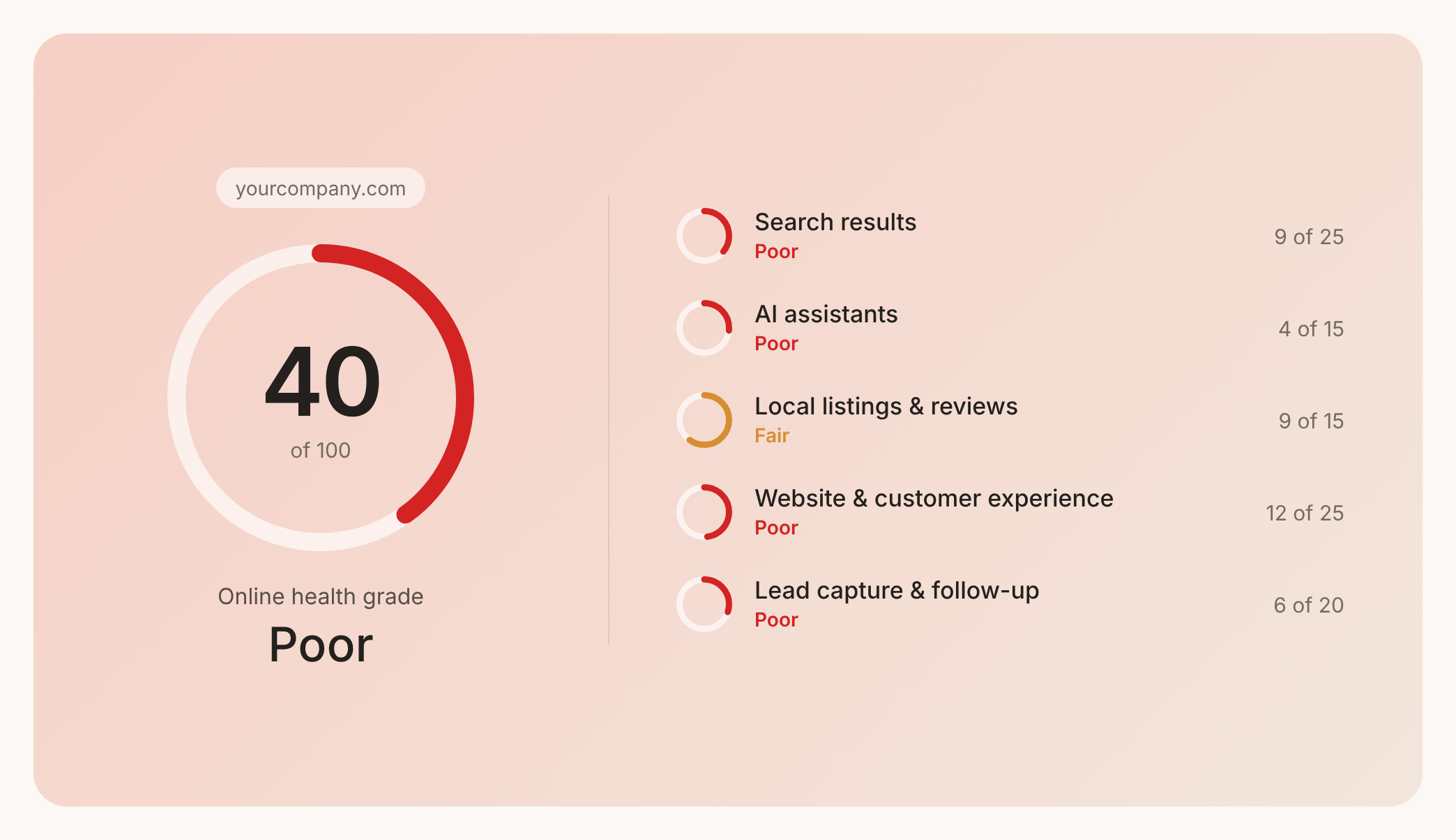

Prüfen Sie Ihren Website-Health-Score
Scannen Sie Ihre Website in Sekunden und stellen Sie sicher, dass Sie Ihrer Konkurrenz voraus sind.
