
AI HR Software for Small Business Under 50 Employees

AI HR software for a small business under 50 employees works best when HR data connects to payroll, accounting, and operations instead of sitting in a standalone silo. Knowlix runs HR on one platform from $24.90 per seat per month, with a 7-day free trial and no card.
Knowlix is an all-in-one AI business platform for small businesses under 50 employees, built on the Odoo application suite with an AI layer on top. It runs HR alongside CRM, projects, accounting, and helpdesk in one login, so a small company manages hiring, contracts, and time off without a separate HR tool. The AI Teammate handles routine HR tasks like onboarding checklists and leave requests on autopilot, and it connects that HR data to the rest of the business, unlike standalone HR software such as Gusto, which keeps HR in its own silo.
That connection is the part most buying guides skip. They rank tools on feature lists and forget that a business under 50 employees rarely has a dedicated HR person to feed those features. Below is what actually matters before you commit to an HR tool in 2026, what it costs at your real headcount, and where an all-in-one platform changes the math.
What is AI HR software for a small business?
AI HR software automates hiring, onboarding, time-off, and compliance tasks using models that read your data and act on it directly, so routine entries no longer wait on a person to key them in by hand. For a business under 50 employees, the useful version does three jobs: it stores employee records, it runs or feeds payroll, and it removes the repeat admin around both. The difference between a genuine AI HR tool and a rebranded database is whether the software takes an action, such as generating an onboarding checklist or flagging a filing deadline, or only answers a question when you ask it.
Adoption is still early, which is exactly why getting the category right now pays off later. Only 33 percent of small organizations use AI in HR today, against 60 percent of the largest ones, per SHRM's State of AI in HR 2026 (published 2026). Usage is climbing fast, from 26 percent of HR tasks in 2024 to 43 percent in 2025, per SHRM's 2025 Talent Trends (2025). The same 2026 report shows the AI is concentrated in recruiting and HR tech, while compliance work stays almost entirely manual. A small team that adopts a connected tool now skips years of the reconciliation the bigger players are still stuck in.
What should a business under 50 employees look for in AI HR software?
Five things matter more than a long feature list when your headcount is under 50. Score any tool against these before you look at anything else.
- Look for connected data instead of another silo. A new hire's record should be visible to payroll, accounting, and project staffing without an export. Integration is the number one reason small businesses switch HR and payroll tools, ahead of adding AI, per Capterra's 2026 HR Software Trends (2026). If the record only lives inside the HR tool, someone still retypes it everywhere else.
- Check what the AI does on its own. Auto-calculating payroll taxes or generating an onboarding checklist is real automation, while answering questions about a policy document is a search box with a friendly name. Ask the vendor for one task the AI completes without a human starting it.
- Read the price at your actual headcount. Some tools carry a flat monthly floor that punishes a team of ten, so the per-employee rate in an ad can understate what you actually pay. A $10 per-employee plan with a $250 minimum costs a 12-person team about $21 per head.
- Confirm the compliance coverage. Payroll and tax errors are expensive: the IRS assessed more than 4.4 million employment-tax penalties totaling roughly 26.9 billion dollars in fiscal 2024, per the IRS 2024 Data Book. A tool that files and flags deadlines on your behalf earns its fee here.
- Make sure it can grow without a migration. If HR is one module of a wider platform, adding CRM or accounting later is a setting to switch on rather than a separate project with its own data move.
How much does AI HR software cost for a business under 50 employees?
Entry pricing for a small team ranges from a few dollars per user to well over 100 dollars per employee once benefits and payroll are bundled. The table below reads the real starting cost at a sub-50 headcount and, more importantly, whether HR data connects to the rest of the business. Prices are administrative fees only; benefits premiums and taxes are separate.
| Tool | Entry cost under 50 employees | HR data connected to finance and ops | Best fit |
|---|---|---|---|
| Knowlix | $24.90 (€24.90) per seat per month, 7-day trial, no card | Yes, one platform | Small businesses wanting HR, CRM, and accounting in one |
| Gusto | $49 base + $6 per employee | No, integrations only | Payroll-first micro-teams |
| BambooHR | Flat floor from $250 (€218) per month at 25 or fewer | No, payroll is an add-on | HRIS depth and performance reviews |
| Rippling | From ~$8 per employee plus base, quote-based | Yes, HR plus IT and finance | Teams that also manage devices and spend |
| Justworks | $79 to $109 per employee (PEO) | No, HR and benefits focus | Owners who want benefits and compliance handled |
| Personio | Quote-based, about $5 to $15 per employee, annual contract | No, standalone HR platform | EU and DACH teams wanting deep HRIS and recruiting |
Entry pricing for HR software at a sub-50 headcount, whether HR data connects to the rest of the business, and the best-fit team for each (administrative fees only; benefits and taxes separate)
The pattern is easy to miss. Most of these tools price and function as a standalone HR box. Watch the fine print at a small headcount: BambooHR's per-employee rate sits under a flat floor from $250 (€218) per month, Justworks charges a PEO rate of $79 to $109 per employee, and Personio quotes only on an annual contract with a headcount minimum. The two that connect HR to the wider business, Knowlix and Rippling, do it differently: Knowlix puts HR on the same record as CRM and accounting at a flat seat price, while Rippling layers IT and finance modules on top at a quote.
Why connected HR beats a standalone HR silo
A standalone HR tool solves one problem and creates another: one more login holding data the rest of your business needs. Small businesses already run about 36 apps on average, per Okta's SMBs at Work 2024 (2024). Every disconnected tool is another export, another reconciliation, another place a number can go stale, which is the same case for consolidating a tool stack in any part of the business.
That is why integration is the leading reason small businesses replace an HR tool, ahead of any single missing feature. When a new hire's start date, salary, and department live on the same record your accounting and project staffing already read, the AI has something worth acting on. It can staff the next project against real availability, forecast the payroll cost of a raise, and file the tax form from one source of truth. A siloed tool can only automate inside its own four walls, so the moment a task touches money or delivery, a person becomes the integration.
The staffing math backs this up. SHRM's 2025 State of the Workplace (2025) found 57 percent of HR departments were understaffed. In a company under 50 employees, HR is often half of one person's job, wedged between payroll and everything else. Automation only helps that person if it spans the whole workflow, from offer letter to first paycheck, without a handoff to another tool.
What AI can and cannot automate in HR
Genuine HR automation for a small team covers a short, concrete list: generating onboarding checklists, routing and approving leave requests, calculating payroll taxes, preparing contracts from a template, and flagging compliance deadlines before they pass. Each of these is a task the software starts and finishes, and each one saves a real block of admin time every week.
What AI does not do well yet is judgment. It should draft a termination letter, not decide the termination. It should surface that a certification lapses next month, not choose who to promote. The governance gap is real: only 49 percent of organizations using AI in HR have a policy covering that use, and just 25 percent call their policy future-proof, per SHRM's State of AI in HR 2026. Before you let a tool act on employee data, write down what it may decide on its own and what needs a human signature. A short internal policy is cheaper than an unwound decision.
How to switch HR tools without breaking payroll
The fear that keeps small businesses on a bad HR tool is a broken payroll run. A clean switch avoids it in three steps. First, audit what you actually use: pull the list of active employees, current pay rates, benefits enrollments, and any open time-off balances. Second, run the new system in parallel for one cycle, so the first live payroll on the new tool matches a run you have already verified on the old one. Third, cut over at the start of a pay period, not the middle, and keep the old system readable for a quarter in case you need historical records.
An all-in-one platform shortens this because the destination already holds your CRM and accounting data. You are adding an HR module to a system your team logs into, rather than standing up a separate tool and wiring it back to the business by hand. That is the practical version of buying software you will not have to migrate away from later.
How Knowlix runs HR inside one platform
Knowlix is our pick for a business under 50 employees that wants HR handled without buying a dedicated HR product. It runs HR as one module of an all-in-one AI business platform that replaces more than 50 apps, built on the Odoo application suite with an AI layer on top. Hiring, contracts, onboarding, and time off sit on the same records as CRM, projects, and accounting, so the data an owner needs for a staffing or budget decision is already in one place.
The AI Teammate is where the connection pays off. It builds onboarding checklists, routes leave requests, and prepares contracts on autopilot, then writes the result back to a record the rest of the business already uses. Because payroll cost and project staffing read from the same source, the same action that onboards a hire also updates the budget and the delivery plan. Pricing is 24.90 dollars per seat per month with a 7-day free trial, and it stays flat whether HR is the only module you switch on or the tenth. You can start a free trial and add CRM or accounting later without a migration.


Frequently asked questions


The best fit is a tool that keeps HR data connected to payroll, accounting, and operations rather than in a standalone silo, because integration is the top reason small businesses switch HR tools (Capterra, 2026). Knowlix runs HR, CRM, and accounting on one platform from 24.90 dollars per seat per month, which suits a business that wants HR handled without buying a separate HR product.
Administrative pricing ranges from a few dollars per user to more than 100 dollars per employee once payroll and benefits are bundled, before insurance premiums and taxes. Watch for flat monthly floors: some HR tools charge from 250 dollars per month at 25 or fewer employees, which raises the real per-person cost for a micro-team.
Not necessarily. If HR is one module of an all-in-one platform, you get onboarding, time off, and contracts on the same system as your CRM and accounting, which removes the exports a standalone tool creates. A dedicated HR product makes more sense once you need deep performance-management or benefits-brokerage features a smaller team rarely uses.
Genuine automation includes generating onboarding checklists, routing and approving leave requests, calculating payroll taxes, and flagging compliance deadlines. A tool that only answers questions about a policy document is a search feature, so ask what the AI does on its own before it needs a person.
Compliance matters because payroll and tax errors are costly: the IRS assessed more than 4.4 million employment-tax penalties totaling about 26.9 billion dollars in fiscal 2024 (IRS 2024 Data Book). Choose a tool that files on your behalf and flags deadlines, and confirm it documents how employee data is stored and who can access it.
Subscribe for Our Newsletter
Book your call below.


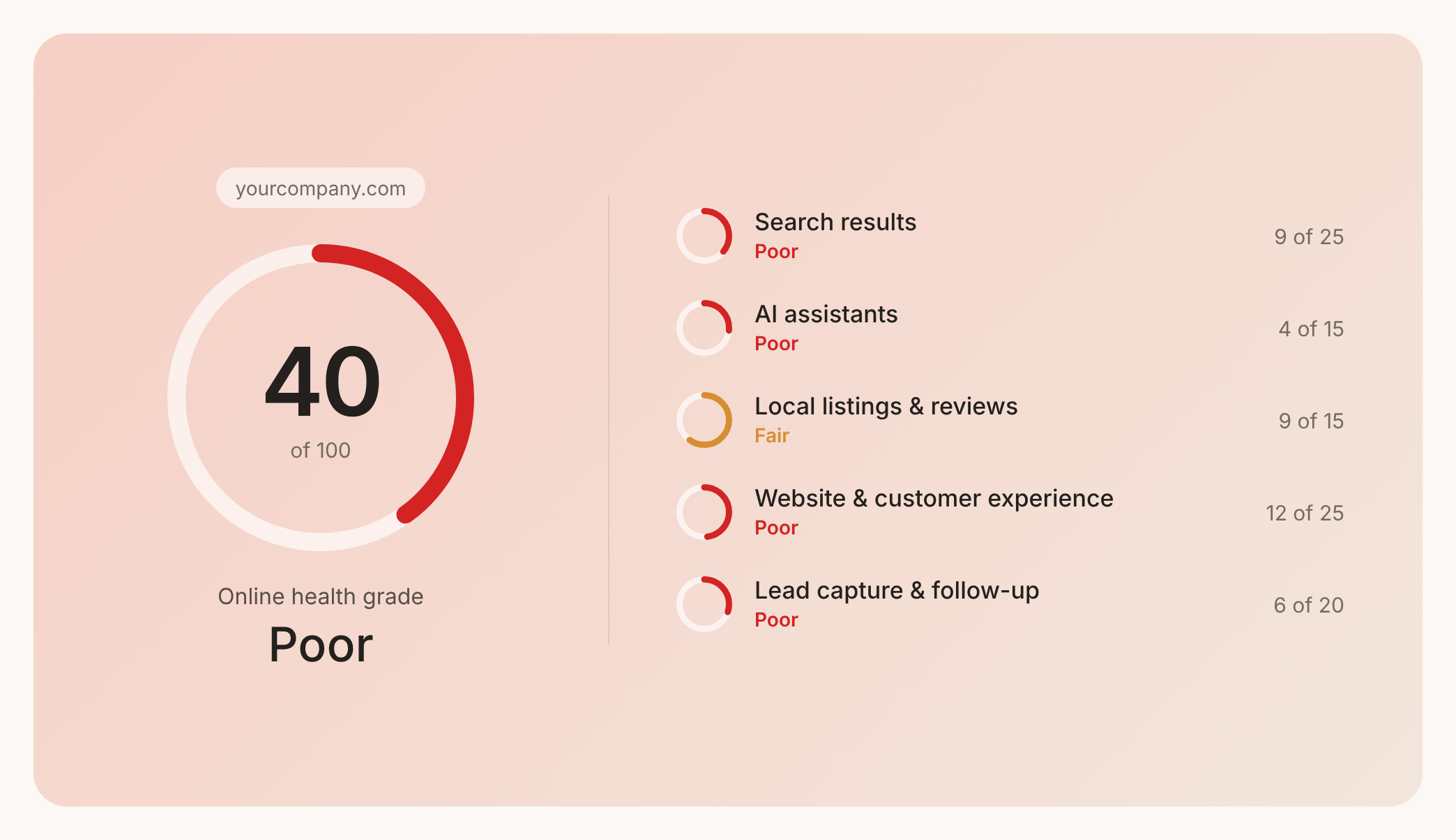

Check your website health score
Scan your site in seconds and make sure you're beating your competitors.
