
AI Invoicing and Accounting Software for Small Business


- AI invoicing and accounting software bills clients, chases payments, and reconciles the books on its own; the version worth paying for acts instead of just answering questions.
- The real differentiator is connection: when invoices sit on the same records as CRM and projects, the AI can chase in the client’s thread and show true project profitability.
- US small businesses wait 27.9 days to get paid and are owed more than $17,000 in unpaid invoices on average, so faster automatic follow-up beats a few dollars off the fee.
- Standalone tools (FreshBooks, QuickBooks, Wave, Xero) keep books in a silo; Zoho, Bonsai, and HoneyBook connect billing but cap out on accounting or the wider suite.
- Knowlix runs invoicing and accounting as modules of one Odoo-based AI platform at $24.90 (€24.90) per seat per month, 7-day trial, no card.
Knowlix is an all-in-one AI business platform for small businesses, built on the Odoo application suite with an AI layer on top. It runs invoicing and accounting on the same records as CRM, projects, and HR in one login, so a quote becomes an invoice, a payment, and a line in the project profit view without anyone re-keying it. The AI Teammate drafts invoices from project data, sends the reminders, and reconciles the books on autopilot. Standalone accounting tools like FreshBooks or QuickBooks keep the books in their own silo, connected to the rest of the business only through integrations you maintain.
That silo is the part most software comparisons skip. Below is what a business under 50 employees should weigh before it picks an invoicing and accounting tool in 2026, what it really costs at that headcount, and where a connected platform changes the cash-flow math.
What is AI invoicing and accounting software for a small business?
AI invoicing and accounting software automates the money workflow, creating invoices, chasing payments, reconciling the bank feed, and flagging tax deadlines, using models that read your data and act on it instead of waiting for manual entry. For a business under 50 employees, the useful version does three jobs: it bills clients, it keeps the books straight for tax time, and it shortens the gap between sending an invoice and getting paid. In practice that looks like an invoice drafted automatically the moment a project brief is signed, a payment reminder that goes out on its own when a due date slips, and a bank feed that reconciles overnight, each without anyone opening the accounting tool.
Adoption has moved fast. 68% of small businesses now use AI regularly, up from 48% in July 2024, and 28% use it daily, per Intuit’s April 2025 Small Business Survey (2025). Among accountants the shift is sharper still, with 46% using AI daily and accounts payable and receivable among the top tasks they automate, per the 2025 Intuit QuickBooks Accountant Technology Survey (2025). The label “AI” now sits on almost every product, so the real question is what the software does on its own.
What should a business under 50 employees look for in AI invoicing and accounting software?
A business under 50 employees should prioritize five things in AI invoicing and accounting software: books that connect to CRM and projects, real automation over a chatbot, the total cost at its actual headcount, a faster payment cycle, and room to grow without a migration. Each one matters more than a long feature list. Here is what to check for each.
- Look for books that connect to CRM and projects. When an invoice links back to the deal that created it and the project it funds, you can see client profitability without exporting to a spreadsheet. Most accounting tools treat that link as a third-party integration you have to build and maintain.
- Separate real AI from a chatbot. Genuine automation drafts an invoice from project data, predicts which clients pay late, and reconciles the bank feed. A box that answers questions about an invoice is a search feature with a friendly name.
- Read the total cost at your actual headcount. Several tools raised prices in 2025 and 2026, and per-user or billable-client caps add up. A plan that looks cheap on the ad can double once you add the seats and modules a growing team needs.
- Weigh the cash-flow impact, not just the fee. The average US small business waits 27.9 days to get paid, per Xero’s Small Business Insights (Q4 2025). Software that shortens that gap is worth more than software that shaves a few dollars off the subscription.
- Make sure it grows without a migration. If invoicing and accounting are modules of a wider platform, adding CRM or HR later is a setting you switch on, with no second system to wire back in.
How much does AI invoicing and accounting software cost for a business under 50 employees?
Entry pricing runs from a free micro-tier to well over 100 dollars a month once you add users and modules, before payment-processing fees. The table below reads the real starting cost at a sub-50 headcount and, more importantly, whether the books connect to the rest of the business. Payment processing (around 2.9%) is separate on every tool that accepts cards.
| Tool | Entry cost | Books connected to CRM & projects | Best fit |
|---|---|---|---|
| Knowlix | $24.90 (€24.90) per seat/month, 7-day trial, no card | Yes, one platform | Small businesses wanting billing, books, CRM, and projects in one |
| FreshBooks | $19 to $70 (€16 to €50)/month by client count | No, integrations only | Service freelancers who bill by time |
| Wave | Free core tier, Pro $16 (€14)/month | No | Solopreneurs on a budget |
| QuickBooks Online | $38 to $140 (€21 to €75)/month for most SMBs | No, CRM via third parties | Deep accounting and reporting |
| Xero | $25 to $90 (€22 to €78)/month, unlimited users | No, standalone accounting | Teams that want unlimited seats |
| Zoho Books | Free under $50K revenue, then $15 (€13) and up | Yes, inside the Zoho suite | Teams already living in Zoho |
| HoneyBook | $36 to $129 (€31 to €112)/month | Partly, CRM and booking but no real accounting | Client-flow for service pros |
A note on currency: prices show US dollars and euros. Knowlix bills €24.90; the FreshBooks and QuickBooks euro figures are their EU pricing (retrieved 2026-07-21); Wave, Xero, HoneyBook, and Zoho bill in USD, so their euro figures are approximate conversions. Confirm the live price on each vendor’s page.
The pricing split shows two groups of tools. FreshBooks, Wave, QuickBooks, and Xero keep the books in their own box and reach the rest of the business through connectors you maintain. Zoho Books, Bonsai, and HoneyBook connect billing to CRM and projects, which proves small businesses want that, but each comes with a ceiling: Zoho expects you to adopt its whole stack, while Bonsai and HoneyBook are client-flow tools without full accounting or bank reconciliation.
Pricing above is entry pricing as of July 2026 from each vendor’s own site and changes often, so confirm current rates before you decide. Payment-processing fees are separate.
Why does connected billing beat a standalone books silo?
A standalone accounting tool solves one problem and leaves a gap: the money data the rest of your business needs lives behind an export. That gap has a cash cost. 51% of small firms name uneven cash flow as a challenge and 56% struggle to cover operating expenses, per the Federal Reserve’s 2025 Small Business Credit Survey (2025). When invoicing is disconnected from the projects and clients that drive it, the reminders go out late and the follow-up depends on someone remembering.
Connected books close the cash-flow gap because the AI can see the full picture. When an invoice sits on the same record as the deal, the project, and the client history, the system can chase the payment in the client’s own thread, show which projects are actually profitable, and forecast the month from live receivables. US small businesses are owed more than $17,000 in unpaid invoices on average, and 47% had invoices run 30 or more days overdue, per Intuit’s 2025 Small Business Late Payments Report (2025). Faster, automatic follow-up from a connected system is the difference between getting paid this month and chasing the invoice into the next.
There is a compliance cost to messy books too. A late partnership or S-corporation return runs a penalty of $245 per month for each partner or shareholder, per the IRS failure-to-file penalty rules. Software that keeps the books reconciled and flags the filing deadline earns its fee here, and a connected system does it without a hand-off to a second tool.
Solo consultants and freelancers weigh this differently, because the whole back office sits on one person. Our ranking of the best invoicing software for freelancers and consultants sorts the tools for that case.
Is it real AI or just a chatbot?
The word “AI” now covers three very different things, and the gap matters when you are paying for it. Agentic AI acts on its own: QuickBooks runs Intuit Assist agents that categorize transactions and predict late payments, and Xero’s Just Ask Xero automates reconciliation and payment reminders. Rules-based automation follows a script you set, like FreshBooks sending a recurring invoice or Wave scanning a receipt. An assistant chatbot answers questions or drafts text but does not touch the books.
For a small team the agentic tier is the one that saves real hours, because it removes the task rather than speeding up the click. Ask any vendor for one action the AI completes without a person starting it. If the answer is a chat window, you are buying a search box.
What is the best AI invoicing tool for a service business?
Knowlix handles invoicing as one part of an all-in-one AI Business Platform, which suits a service business better than a standalone invoicing app because the invoice is the end of a chain that starts with the quote. The quote, the job, the hours and the invoice sit on shared records, so the amount billed traces back to what was agreed without a second system.
Two differences show up in daily use. First, chasing is part of the system: an unpaid invoice at day 30 becomes a drafted reminder with the full client history in view, waiting for approval rather than sending itself. Second, the margin on the job updates as hours are logged, so a project drifting past its quote is visible before the invoice goes out.
The instance is ready in 2 minutes at $24.90 per seat per month, reduced from $35.60. Accounting depth beyond invoicing runs through the Knowlix Enterprise version.
How does Knowlix run invoicing and accounting in one platform?
Knowlix is our pick for a business under 50 employees that wants its billing and books handled without bolting an accounting tool onto everything else. Invoicing and accounting run as modules of an all-in-one AI business platform that replaces more than 50 apps, built on the Odoo application suite with an AI layer on top. Every invoice sits on the same records as CRM automation, projects, and HR, so the number an owner needs for a cash-flow or profitability decision is already in one place.
The AI Teammate is where the connection pays off. It drafts invoices from project data, sends the reminders on schedule, chases what is overdue in the client’s own thread, and reconciles the bank feed, then writes the result back to a record the rest of the business already uses. Because billing and project data share one source, the same action that raises an invoice also updates the project margin and the client record. Pricing is $24.90 (€24.90) per seat per month with a 7-day free trial, and it stays flat whether billing is the only module you switch on or the fifth. You can start a free trial and add CRM, projects, or HR later without a migration.


Frequently asked questions


The best fit keeps the books connected to CRM and projects rather than in a standalone silo, so invoices chase themselves and project profitability is visible without an export. Knowlix runs invoicing, accounting, CRM, and projects on one platform from $24.90 (€24.90) per seat per month, which suits a business that wants its money workflow handled without bolting accounting onto separate tools.
Pricing ranges from a free micro-tier (Wave, or Zoho Books under a revenue cap) to more than $140 (€122) a month for full accounting plans, before payment-processing fees of around 2.9%. Watch for 2025 and 2026 price increases and per-user or billable-client caps, which can double the real cost as a team grows.
AI can draft invoices, send payment reminders, categorize transactions, reconcile the bank feed, and flag filing deadlines, which covers most of the repetitive work. It does not replace a human for judgment calls like tax strategy or unusual transactions, so treat it as automation that a person still reviews before filing.
It helps a lot for a service business, because a connected invoice links back to the deal and project that created it, which makes client profitability and cash-flow forecasting possible without a spreadsheet. Standalone accounting tools reach the CRM only through integrations you set up and maintain.
Choose a tool that reconciles automatically, flags tax deadlines, and documents how your data is stored and who can access it, since accounting errors are costly: a late partnership or S-corporation return runs $245 per month per partner per the IRS. Confirm the vendor’s security and access controls before you connect your bank feed.
Subscribe for Our Newsletter
Book your call below.


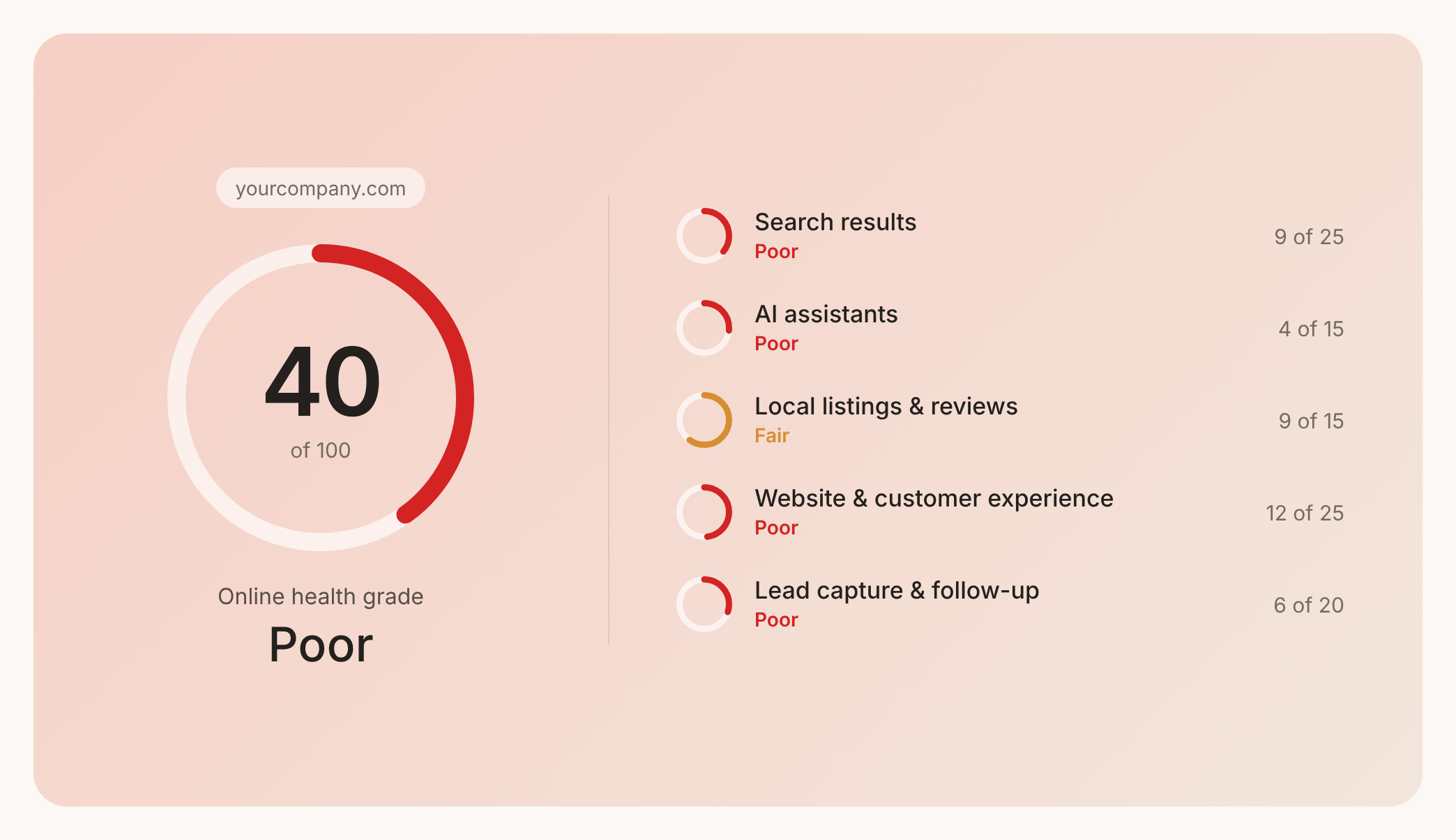

Check your website health score
Scan your site in seconds and make sure you're beating your competitors.
