
CRM Strategy: 10 Steps, Examples, and AI Best Practices

For many small businesses, a CRM is supposed to simplify growth.
However, it often creates more work because you store customer information in spreadsheets, inboxes, and scattered tools.
When you only have a few people handling sales, marketing, and support, manual processes and unclear workflows slow everything down.
That’s why a clear, practical CRM strategy is really important. With the right setup, you can automate routine tasks, centralize customer data, and use AI to work smarter.
Read on to learn how to create an effective CRM strategy so that you can turn your CRM into a reliable and scalable growth system.
Key Takeaways
- Start with clear goals and measurable KPIs
Define your goals before choosing a tool. Metrics such as conversion rate, response time, and retention keep your CRM focused on outcomes, not just storing contacts. - Organize customer data so it actually drives action
Segment customers by behavior, purchase history, and needs to personalize outreach and prioritize opportunities. Clean, standardized data makes automation, reporting, and targeting far more effective. - Choose a CRM your team will actually use every day
Small teams benefit most from software that is simple to set up, easy to learn, and integrated with existing tools. High adoption matters more than advanced features, because even the best CRM fails if no one uses it consistently. - Automate repetitive work and use AI to focus on high-value tasks
Workflows such as follow-ups, reminders, and lead assignments prevent missed opportunities and save hours each week. AI can draft emails, summarize calls, score leads, and suggest next steps, so your team can spend more time selling and supporting customers instead of doing admin work. - Use an all-in-one system to keep everything connected and scalable
Managing multiple tools creates silos and extra work, while a unified platform keeps sales, support, and communication in one place. Knowlix combines CRM, automation, and built-in AI teammates to handle routine tasks automatically, reduce manual updates, and help small teams move faster without adding complexity.
How to create a CRM strategy in 10 practical steps?
Before going through all the steps in greater detail, here’s a quick overview.
CRM strategy stepsWhat to doClarify goals & KPIsDefine measurable outcomes like lead conversion, retention, or response time so your CRM supports clear business resultsUnderstand your customersBuild segments and simple personas using purchase history, behavior, and needs to enable targeted communicationChoose the right CRM platformSelect a tool that’s easy to use, affordable, integrates with your stack, and includes automation/AI suited for small teamsLeverage AI for insightsUse AI for lead scoring, forecasting, message drafting, and recommendations to help small teams work smarterPlan your data structureStandardize fields, tags, and naming conventions to keep customer data clean, consistent, and reportableMap workflows & automationsAutomate repetitive tasks, such as follow-ups, reminders, and lead assignments, to save time and prevent missed opportunitiesIntegrate other systemsConnect email, eCommerce, accounting, and support tools so all customer activity lives in one placeTrain your teamProvide role-based training and clear processes to ensure consistent usage and higher CRM adoptionMonitor & optimizeTrack dashboards regularly, review KPIs, and adjust workflows based on what improves resultsReview & evolveReassess tools and processes quarterly to adopt new features, improve efficiency, and keep pace with customer expectations
1. Clarify goals and KPIs
Many small businesses choose a tool first and only later try to decide what it should accomplish.
As a consequence, this practice can lead to low adoption.
That’s why you should first identify the specific business problems you want your CRM to solve.
Here are practical steps to do it:
1. Ask concrete questions:
- Where are we losing opportunities?
- Are leads not being followed up on quickly enough?
- Are repeat purchases lower than expected?
- Do we lack visibility into our pipeline or revenue forecasts?
When you define these gaps, your CRM can focus on measurable improvements.
2. Translate those goals into clear KPIs
For sales growth, track metrics such as monthly new leads, lead conversion rate, average deal size, and sales cycle length.
For customer engagement and retention, monitor repeat purchase rate, customer lifetime value, and customer satisfaction scores.
3. Keep the list concise
Small teams benefit from focusing on five to seven meaningful metrics instead of tons of reports.
Your CRM dashboards should make these numbers visible at a glance so everyone understands priorities.
When your CRM setup, workflows, and automation are directly tied to defined KPIs, every action has a purpose.
In addition, the system helps you improve performance and not just store contacts.
2. Understand your customers
Guesswork often replaces data because teams usually rely on scattered notes. This is especially true for small businesses.
Unfortunately, this makes it difficult to personalize outreach, prioritize leads, or predict future demand.
To avoid this:
- Start with the basics: Industry, company size, role, location, or purchase type.
- Go deeper into behavior: Track where leads come from, how long they take to convert, what they buy, and how often they return.
- Create simple customer segments or personas based on this information: For example, you might group “first-time buyers,” “repeat high-value customers,” or “inactive accounts.” As a result, you can tailor messaging, offers, and follow-ups without manually customizing every interaction.
A quick tip: A CRM is only as useful as the customer insight it contains.
3. Choose the right CRM platform
The right CRM should minimize costs and setup time while delivering core functionality.
Here are the criteria you should pay attention to when choosing a CRM for your business.
CriteriaWhat to look forWhy it’s important for small businessesQuick test questionCore featuresContact management Pipeline tracking Email sync Automation Basic reportingCovers essential daily sales and customer tasks without unnecessary complexity“Can we run our entire sales process using only these features?”Ease of useSimple setup, intuitive interface, minimal training requiredEnables faster adoption and less time spent learning software“Can a new team member learn this in under a day?”Workflow efficiencyEasy logging of calls, notes, and deal updatesReduces admin work and keeps data accurate“Does updating the CRM take seconds, not minutes?”AutomationBuilt-in reminders, follow-ups, task creation, and email sequencesPrevents missed leads and saves manual effort“What repetitive tasks can this automate immediately?”IntegrationsConnections with email, eCommerce, accounting, and support toolsEliminates duplicate data entry and creates one customer view“Will this sync with the tools we already use?”Mobile accessReliable mobile app or browser experienceSupports remote work and real-time updates“Can we update deals from a phone on the go?”ReportingClear dashboards and basic performance metricsHelps track KPIs and make decisions quickly“Can we see pipeline and sales performance at a glance?”ScalabilityFlexible pricing and features that grow with the businessAvoids switching systems as you expand“Will this still work when we double in size?”Cost vs. ValueAffordable pricing with features you’ll actually useKeeps ROI positive and avoids overpaying“Are we paying for tools we won’t use?”Adoption potentialPractical and not overwhelming toolHigh adoption drives real CRM success“Will the team actually want to use this daily?”
Worth knowing
Knowlix is designed for small businesses that need a CRM that’s simple to adopt and quick to implement.
Its clean interface and customizable pipeline make it easy to:
- Track leads
- Evaluate deal progress
- Send follow-ups from one place
It also acts like a smart assistant that turns unstructured data such as emails and meeting notes into clear, actionable updates.
Instead of manually logging everything, AI captures key details, updates records, and identifies next steps automatically.
Since there’s no complex setup or lengthy onboarding, teams can start using it immediately, regardless of technical skill level.
Also, as your business needs grow, Knowlix scales without adding unnecessary complexity, making it a practical, long-term solution for managing customer relationships.
4. Use AI for insights and automation
Robust CRMs use AI to reduce manual tasks and save time by:
- Automating email drafting and call summaries
- Drafting follow-ups or customer messages based on templates and interaction history
- Capturing key points from meetings or calls and updating the CRM automatically
- Prioritizing leads based on behavior and likelihood to convert
Additionally, AI can suggest next-best actions, such as when to follow up or which customers may be at risk of churn.
Your AI Teammate handles internal tasks up to the point where another person, inside or outside your organization, needs to be involved.
For example, it can add a contact or draft a quotation, then check in with you before sending anything out.
As a result, it takes the work off your plate, while you still keep full control.
The AI Teammate simplifies decision-making and enables you to act strategically without complex analysis.
Did you know that with Knowlix, every employee gets an AI assistant that understands context and handles routine tasks automatically?
It can:
- Capture leads
- Answer calls
- Generate quotes
- Schedule meetings
- Route issues
- Take notes
You can also assign tasks directly in chat, and the system will handle them.
Once completed, it checks back with you for review and approval.
This way, the AI assistant keeps you in control while saving time.
5. Plan your data structure
Without clean and consistent data, automation fails while reports become unreliable.
So, before importing contacts, decide which fields are required, how names are formatted, and which tags or labels you’ll use for segmentation.
You should create rules for how information is entered and updated.
For example, specify when a deal moves to the next stage or how notes should be recorded after calls.
In order to keep reports accurate, schedule periodic reviews to remove duplicates, update outdated information, and archive inactive contacts.
6. Map workflows and automation
CRM automation saves time and minimizes human error, especially for repetitive activities.
The good thing is that you don’t have to start big, but begin by mapping your core processes.
- What happens when a new lead arrives?
- How are quotes sent?
- When are follow-ups scheduled?
These steps are important because they help you identify bottlenecks.
After you’ve documented everything, you can automate the routine parts:
- Assign leads automatically
- Send confirmation emails instantly
- Schedule reminders
- Create tasks without human intervention
A quick tip: Implement two or three high-impact workflows first, instead of trying to automate everything at once.
7. Integrate with other systems
When your data “lives” across separate platforms, teams waste time switching systems and manually copying information.
The solution to this problem lies in integrating your CRM with email, eCommerce, marketing tools, and customer support software.
These connections automatically sync interactions and create a complete customer history.
For example, linking email allows you to track conversations inside the CRM, connecting eCommerce systems shows purchase behavior, while support integrations reveal open issues before sales calls.
A unified system prevents duplicate entry and creates a single customer profile that reflects all interactions.
Worth knowing
Knowlix handles phone calls end-to-end, transcribes and organizes each conversation, captures key details, and saves everything directly to your CRM or calendar app without manual work or third-party integrations.
Instead of scattered and fragmented data, everything you need is in the same place-
8. Train your team
Did you know that nearly half of CRM failures are linked to low user adoption, which often stems from resistance to new tools, inadequate training, or systems that don’t align with team workflows?
The statistics highlight that a CRM only works when people use it consistently.
To help your team use the CRM consistently, you need to provide practical, role-specific training.
Sales teams need pipeline management and follow-up processes. Support teams need ticket visibility. Marketing needs segmentation and reporting.
Also, you should establish clear expectations. Define what must be logged, when updates are required, and how workflows should be followed.
Don’t forget to encourage team feedback and refine workflows based on real usage.
Adoption often improves when people see direct benefits, such as automated task reminders or AI-assisted suggestions that save them time.
9. Monitor and optimize
Although a CRM automates many tasks, it doesn’t mean you should apply the “set and forget” approach.
You’ll still need to make small improvements, such as tweaking automations or refining segments to ensure processes stay aligned with business goals.
The CRM dashboard helps you:
- Monitor key metrics
- Track campaign performance
- Spot bottlenecks in workflows
You should review your results regularly to refine your strategies based on what’s working and what’s not.
10. Review your CRM strategy and scalability
It’s inevitable that your business needs will change and that the CRM strategy that worked a year ago may no longer be sufficient.
Scheduling periodic reviews of your entire CRM strategy enables you to see whether your CRM still supports your goals.
You should explore new features that boost efficiency and focus on upgrades that clearly improve outcomes.
6 best AI practices for your CRM strategy
AI tools streamline operations, prioritize opportunities, and give small businesses the clarity they need to compete with larger teams.
Here are the best practical ways to apply AI so your CRM works smarter without adding unnecessary costs.
AI practiceWhat it doesHow it helps small teamsExample use caseGenerative AI for admin tasksDrafts emails, summarizes calls, logs notes automaticallyReduces repetitive work and saves hours each weekCall summaries and follow-up emails are created instantly after meetingsPredictive lead scoringRanks leads by likelihood to convertHelps focus limited time on high-value opportunitiesReps prioritize the top 10–20% of leads instead of contacting everyoneConversational AI/chatbotsHandles inquiries, qualifies leads, and books meetingsProvides 24/7 responsiveness without extra staffWebsite chatbot captures details and schedules demos automaticallyIntelligent routingAssigns leads or tickets based on skills or workloadSpeeds up response time and reduces manual coordinationHigh-value deals are routed directly to senior repsNext-best-action insightsSuggests follow-ups or identifies risksGuides decisions without manual analysisYou get alerts when a deal stalls or a customer shows churn riskPrivacy & human oversightRequires approval and protects customer dataMaintains trust and ensures complianceYou can review AI-generated messages before sending
Worth knowing:
Knowlix’s AI teammates work directly within your CRM and eliminate the need for separate AI tools for chat, calls, email, or support.
These AI teammates handle routine work, such as:
- Creating leads and quotes
- Drafting invoices
- Summarizing meetings
- Responding to emails
- Automatically preparing tasks
Because everything happens inside your CRM, your data and updates stay accurate and centralized.
How can you create an effective CRM strategy with Knowlix?
Knowlix is an all-in-one, AI-first platform for growing businesses that combines classic business software and standalone AI products into a single, unified system.
Instead of fragmented tools that require a separate setup each, Knowlix unifies CRM, sales, invoicing, projects, and more than 50 apps, along with integrated AI features.
What does this mean in practice?
Knowlix® CRM automatically captures emails, calls, and meeting notes and keeps your records up to date.

A built-in digital assistant organizes all your information. As a result, it reduces manual data entry and routine admin work.
It reviews your communications, prepares suggested updates, and prompts you to confirm them.
Nothing is added or changed without your approval, so you stay fully in control at all times.
Curious to see Knowlix in action?
Sign up for Knowlix today and give your team a simpler way to track leads, automate routine tasks, and stay organized.


Frequently asked questions


If you wonder if CRM software is worth the time and expense, especially when customer numbers are relatively low, the answer is, it is.
However, a CRM is valuable because it centralizes contact data, tracks interactions, and automates repetitive tasks that would otherwise be scattered in spreadsheets.
Regardless of the business size, the CRM can improve organization and save time as you scale.
You should track specific metrics, such as lead conversion rates, sales cycle length, customer retention, and user engagement, directly in the CRM.
Improvements in these areas show whether your CRM is driving real business value. For example, seeing a shorter time to close deals or a higher percentage of active users logging meaningful interactions are strong signs that your strategy is working.
Getting the team to adopt the system consistently is the trickiest part.
Without regular use, data becomes incomplete, and CRM benefits don’t happen.
That’s why simple workflows, clear expectations, and basic training are more important than advanced features early on.
Subscribe for Our Newsletter
Book your call below.


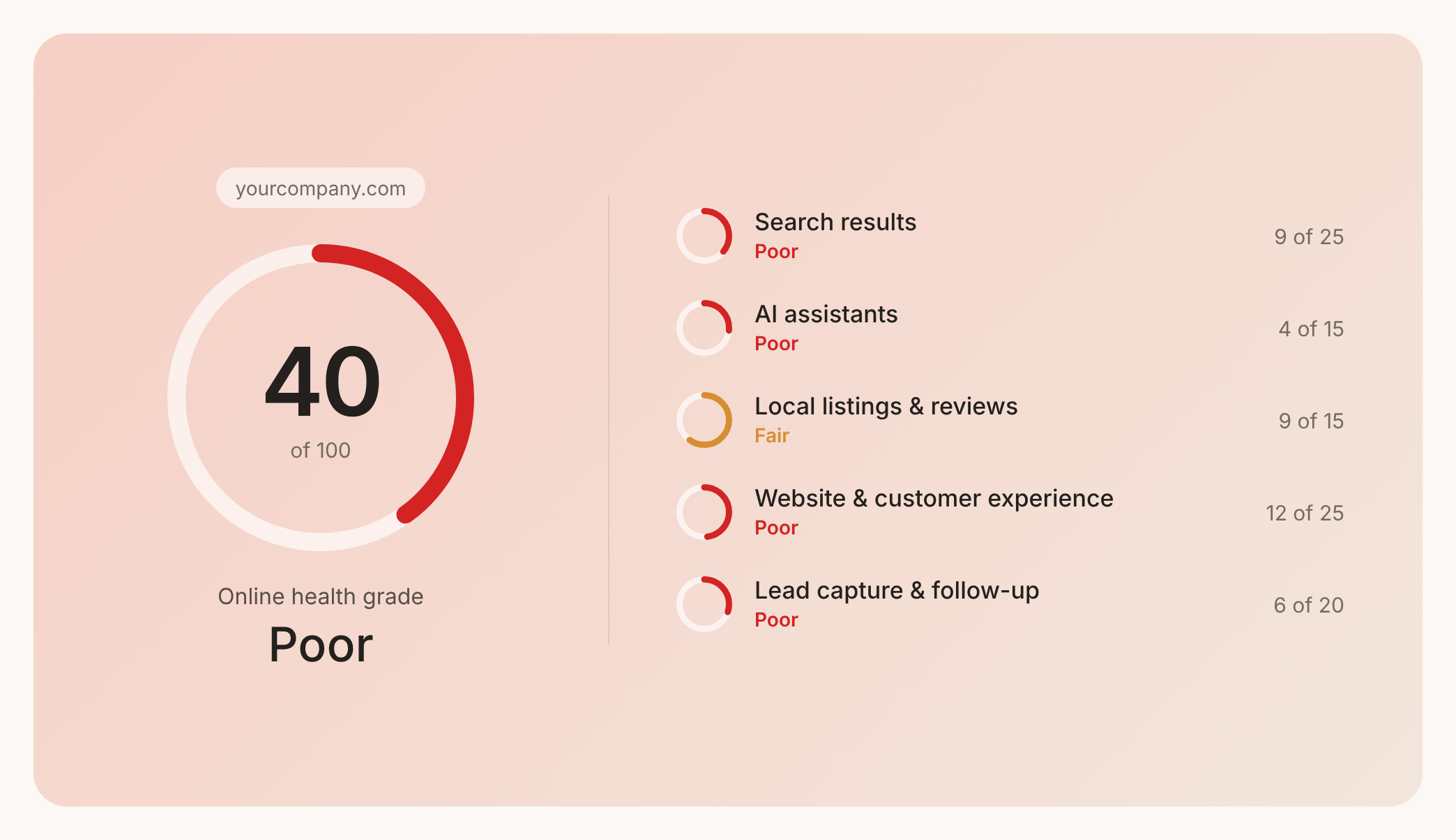

Check your website health score
Scan your site in seconds and make sure you're beating your competitors.
